macOS 27 Golden Gate: goodbye to Intel, Siri AI, and compatible Macs

Index
macOS 27 Golden Gate is the new version of the Mac operating system, and it arrives with a decision that defines the entire release: it is the first macOS that runs only on Apple Silicon. Macs with Intel processors are left out for the first time. The rest of the update focuses on what Apple has been building for years: the new system-integrated Siri AI, a second stage of Apple Intelligence, and a more polished Liquid Glass.
The name follows Apple’s tradition of naming each version after a place in California. After Tahoe comes Golden Gate, named after the strait that connects San Francisco Bay with the Pacific.
Golden Gate: the definitive goodbye to Intel
The biggest news in macOS 27 is not a feature, but an absence. Apple had already warned in 2025 that macOS Tahoe would be the last version compatible with Intel Macs, and it confirmed it at WWDC 2026: you need a Mac with Apple Silicon to install Golden Gate. It is also the last version with full Rosetta 2, the translation layer that allows older apps built for Intel to run.

Intel Macs are not being abandoned overnight. They remain on macOS 26 with roughly three more years of security patches, so they will continue to be safe for work for quite some time, but they will stop receiving new features. If you have one, the question is not whether to update to Golden Gate —you cannot— but when it makes sense to move to a Mac with Apple Silicon. One data point helps with that decision: with the same amount of usage time, Intel Macs go in for repair at twice the rate of Apple Silicon models.
Faster and more refined
For Macs that do make the jump, Golden Gate brings the same performance work introduced with iOS 27: apps open up to 30% faster, photos load 70% sooner, and AirDrop transfers are 80% faster. File search, Safari, and support for ultrawide monitors up to 5K at 120 Hz also improve.
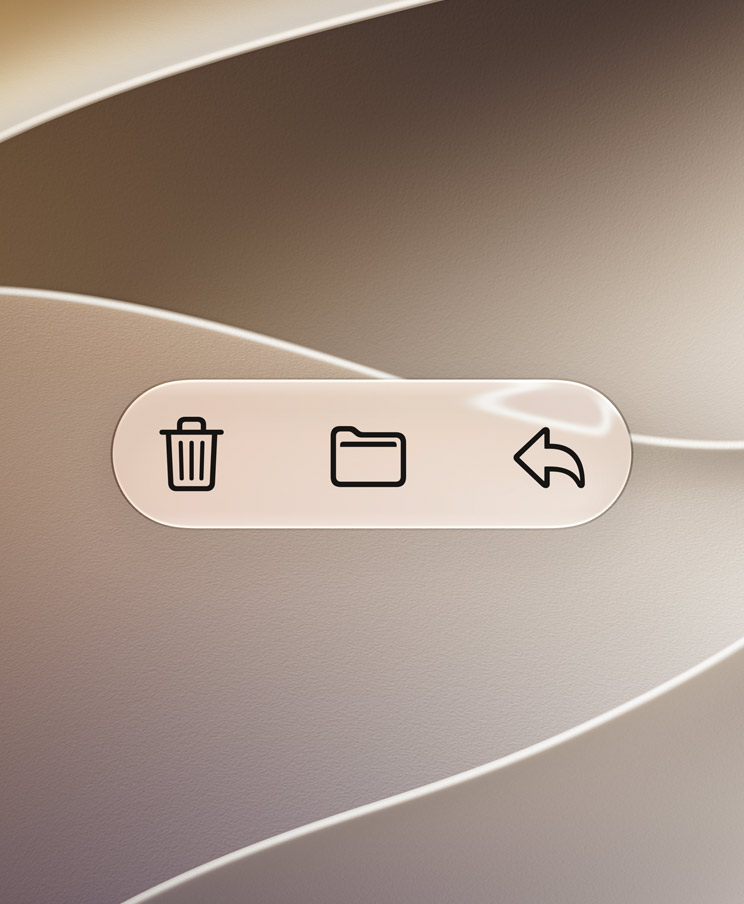
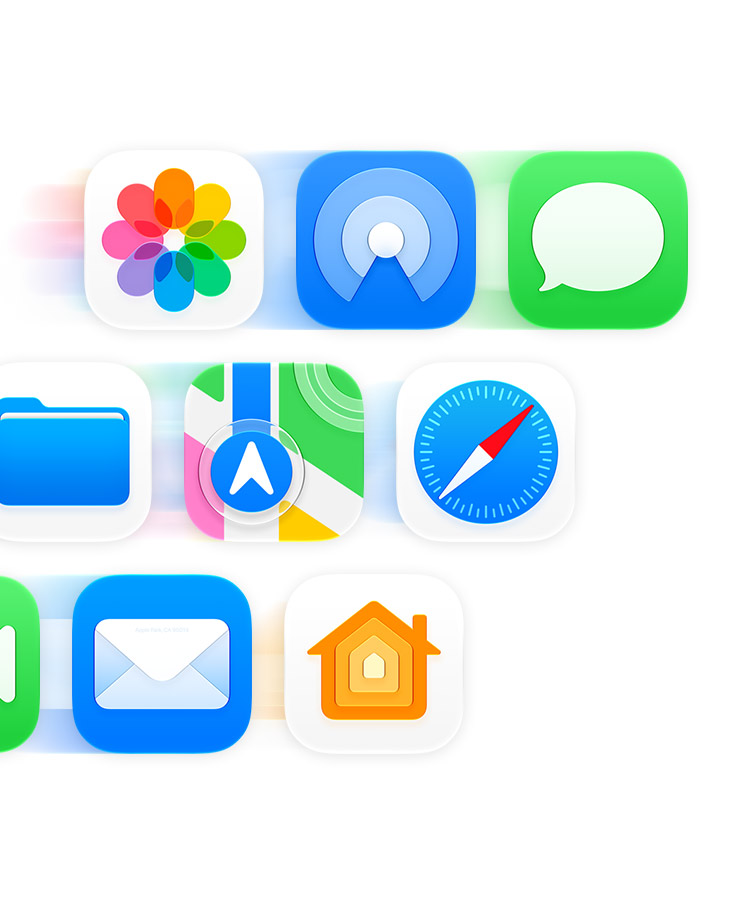
Visually, Apple used this release to refine Liquid Glass rather than reinvent it. There is a selector in System Settings to adjust the intensity of the effect, ranging from an almost transparent mode to a fully tinted one. Window corners are once again consistent across all apps —something that had changed in Tahoe and annoyed users—, the cursor has been redesigned, and the glass effect expands to the Dock and more system apps.
Siri AI comes to the Mac
The new Siri also comes to the Mac, and the first thing that changes is where it lives: everywhere. It is not an app you open, but a part of the system that appears over whatever you are doing and understands the context of the app in front of you.
The deepest integration is in Spotlight. You can write to Siri directly from the search bar, ask it to do things across apps, and keep a conversation going, all without opening anything separately. The dedicated Siri app arrives later in 2026.
Siri on the Mac also adds Visual Intelligence: it recognizes what is on screen and lets you search, ask questions, or act on what you are viewing. Under the hood, the models are the same as across the rest of the ecosystem: Apple’s own models, trained with Gemini outputs on Google infrastructure, but not the commercial Gemini product and without your personal data leaving the device.
There is one detail worth noting for users in Europe: unlike the iPhone, the Mac does receive Siri AI within the European Union. Apple Intelligence features run on any Mac with M1 or later, although the most advanced on-device capabilities require an M3 chip or newer and at least 12 GB of memory.
Apple Intelligence in your apps
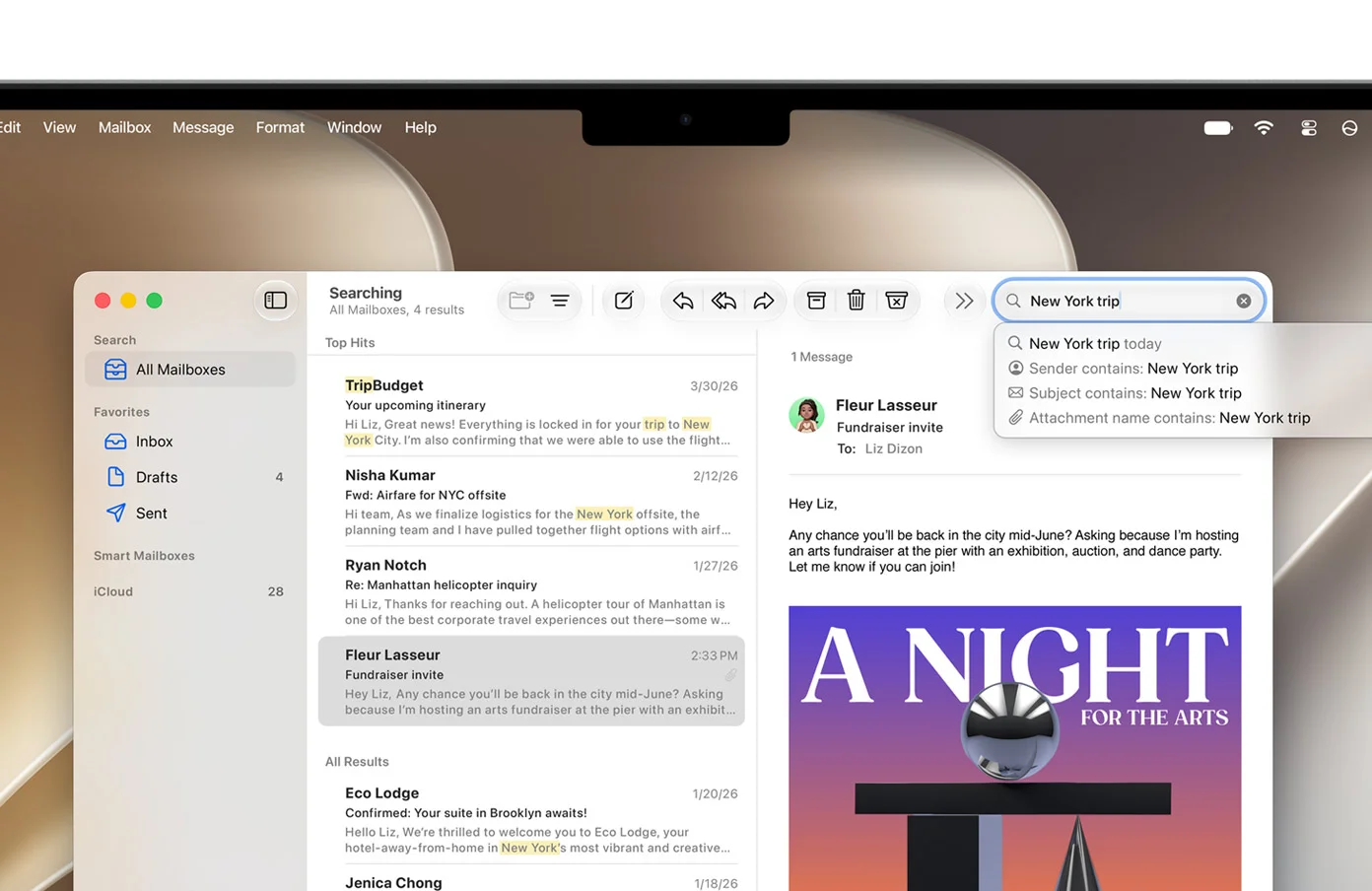
Apple Intelligence is also coming into the usual apps. Mail debuts a smarter search that understands what you are looking for and ranks results by relevance, with suggestions by sender, subject, or attachment.
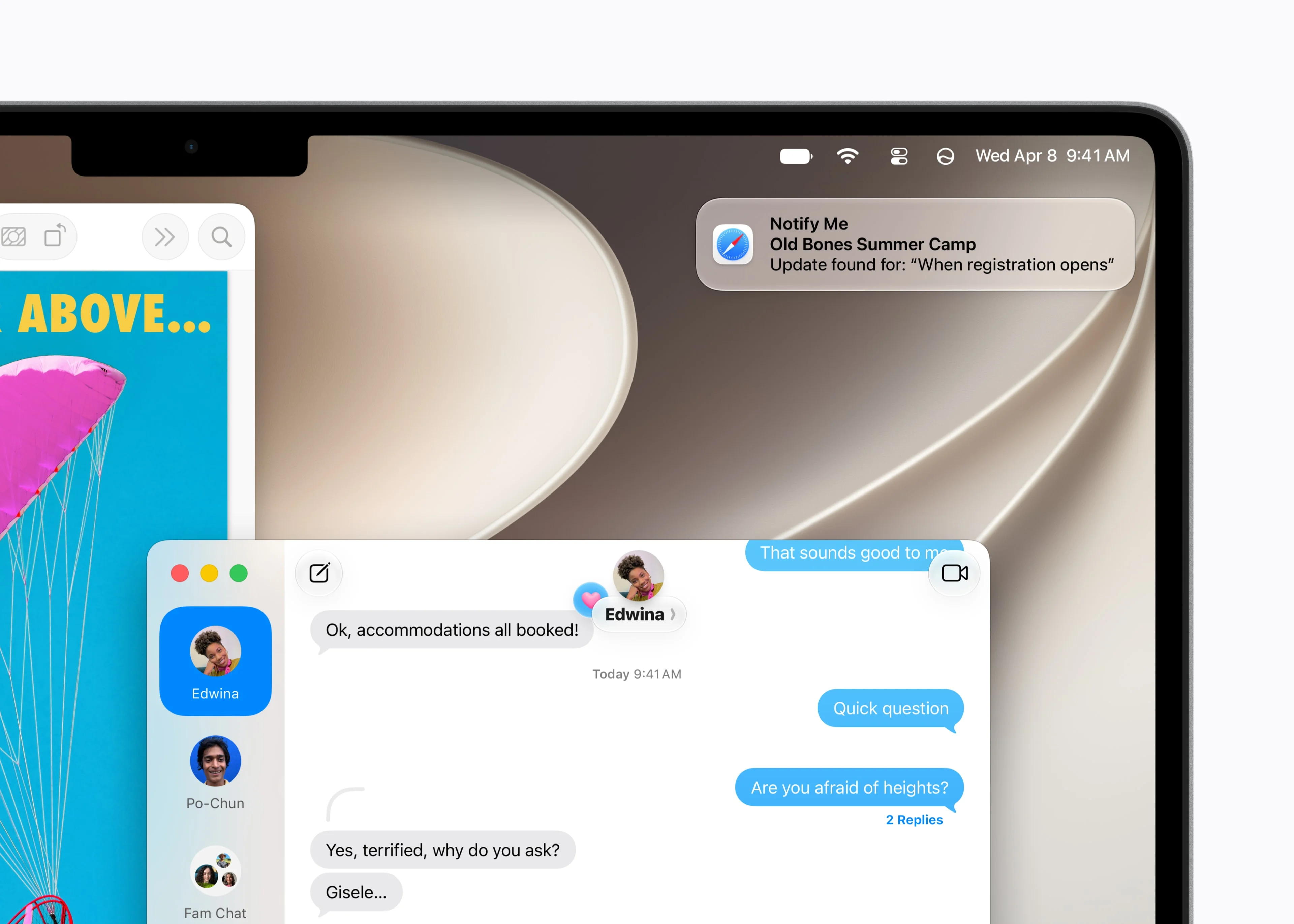
Safari adds Notify Me: you ask it to monitor a page and it alerts you when what you were waiting for appears —when registration opens for a course, for example— without you having to check again and again.

The browser also groups tabs by topic automatically, just like on the iPhone, and in apps like Pages, AI writing tools help you write and rewrite without leaving the document.
And much more on the Mac
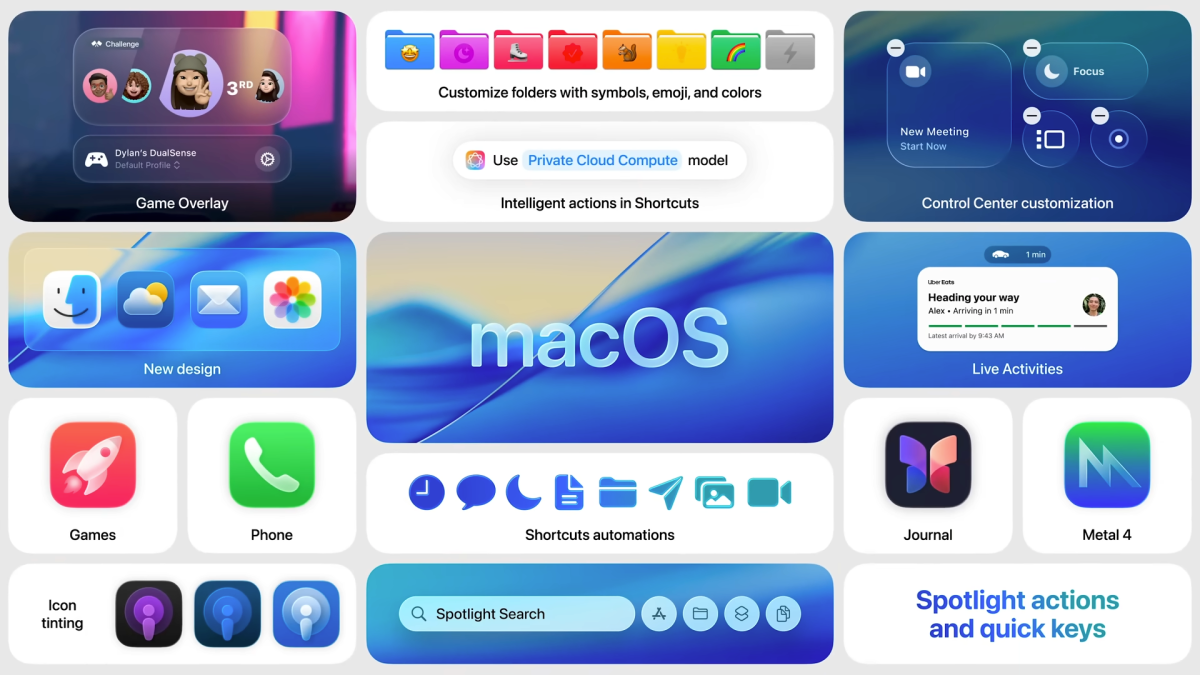
The list continues with smaller but useful changes. Live Activities from the iPhone come to the Mac, so you can follow an order or a ride from the menu bar. The Games app is added with an overlay for chatting and configuring the controller without leaving the game, and Metal 4 improves graphics performance. Journal also appears on the Mac, Control Center can be customized, and icons support color tinting.
Macs compatible with macOS 27
macOS 27 Golden Gate runs on any Mac with an M1 chip or later, and on the new MacBook Neo, which uses the iPhone’s A18 Pro. In practice, if your Mac is Apple Silicon, you can update.
The four Intel Macs that still ran Tahoe are left without Golden Gate: the 16-inch MacBook Pro (2019), the 13-inch MacBook Pro (2020) with four Thunderbolt ports, the iMac (2020), and the Mac Pro (2019).
When macOS 27 arrives
macOS 27 Golden Gate arrives as a free update later in the year, after the launch of the new iPhone models and following Apple’s usual schedule. A developer beta is already available and, starting in July, there will be a public beta for anyone who wants to try it early.
Conclusion
macOS 27 Golden Gate is a transition release in the best sense: it definitively closes the Intel era and finally leaves the Mac with a single processor family going forward. For anyone who already has a Mac with Apple Silicon, it is a well-rounded update: faster, more refined, and with the new Siri integrated where it is used most. For anyone still on Intel, it is the final push to start thinking about replacing their machine. The underlying question is the same as across the entire ecosystem: whether the new Siri will live up to what Apple promises. But at least on the Mac, it arrives without the regional block that does affect the iPhone.
Author
Alexis Paez