iPadOS 27: the new Siri AI, faster external drives, and compatible iPads

Index
iPadOS 27 is the new version of the iPad operating system, and its headline feature is the new Siri. The iPad gets a search bar that also invokes the assistant, a dedicated Siri app, and Visual Intelligence with the Apple Pencil, along with the performance leap and the second phase of Apple Intelligence it shares with iOS 27.
The conditions are also shared: Siri AI arrives later, first in English and without the European Union, and the artificial intelligence features require an iPad with at least an M1 chip. In addition, five models that ran iPadOS 26 are left out of the update.
Siri AI comes to iPad
Siri AI is the rebuilt-from-scratch Siri that Apple unveiled at WWDC 2026: it understands natural language, can hold long conversations, and acts across apps. On iPad, the entry point is new: the Home Screen search bar is now also the gateway to Siri, and you can type to it or talk to it from there without opening anything.
Siri also lives on top of the system: it appears over whatever you are doing and understands the context. If you are reading a document, it knows what it is about, and you can ask questions about it without switching windows.
The other new feature is the Siri app, which brings together conversations from all your Apple devices in one place: you start a query on the iPhone and pick it back up on the iPad where you left off. You can also pin the ones you use most.
The assistant understands your personal context and performs actions in apps: you can ask for a photo from a trip by describing it, find an email buried in your inbox, or have it edit the message you just sent.

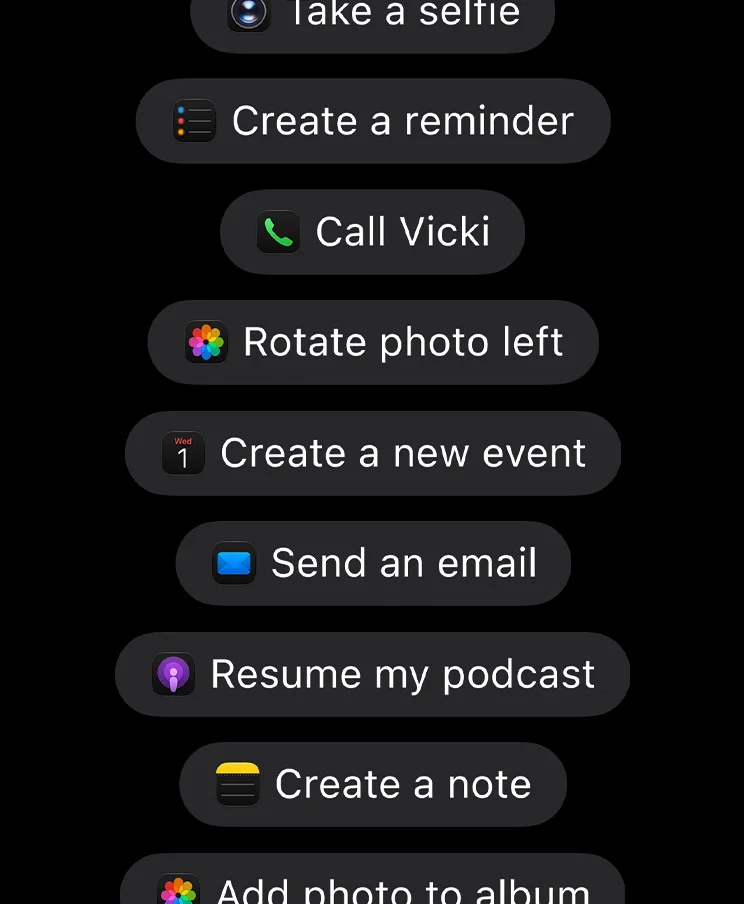
There are two iPad-specific extras: Visual Intelligence works on a screenshot, and you can tap with your finger or circle with the Apple Pencil what you want to ask about. Siri voices can now also be customized by tone, pace, and accent. The asterisks are the same as on iPhone: Siri AI arrives in beta, starts in English, and is not available on iPad in the European Union, unlike on Mac.
Faster, especially with external drives
iPadOS 27 brings the same performance work as iOS 27: apps open up to 30% faster, AirDrop transfers more quickly, switching and closing windows takes less time, and a new CPU scheduler prioritizes the app you are using.
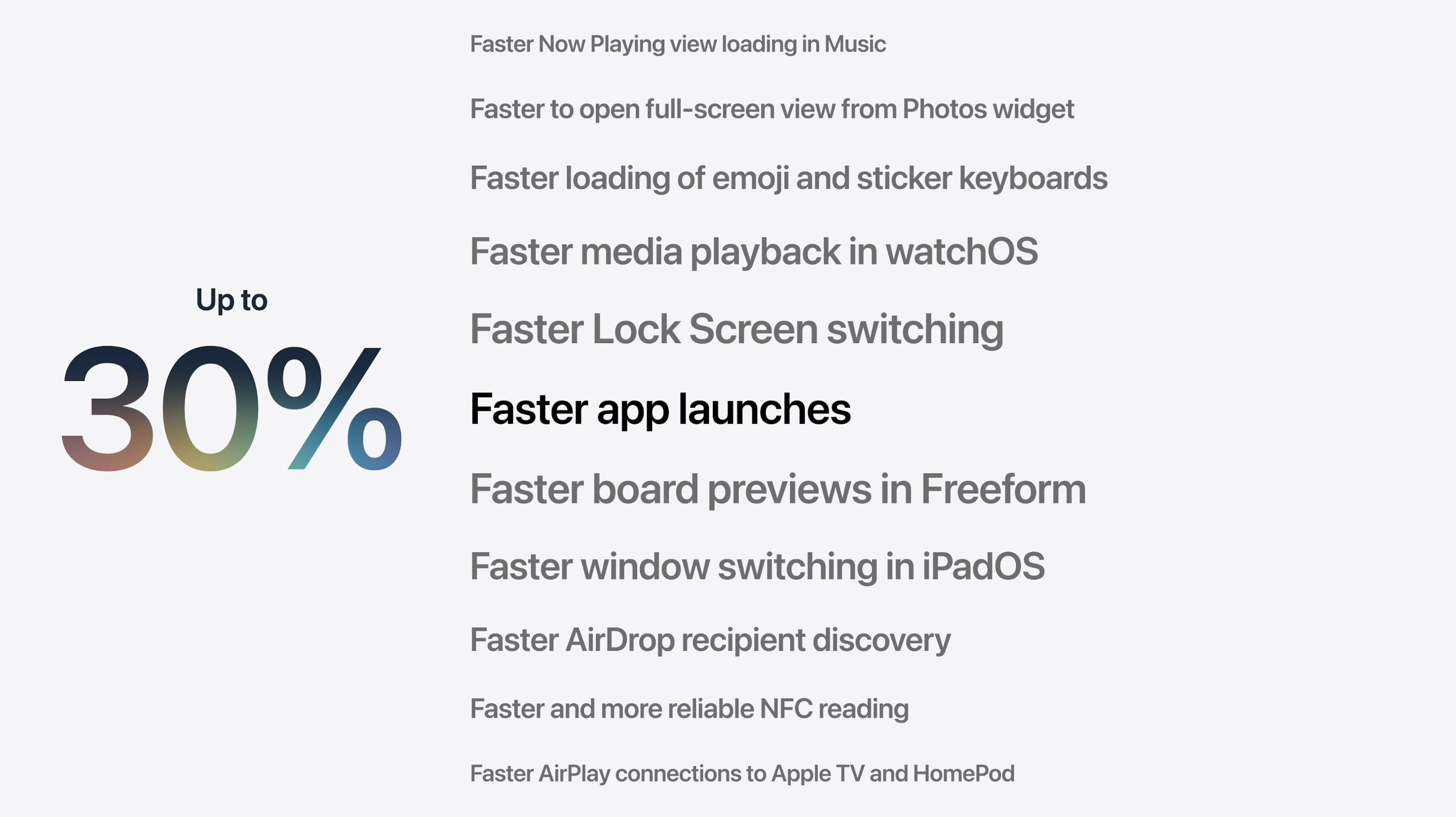
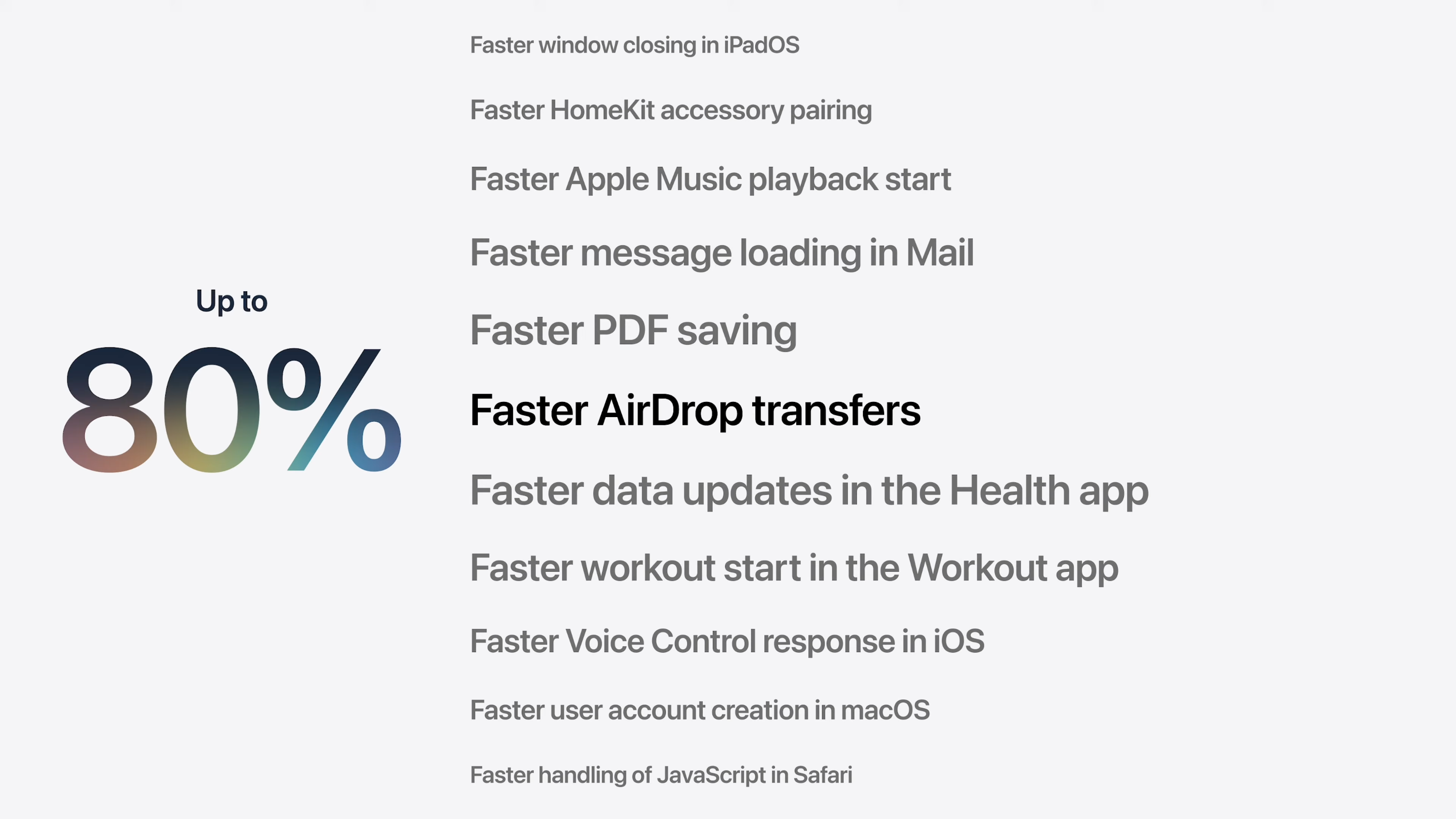
The iPad-specific detail is another one: browsing and transferring files to an external drive is up to five times faster. Apple measured that improvement by copying 10,000 photos from the Files app to a USB 4 SSD. For people who edit video or photos from the iPad, moving media to a drive was one of the slowest parts of the system; it is the least flashy change in iPadOS 27 and probably the most useful one for work.
Apple Intelligence in your apps
The second phase of Apple Intelligence shows up in the apps you already use. In Notes, Siri works with what you wrote —typed or handwritten— and turns it into something else: a bullet list into a formatted agenda, handwritten notes into a study guide. It also provides feedback on a text or drafts something from scratch, mimicking your style and punctuation in Messages and Mail.
Shortcuts can now be created from a description: you write what you want to automate, and the app connects actions across apps. Apple’s example is very iPad-centric: "when I connect a keyboard, turn on apps in windows and put Safari and Notes side by side."
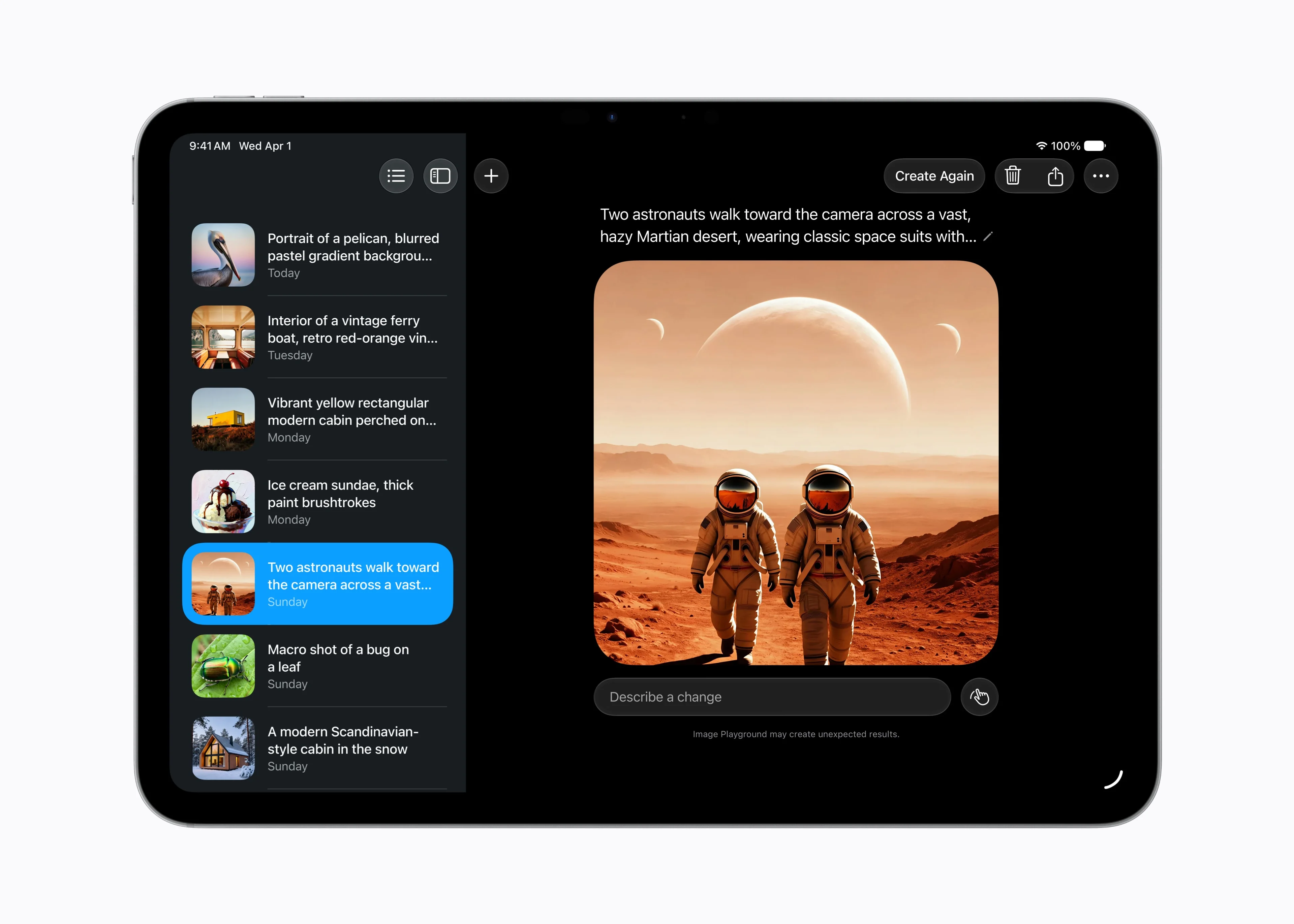
Image Playground generates higher-quality images, including photorealistic ones, and modifies them simply by describing the change. And Calendar creates or edits events from a description, without requiring you to enter the details manually.
Safari, passwords, and what it shares with iOS 27
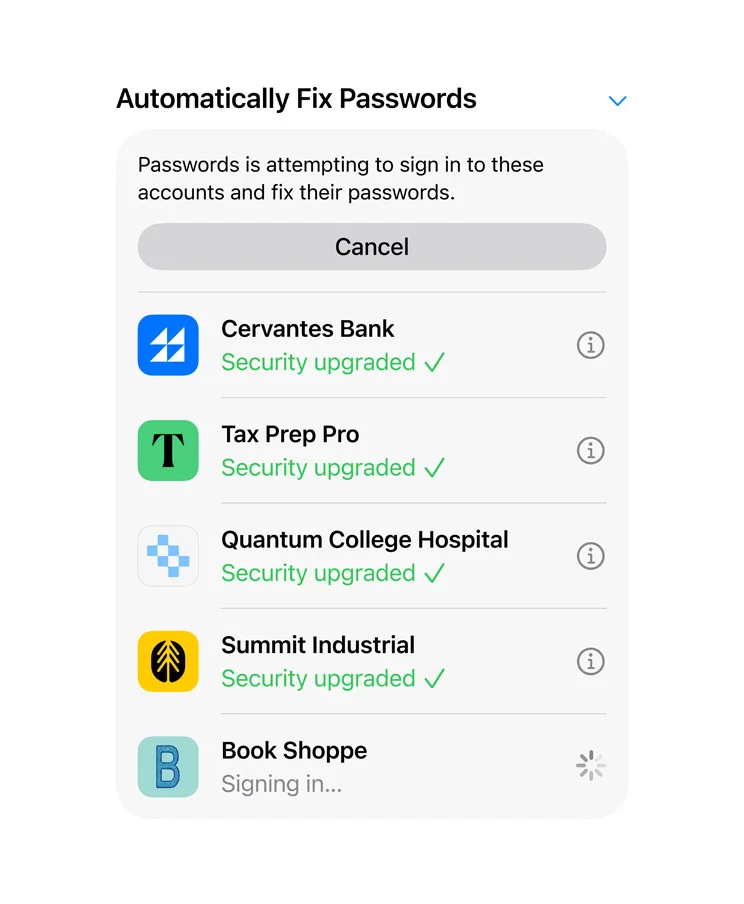
Safari automatically groups tabs by topic and adds Notify Me, which monitors a page and alerts you when it changes: a price drop, a product coming back in stock. The Passwords app detects weak or compromised passwords and changes them for you with a tap.

The rest of the package is what debuted with iOS 27: photo editing with Clean Up, Extend, and Spatial Reframing; rebuilt search in Spotlight, Photos, and Mail; and a more readable Liquid Glass, with sharper icons and a slider to adjust the intensity of the effect.
3D Maps, better connectivity, and more new features
The Flyover view in Maps has been redesigned: it combines aerial imagery with Visual Intelligence models and now renders everything from the details of a building to the shape of each tree.

The iPad also chooses better between Wi-Fi and cellular data: it switches networks without drops, so a video call keeps running when you leave home or get off a plane.

The list continues with a customizable equalizer for AirPods, slideshows in Photos, shared albums that Android and Windows users can now join from iCloud.com, and faster Messages sync when you return to the iPad.
More control for families
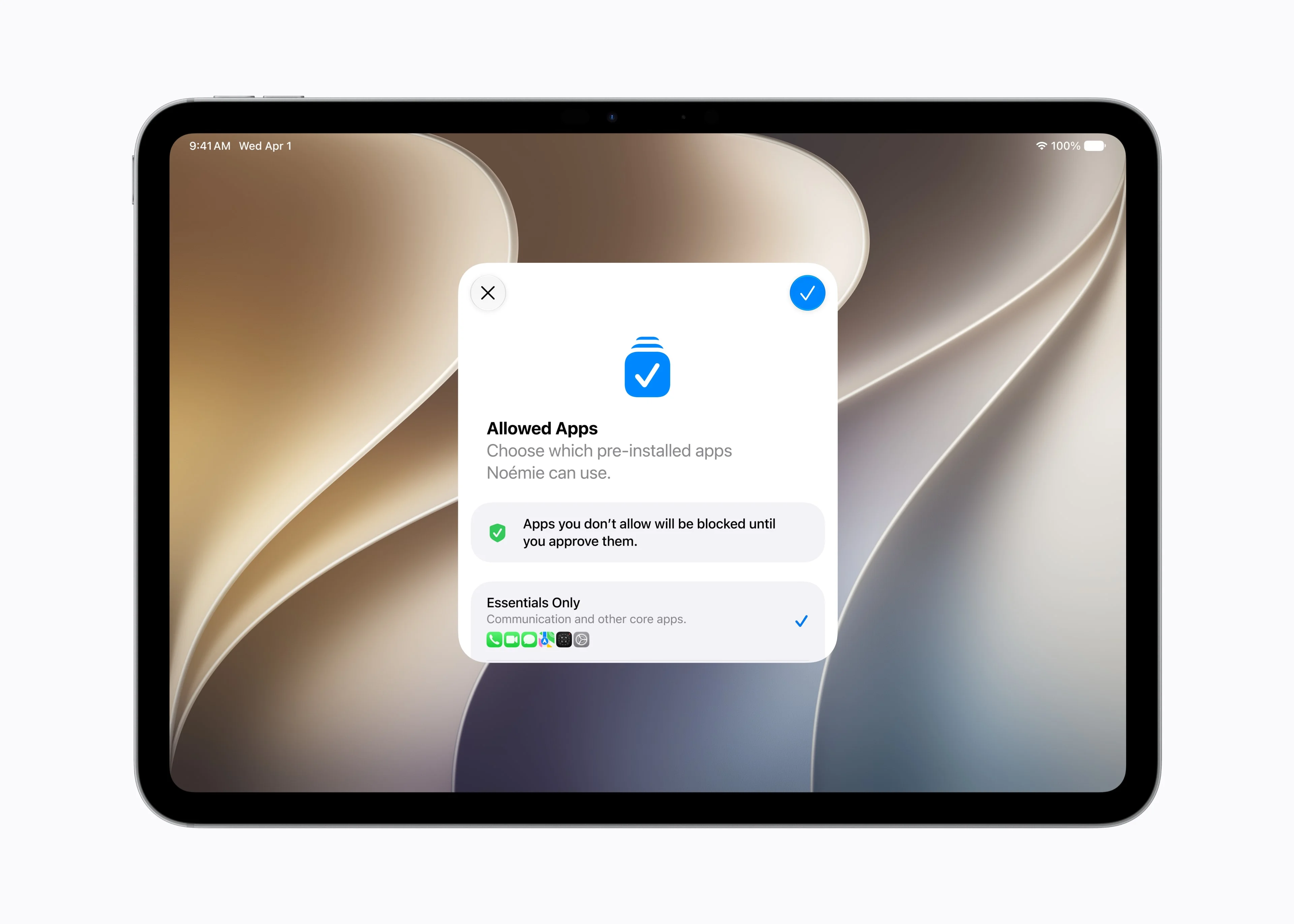
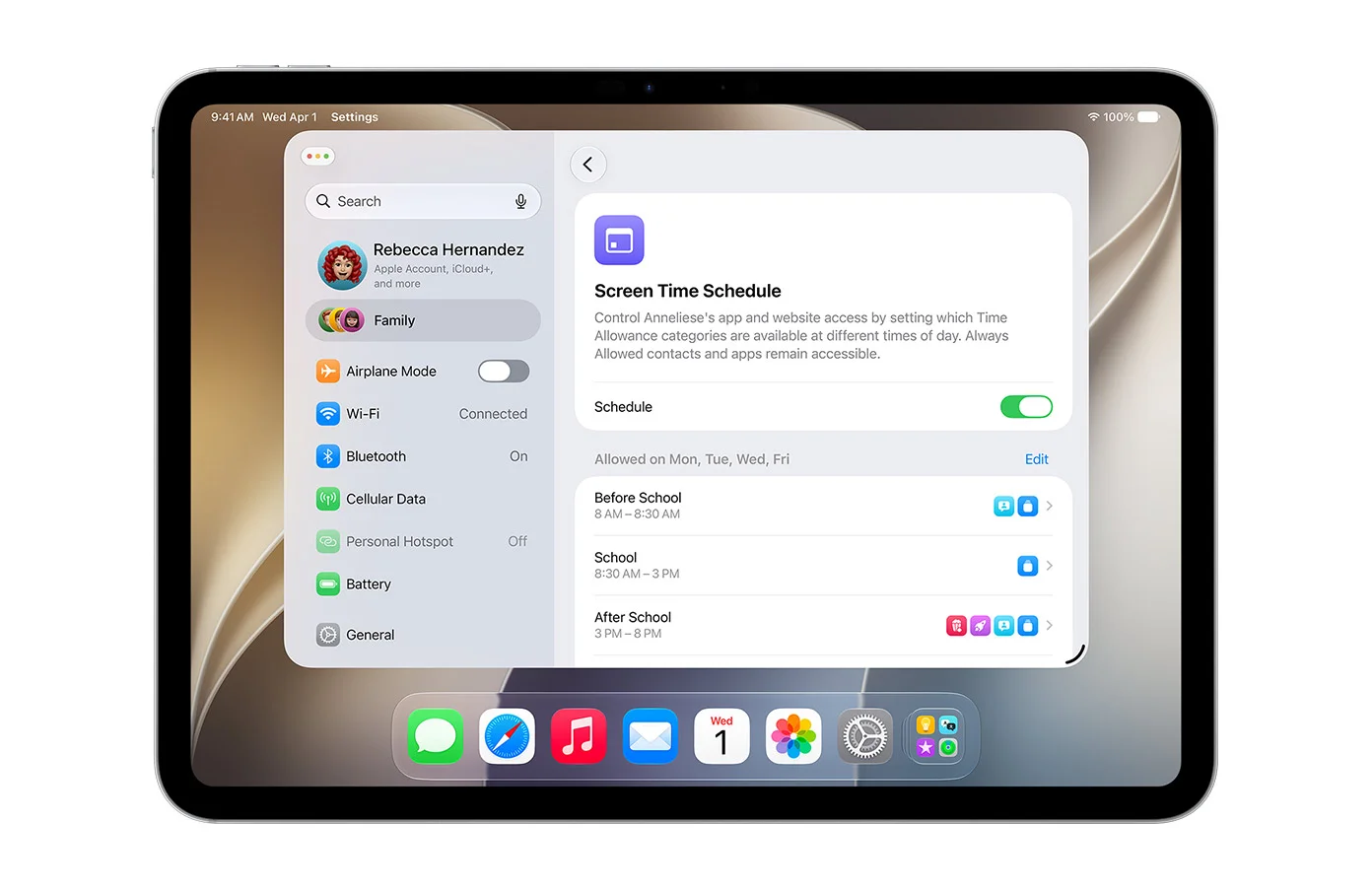
Parental controls have been redesigned and add new tools. During initial setup, parents choose which system apps their child can use, and with Ask to Browse, children request permission before visiting a new website, with the request arriving through Messages. Screen time limits are assigned by category —games, social media, entertainment— with age-based guidance developed alongside child development specialists, and Communication Safety now also intervenes when it detects images of violence, not just nudity.
iPads compatible with iPadOS 27 and AI
iPadOS 27 drops five models that did run iPadOS 26: the 2018 iPad Pro models (the 11-inch 1st generation and the 12.9-inch 3rd generation), the iPad Air 3, the 8th-generation iPad, and the iPad mini 5. They stay on iPadOS 26 with security patches. The rest update, but there are two more cutoffs to watch: Apple Intelligence requires an M1 chip or the iPad mini with A17 Pro, and the most advanced on-device features —such as Siri voice customization— require an M4 with at least 12 GB of memory.
When iPadOS 27 arrives
iPadOS 27 arrives as a free update in September, alongside the new iPhone models. A developer beta is already available and, starting in July, a public beta will be available for anyone who wants to try it early. Siri AI arrives with the same release, in beta and first in English.
Conclusion
iPadOS 27 moves in the same direction as the entire ecosystem: consolidation. After iPadOS 26 turned the iPad into something more like a computer with its windows, this version makes it faster and adds the intelligence layer. And the iPad has an advantage: it is the device where the new Siri promises to make the most sense, with the large screen to watch it work, the Apple Pencil to point things out to it, and the app to resume conversations. For anyone who edits or moves large files, external drives being five times faster justifies the update on its own. What is missing is the same thing as in the rest of the ecosystem: for Siri AI to arrive, and to arrive in good shape.
Author
Alexis Paez