CarPlay Ultra: Apple’s new era in cars

Index
Apple is revolutionizing the car dashboard. With the launch of CarPlay Ultra, the company goes a step further: it takes control of virtually everything digital inside the vehicle.
This new version, arriving alongside iOS 18.5, goes beyond classic CarPlay and introduces something ambitious: a complete redesign of the car’s interface.
What is CarPlay Ultra?
CarPlay Ultra is the most advanced version of the CarPlay system. Previous versions limited their role to the central infotainment screen.
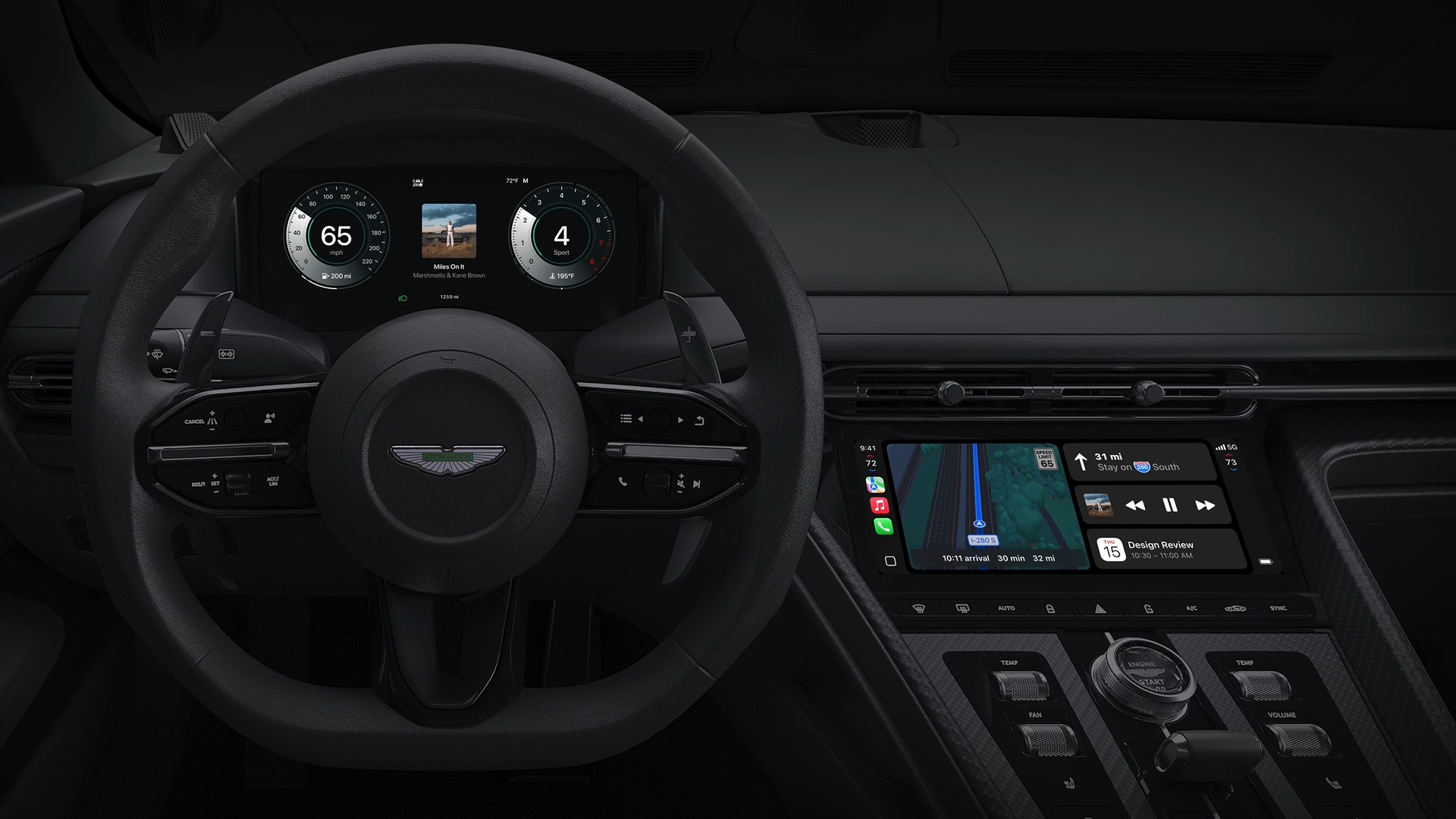
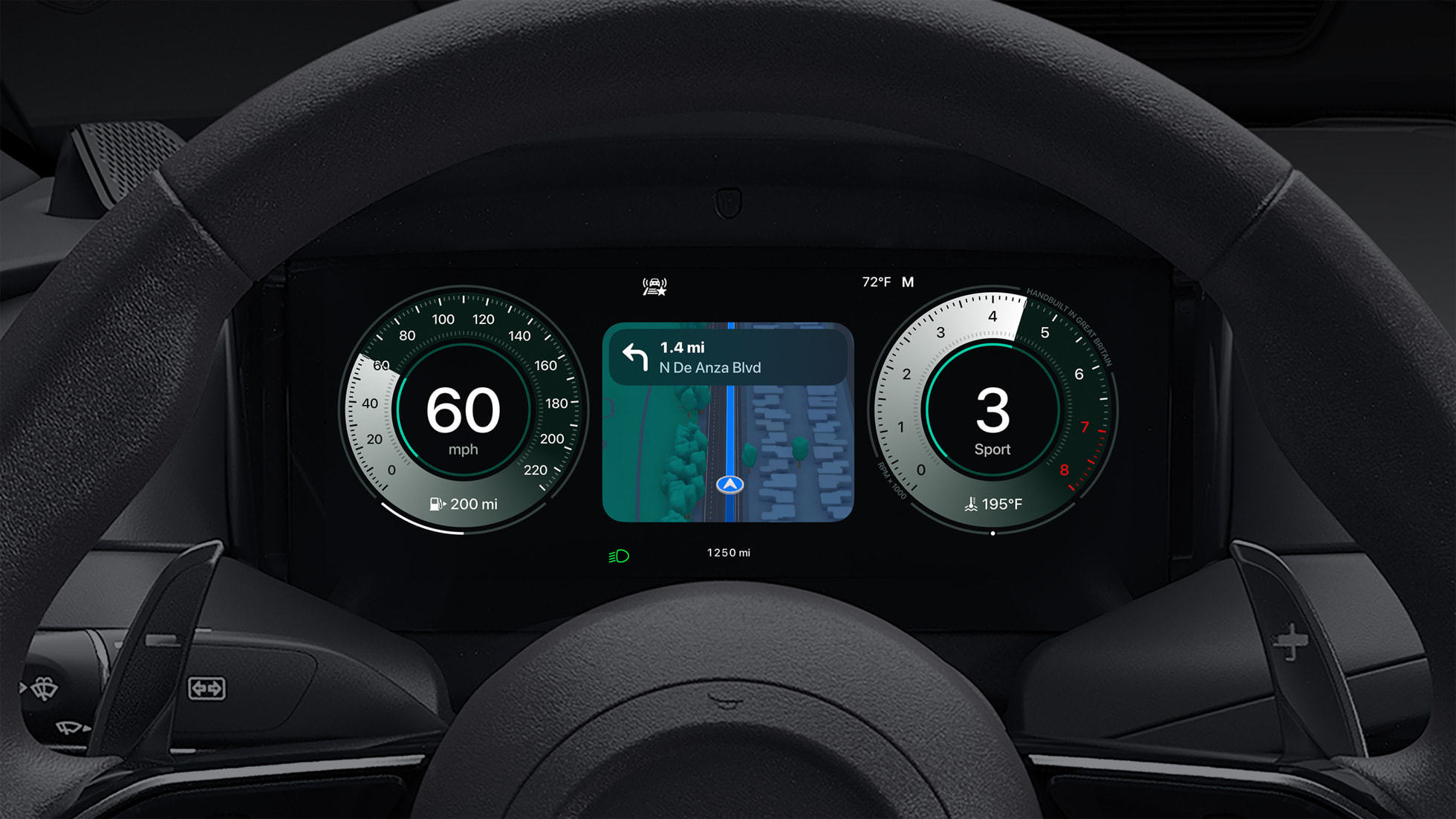
This new version integrates deeply with the car’s system and can control multiple screens at the same time: from the central infotainment display to the instrument cluster behind the steering wheel. That means you can see relevant information such as speed, fuel consumption, navigation, calls, music or messages, and climate control, all from an interface designed by Apple.
Apple is not only redesigning how the car’s system looks, but also how it is used. The idea is for the car to adopt the iPhone’s aesthetics, fluidity, and simplicity, completely replacing the manufacturer’s operating system if desired.
Key features
Total control of the car
CarPlay Ultra has access to real-time vehicle data. This includes things like:
- Speed and RPM
- Fuel or battery levels
- Door, seat belt, and light status
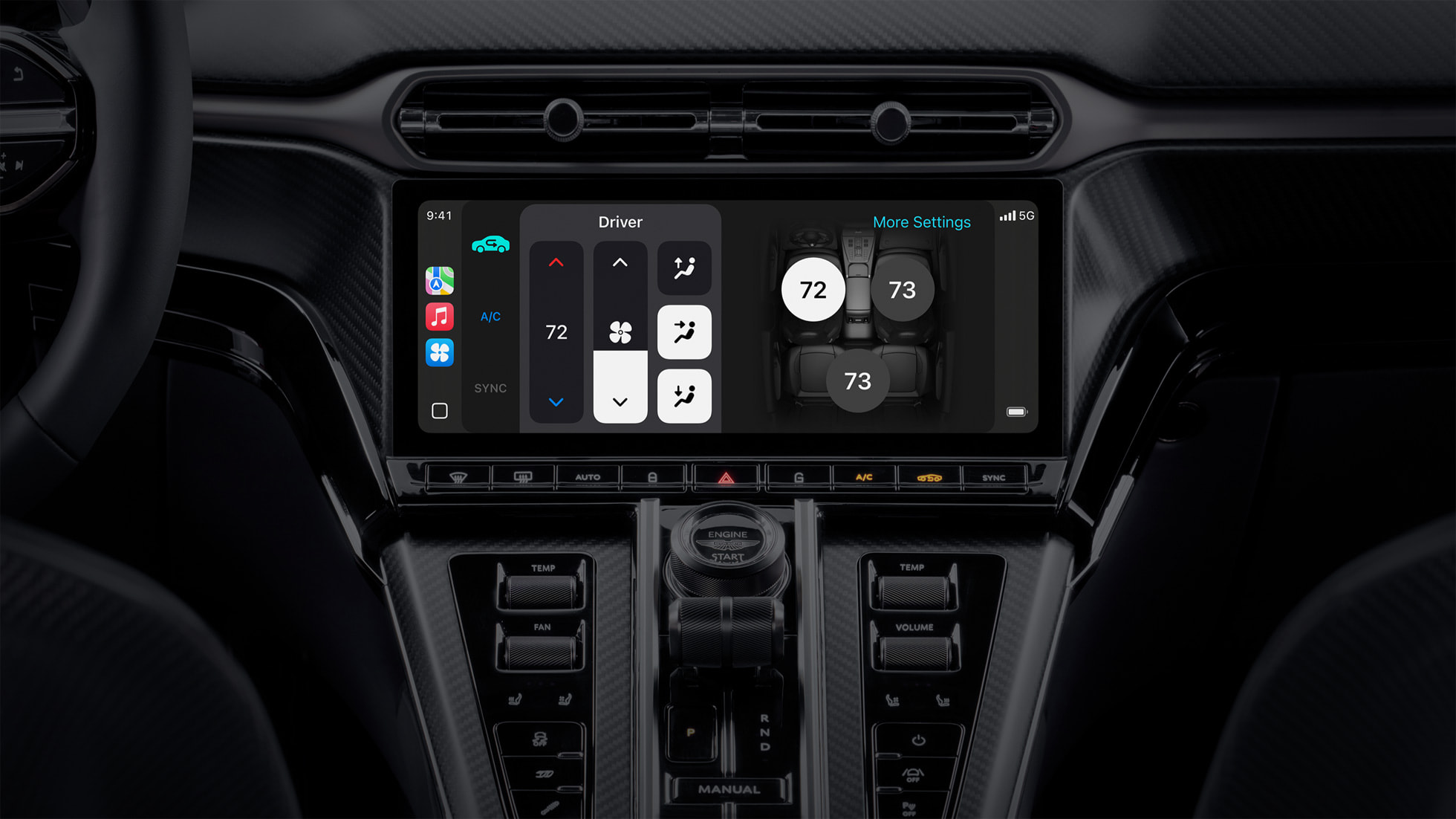
- Climate control
- Tire pressure sensors
All presented with a clean, fluid, Apple-style interface.
Adaptive design
Each car can have its own version of CarPlay Ultra, adapted to the dashboard design, while users will be able to choose between different themes, cluster styles, and dynamic interfaces. Some designs even change depending on the driving mode: normal, sport, or electric.
Continuity with iPhone
The full iOS experience moves into the car: Apple Music, Maps, Messages, Reminders, Calendar, and even widgets. The system can also show notifications in a non-intrusive way, preserving the driver’s focus.
Multi-screen compatibility
CarPlay Ultra adapts to each screen in the vehicle. Do you have one display for the driver, another in the center, and one more for the passenger? Apple can tailor the content for each one, all in sync.
Interactive widgets
Just like on iPhone and iPad, CarPlay Ultra lets you add personalized widgets: weather, calendar, navigation, now playing, upcoming destinations, and more. Everything is accessible from the dashboard, with a design that fits naturally with the rest of the car.
Compatible cars
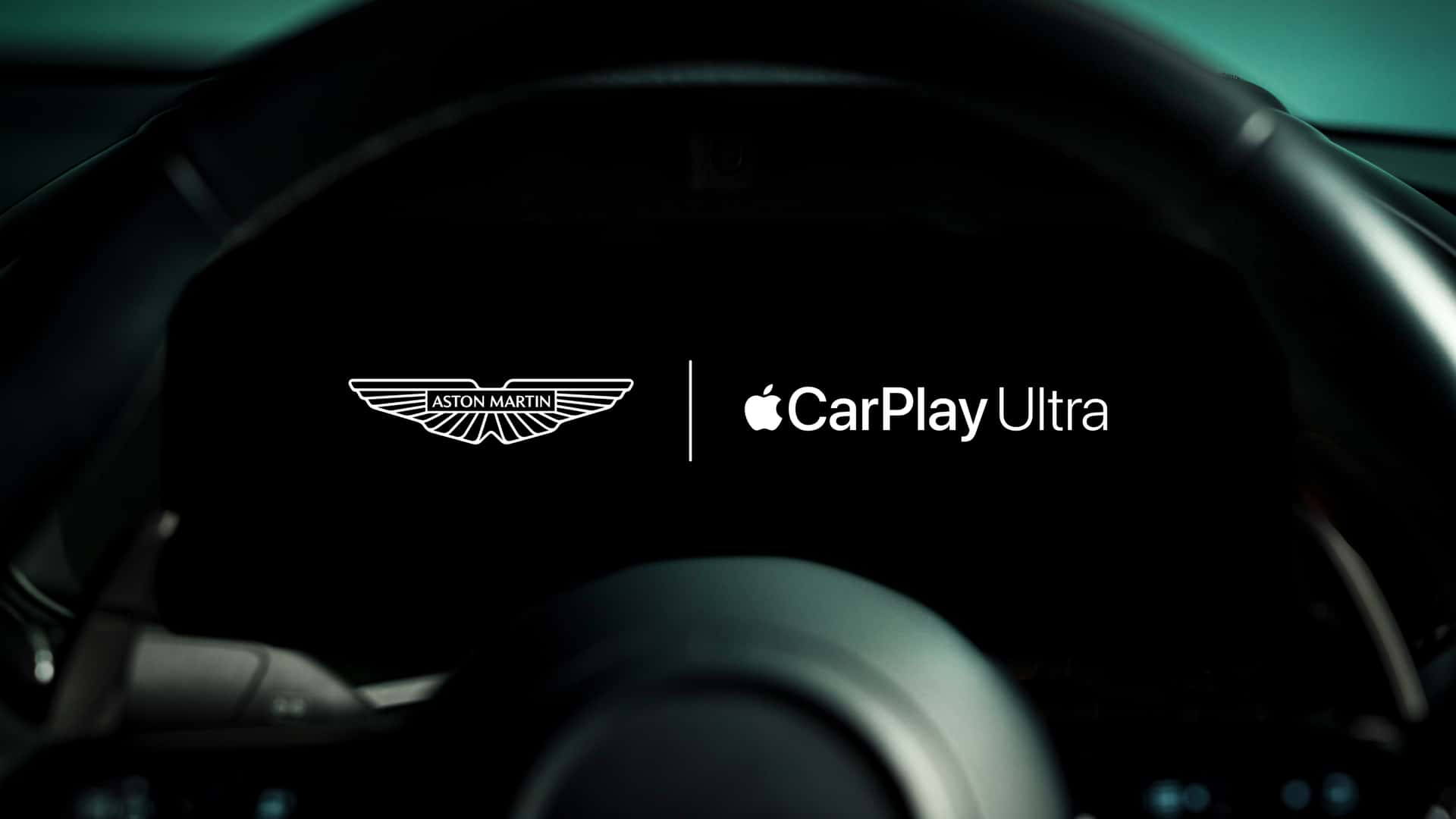
Apple confirmed that the first models to integrate CarPlay Ultra will arrive in 2025, led by Aston Martin and Porsche. Other brands already working with Apple will follow, including:
- Mercedes-Benz
- Audi
- Honda
- Volvo
- Ford
- Hyundai
- Nissan
- BMW
That said, the experience may vary: some brands will give Apple full control of the system, while others will integrate it only partially.
Requirements
To use CarPlay Ultra, you need:
- An iPhone 12 or later
- iOS 18.5 or later
- A vehicle compatible with the new CarPlay architecture
It will not be possible to install it in cars with older versions of CarPlay due to hardware and design limitations.
Does it replace the manufacturer’s system?
In some cases, yes. Apple does not force manufacturers to abandon their native systems, but it offers CarPlay Ultra as a complete alternative. Some cars will allow switching between the original system and CarPlay, while others may come with Apple’s interface as the default.
And the best part is that you won’t only be able to use apps or music; you’ll also be able to control air conditioning, seat heating, the rear camera, or driver assistance systems.
Where is all of this headed?
CarPlay Ultra is not just another update. It is Apple’s biggest step so far toward entering the automotive world fully: an environment where Apple software controls everything, from navigation to climate control.
In the future, we could see even deeper integration with Apple Maps, Siri, Apple Music, Apple Pay for tolls, and possibly exclusive features for electric or autonomous cars.
Conclusion
CarPlay Ultra marks a before and after in the experience. With a smarter, smoother, and more personalized interface, Apple completely transforms the way we interact with the car. And it does so in its own style: uncomplicated, with clean design, and with the iPhone at the center. If manufacturers decide to bet heavily on this integration, we could be looking at a new era, where Apple software does not only live in our pockets, but also in every mile we drive.
Author
Alexis PaezReport based on official announcements and verified public sources at the time of publishing.