Apple dropped its polishing cloth to US$9 and changed the keys on the Magic Keyboard

Index
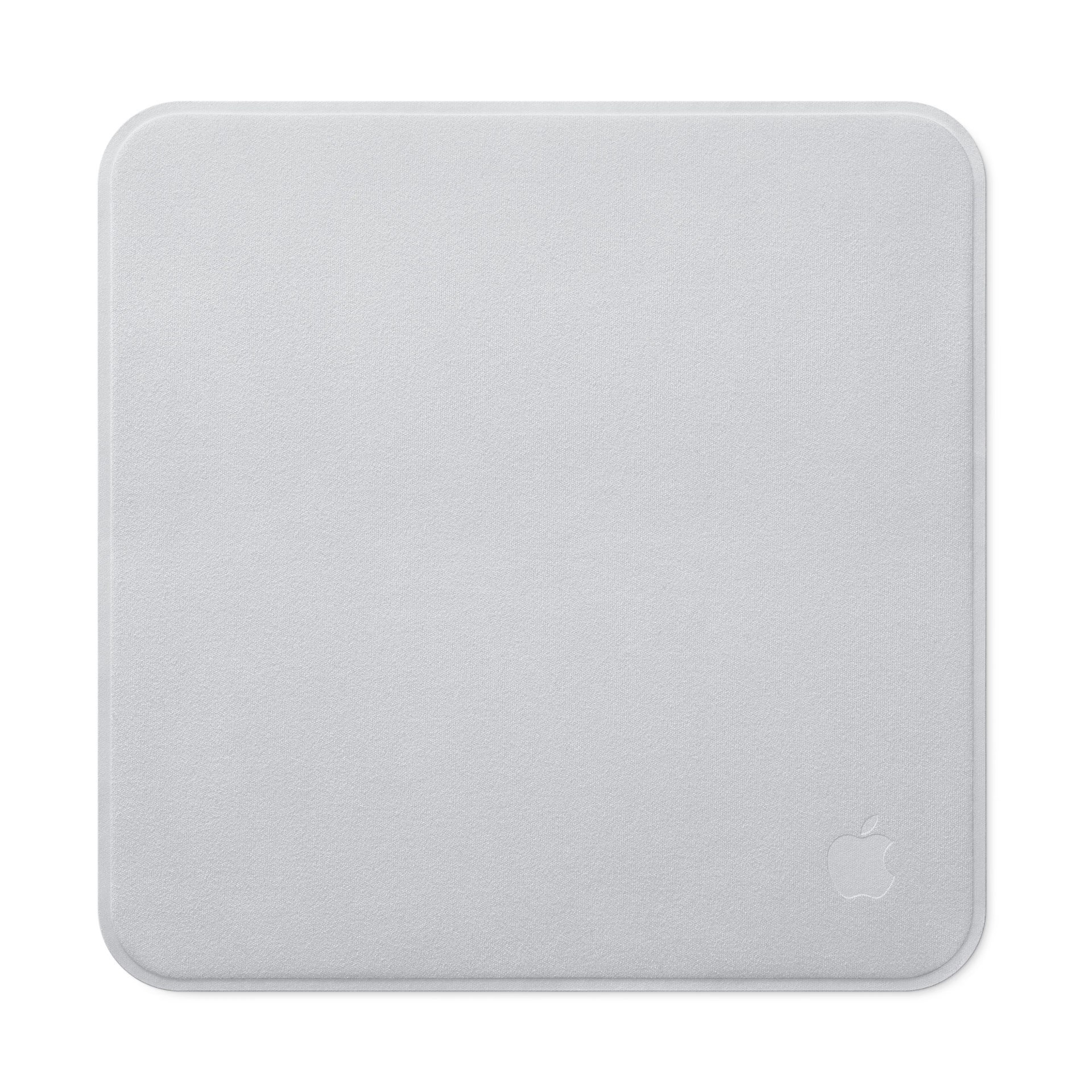
Apple's most-ridiculed accessory is now half the price. The polishing cloth went from US$19 to US$9 and is already on sale. In the same move, and without an announcement, Apple refreshed all three Magic Keyboard models with new keys.
Neither change got its own press release: they appeared in the store the same day as the Mac mini and the Mac Studio.
What changed in the cloth
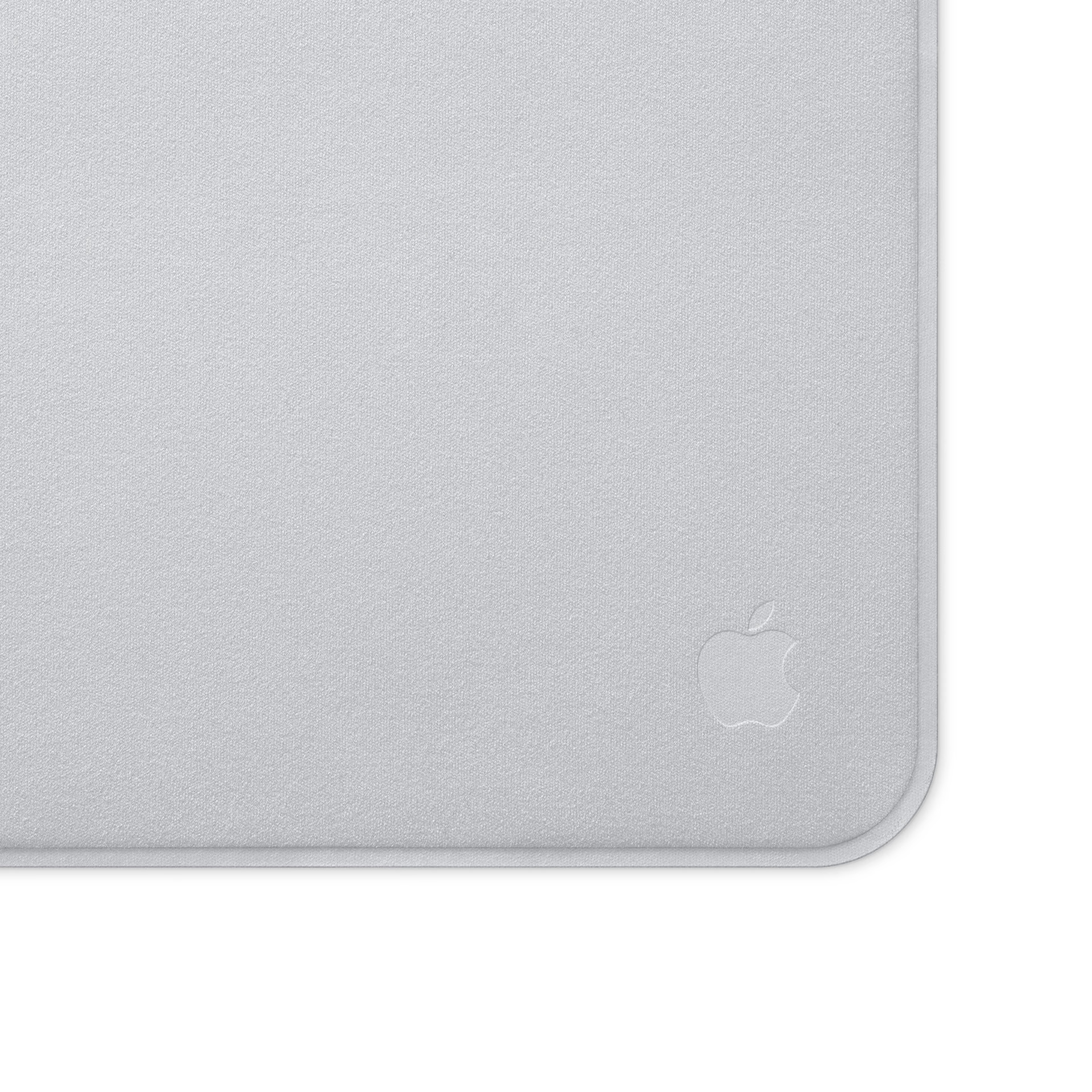
The price, and the feel. People who received the first units report that the new cloth is considerably less rigid than the original, with a texture closer to the cloth included with nano-texture displays and the Apple Vision Pro. The size is practically the same.
The official description did not change by a single comma: it is still a "soft, nonabrasive material" that cleans any Apple display, including nano-texture glass. Apple did not document any technical difference, so the only confirmed change is the price.
Will any microfiber cloth work?
For the regular glass on an iPhone or a MacBook, yes: any clean microfiber cloth with no trapped particles will do the job. For a nano-texture display, no. That surface is chemically etched into the glass, and a cloth that scratches that etching leaves a mark that cannot be polished out or recovered: the panel has to be replaced.
That is the difference between the two cases. On a standard display, what a bad cloth or too much alcohol can damage is the oleophobic layer, the coating that makes fingerprints smear instead of stick. It wears down with use anyway, and the display keeps working the same way.
On nano-texture glass, the anti-reflective finish is the surface itself. A cloth with a grain of sand inside, a paper napkin, or a microfiber cloth that already cleaned a wheel and retained residue can leave micro-scratches that become visible as soon as light hits from the side.
That is why a display like this comes with its own cloth in the box, and why a US$9 replacement instead of a US$19 one matters more than it seems: you are not paying for a rag, you are paying to avoid risking a two-thousand-dollar monitor.
How to clean a nano-texture display
Apple documents the procedure, and it is worth following exactly. For normal maintenance, the cloth is used dry. For marks that will not come off, it can occasionally be dampened with a 70% isopropyl alcohol solution, never with glass cleaner or kitchen products.
The cloth can also be washed: by hand, with dish soap and water, rinsing it thoroughly and letting it air-dry for at least 24 hours before using it again. That is the part almost nobody does, and it is what keeps the cloth from accumulating the very particles that later cause scratches.
Two things that do not appear in the manual but are seen all the time at the service counter: never spray liquid directly onto the display, because it can end up seeping through the edge into the electronics, and never store the cloth loose in a drawer or backpack, where it picks up dust and grit.
Magic Keyboard: symbols replace text
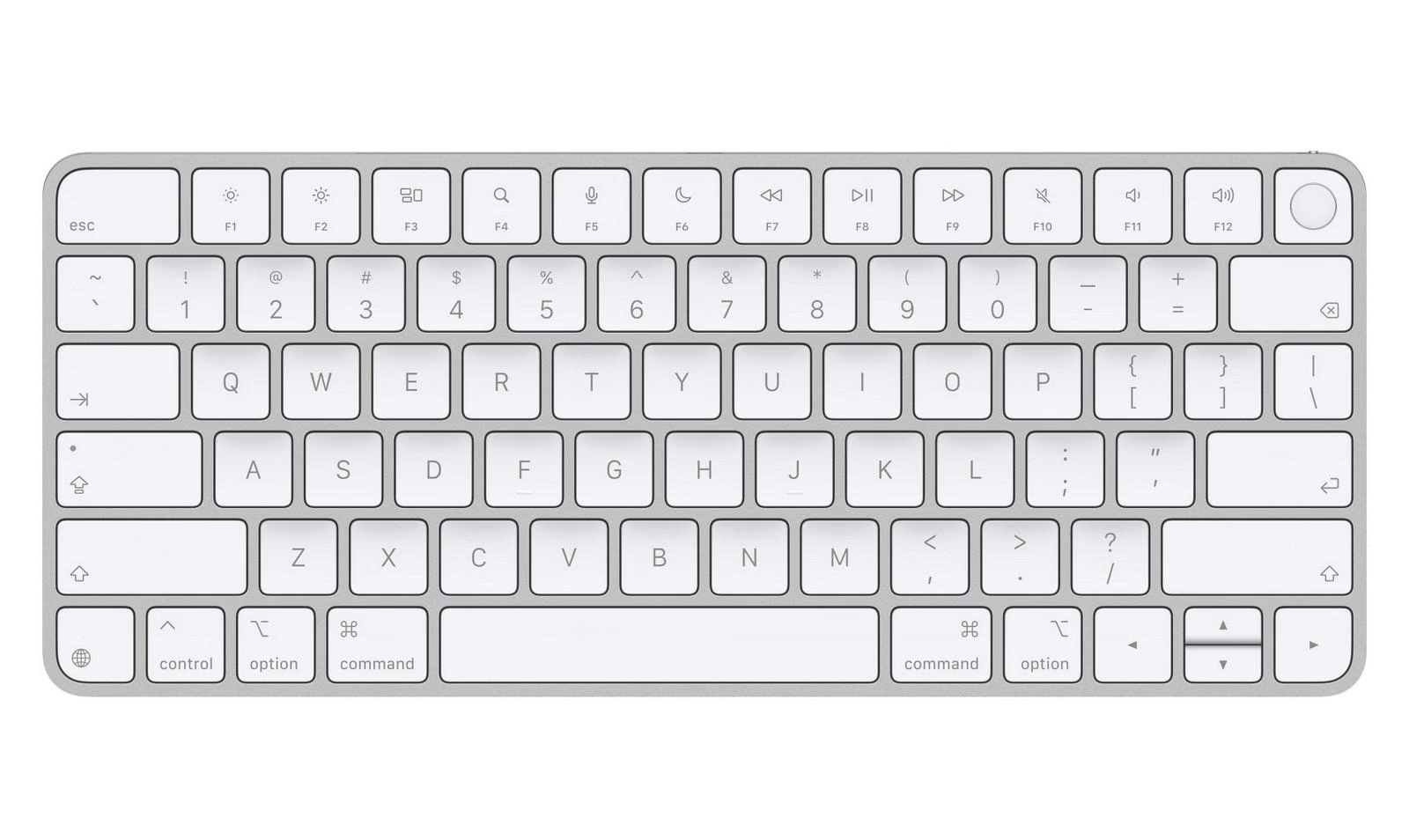
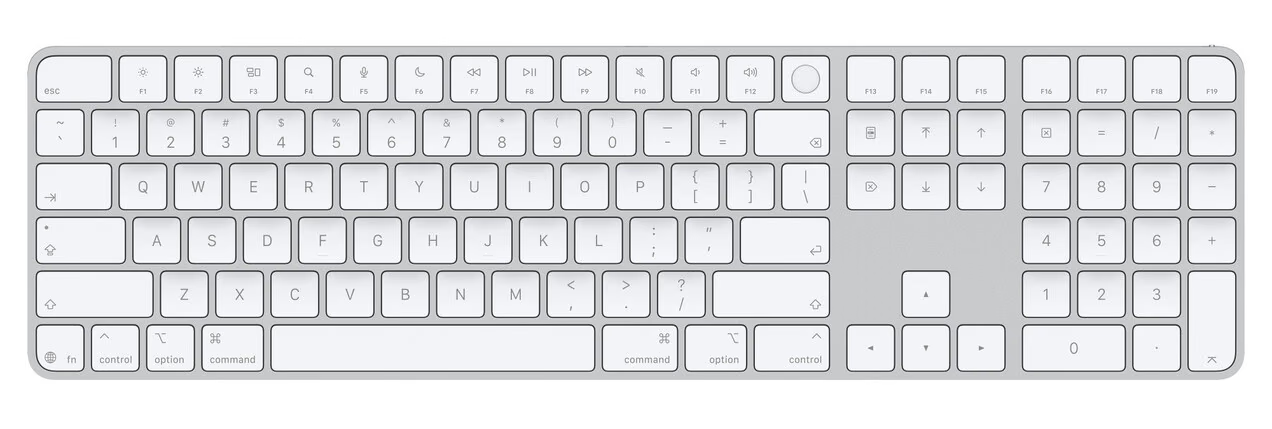
The keyboard change is visual and affects all three models. The keys that used to say "tab," "caps lock," "return," "shift," and "delete" now use the corresponding symbol, just like on MacBook models. On the extended models, the navigation keys follow the same approach.
It is the same redesign Apple applied to its laptops earlier this year, and now it unifies the desktop lineup with them. The concrete advantage is that a keyboard with symbols is not language-dependent: the same unit works in any market without changing the printing on the keys.
Prices and models
All three keyboards keep their prices: US$99 for the basic Magic Keyboard, US$149 for the version with Touch ID, and US$179 for the model that adds Touch ID and a numeric keypad. All of them still connect and charge over USB-C.
Beyond the keys, nothing else changed: same profile, same key travel, same layout. Anyone who already has one working has no reason to replace it.
Conclusion
For five years, the US$19 cloth was the easy joke about Apple pricing, and it partly earned it: it was expensive for what it was. At US$9, the discussion shifts. It is still a cloth, but it is the replacement for a consumable that comes with devices costing thousands of dollars and whose surface leaves no room for mistakes.
If you have a nano-texture display and lost the original cloth, buy the new one and do not overthink it. If you have an iPhone, an iPad, or a MacBook with a standard display, any clean microfiber cloth does the same thing, and the argument is purely aesthetic.
The keyboards are a different story: a cosmetic change that unifies the catalog and only matters if you were already about to buy one.
Report based on official announcements and verified public sources at the time of publishing.
Comments
Share article
You might also like


Recent articles


Pixel Watch 5, Galaxy Watch 9, and Apple Watch Ultra 3: which health feature is approved and which is just a trend
We compare the three watches by what almost nobody looks at: which of their health features went through the FDA and which are presented as patterns without formal backing.
19 August 2026