Mac Studio M5 Max and M5 Ultra: the most powerful Mac Apple has ever sold, from US$2,499

Index
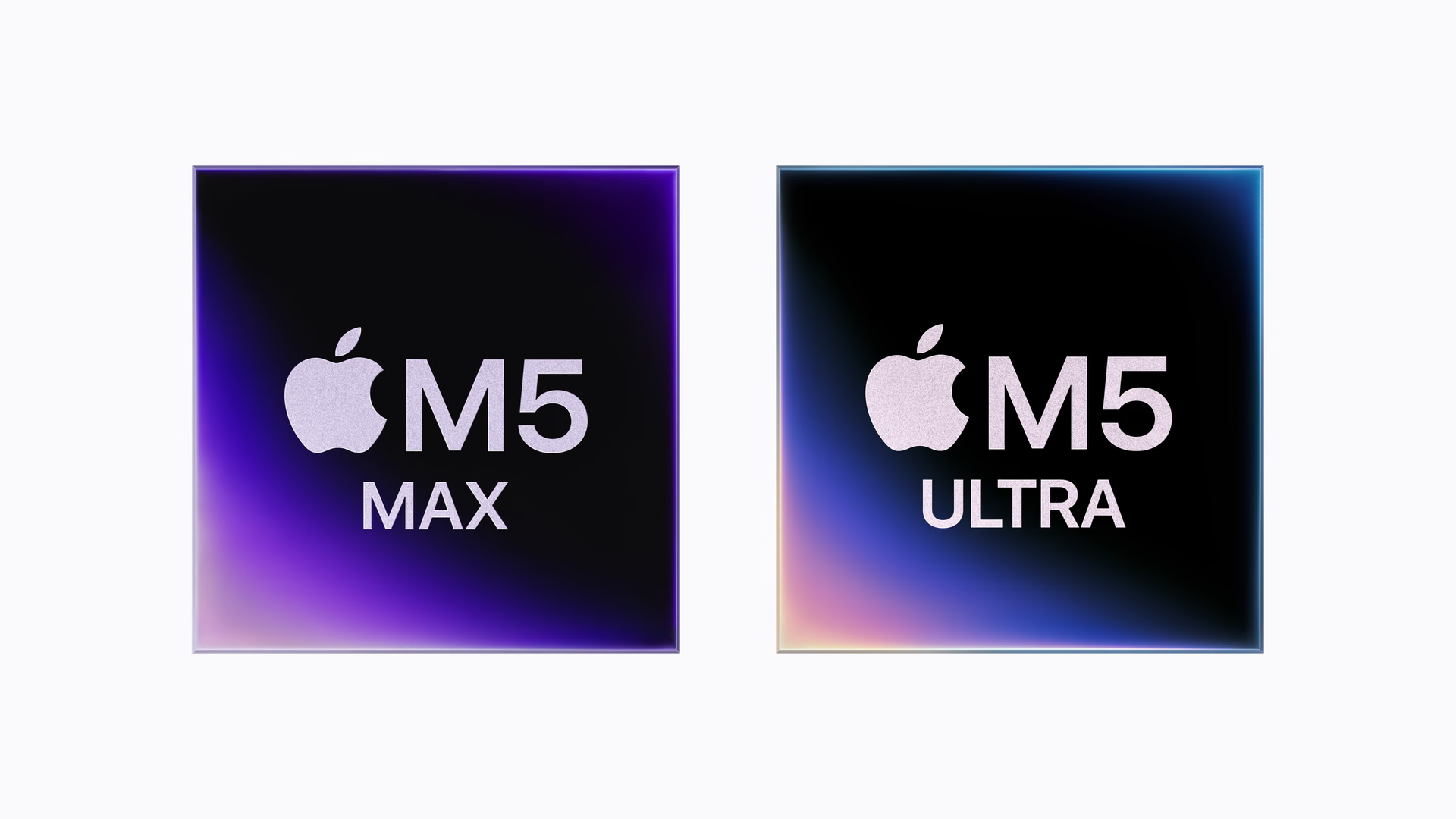
Apple refreshed the Mac Studio with two chips: the M5 Max, which we already knew from the MacBook Pro, and the M5 Ultra, the most powerful processor the company has made to date. Preorders opened on August 25, and deliveries begin on September 22.
The headline is not raw speed. It is memory: the top configuration reaches 512 GB of unified memory with 1.2 TB/s of bandwidth, turning the Mac Studio into one of the few desktop machines where a large language model fits entirely, without splitting it up or trimming it down.
What the Mac Studio is and who it is for
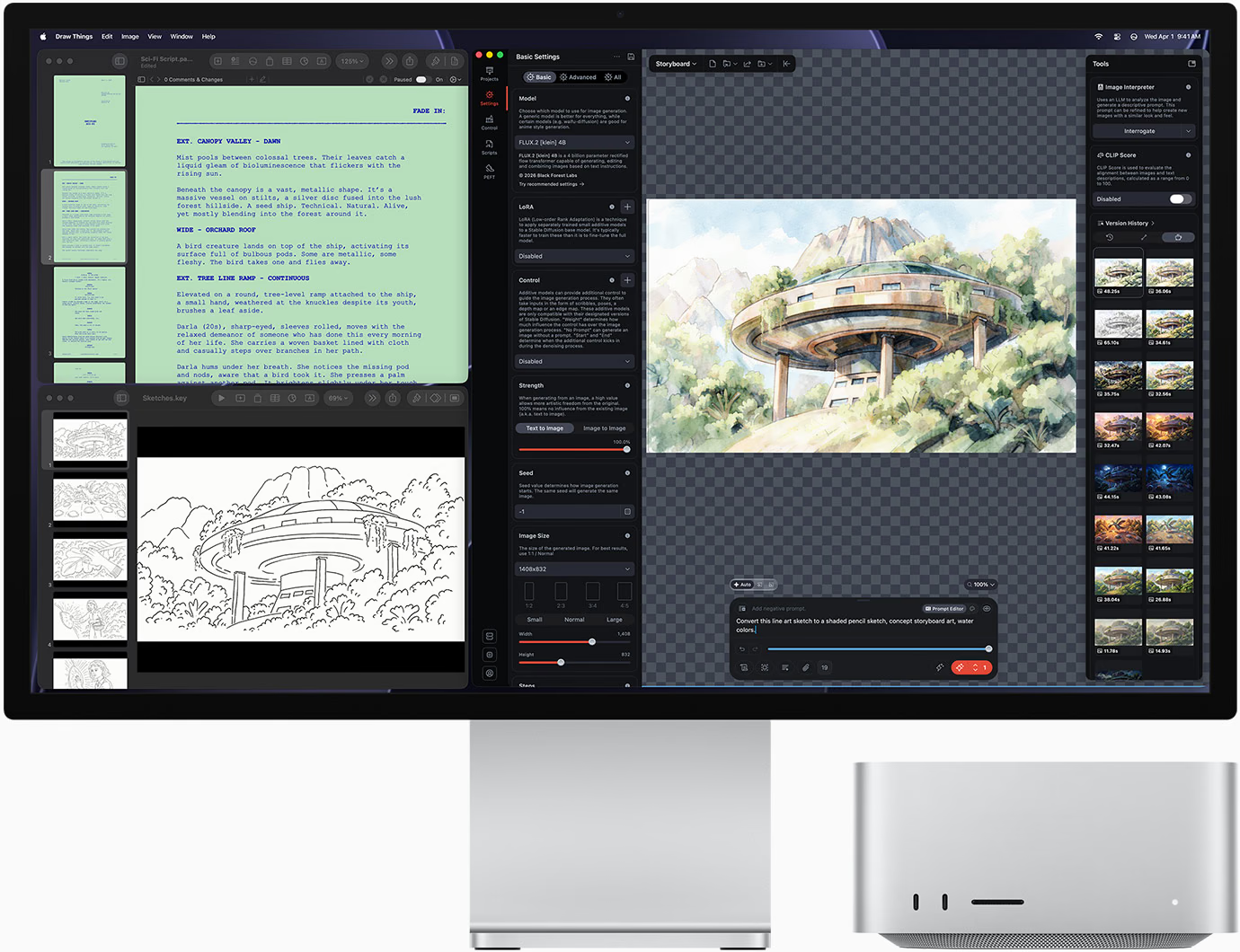
The Mac Studio is the desktop computer Apple positions between the Mac mini and the Mac Pro: an aluminum cube 19.7 centimeters wide by 9.5 centimeters tall that fits under most monitors and concentrates the kind of power that used to require a tower.
Its audience is specific: video editing with multiple simultaneous feeds, 3D rendering, compiling large projects, and, increasingly, AI model inference on the machine itself instead of in the cloud.
M5 Max and M5 Ultra: what sets them apart
The M5 Max has an 18-core CPU —six super cores and twelve performance cores—, a GPU with up to 40 cores and a Neural Accelerator in each one, up to 128 GB of unified memory, and 614 GB/s of bandwidth.
The M5 Ultra doubles those numbers. It reaches up to 36 CPU cores, 80 GPU cores, a 32-core Neural Engine, and 512 GB of memory at 1.2 TB/s, 50% more bandwidth than the M3 Ultra it replaces.
Compared with the previous generation, Apple claims up to 4.3 times more AI performance, 1.8 times in graphics, 1.3 times in CPU, and twice the storage performance. The M5 Ultra is 4.3 times ahead of the M3 Ultra in AI compute and 9.8 times ahead of the M1 Ultra.
Local AI: what 512 GB of unified memory is for
This is the real argument for this machine. On a PC with a dedicated GPU, a model has to fit in the graphics card’s memory: if it does not, it gets split between the GPU and system RAM, and speed collapses. In the Mac Studio, memory is a single pool shared by the CPU, GPU, and Neural Engine.
With 512 GB of unified memory and 1.2 TB/s, a large language model loads completely and responds at production speed, without sending a single piece of data outside. For studios handling material under nondisclosure agreements, or for research with sensitive data, that is the difference between being able to use AI and not being able to.
The Mac Studio also supports clustering with RDMA: multiple connected machines splitting the same model, without going through the processor to access another machine’s memory.
Design and ports
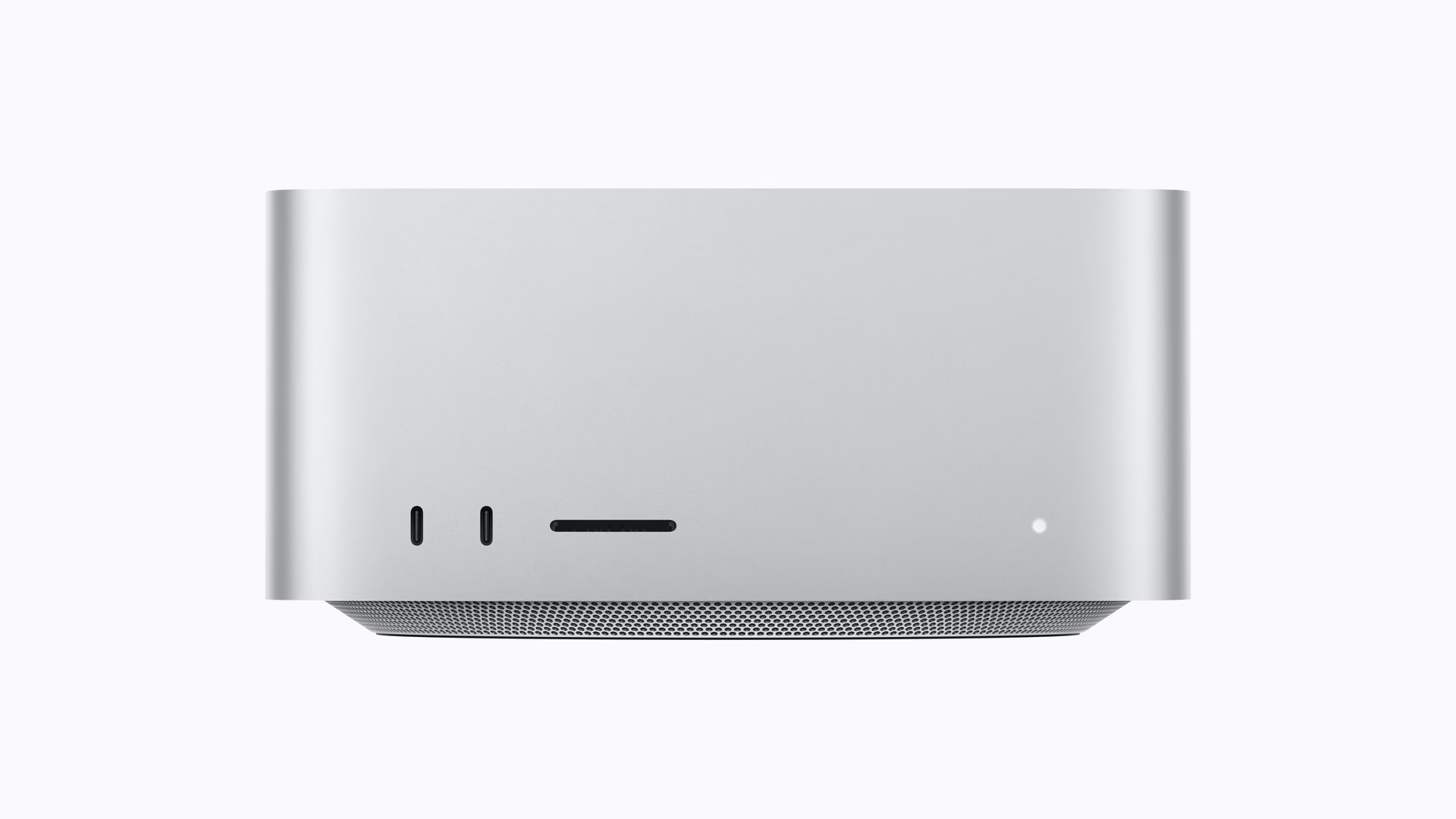
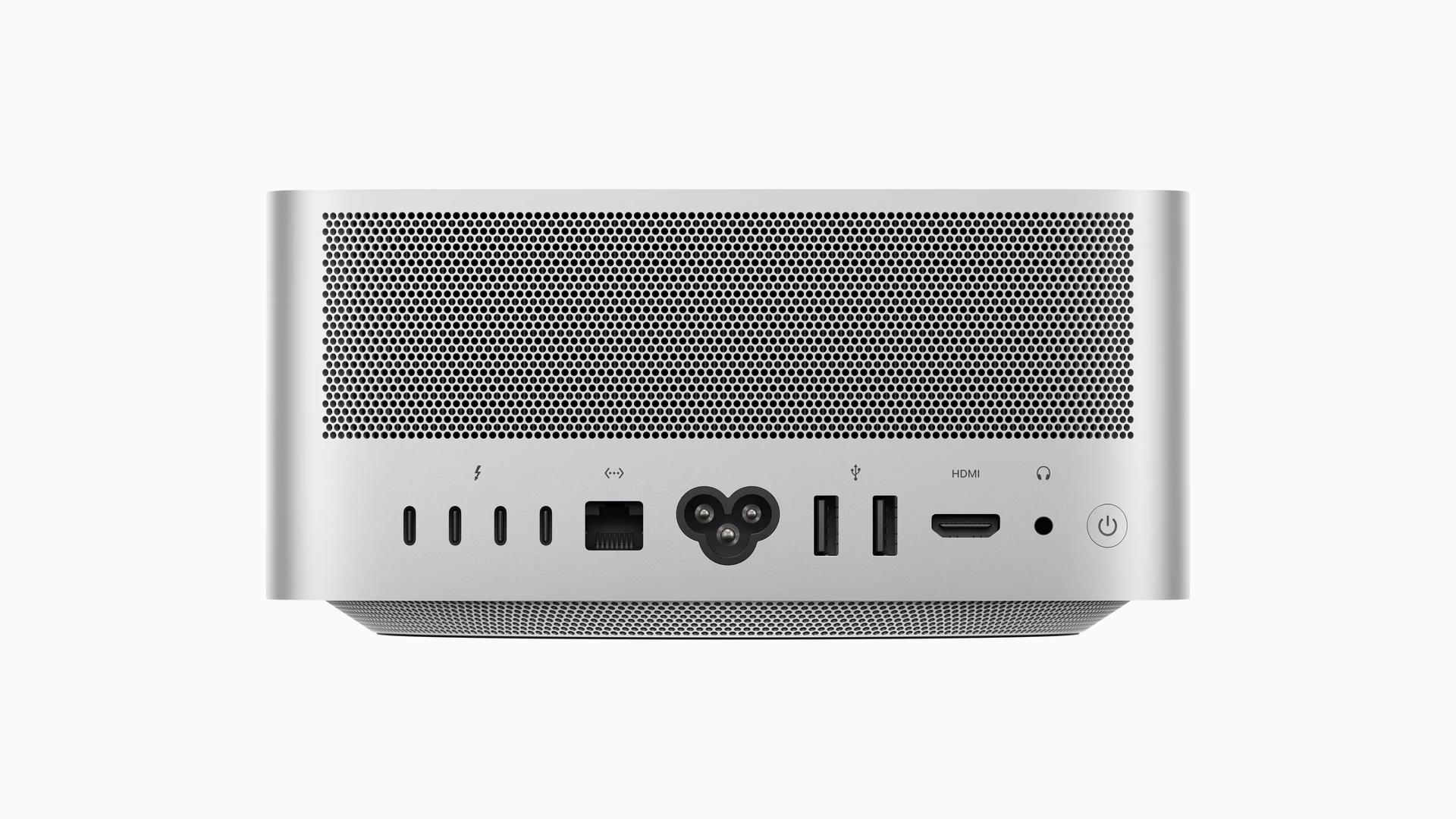
The chassis has not changed. It is still the same aluminum cube, with the front occupied by two ports and the SDXC slot, and the back packed with connectivity.
On the front there are two USB-C ports on the M5 Max or two Thunderbolt 5 ports on the M5 Ultra, plus the SDXC reader. On the back, four 120 Gb/s Thunderbolt 5 ports, 10 Gb Ethernet, two USB-A ports, HDMI, and a headphone jack. This is the first time the Mac Studio adds Wi-Fi 7 and Bluetooth 6, and it also introduces genlock over USB-C to synchronize cameras.
Storage starts at 512 GB, goes up to 16 TB, and doubles the speed of the previous generation thanks to an SSD architecture over PCIe Gen 6.
Thermal system
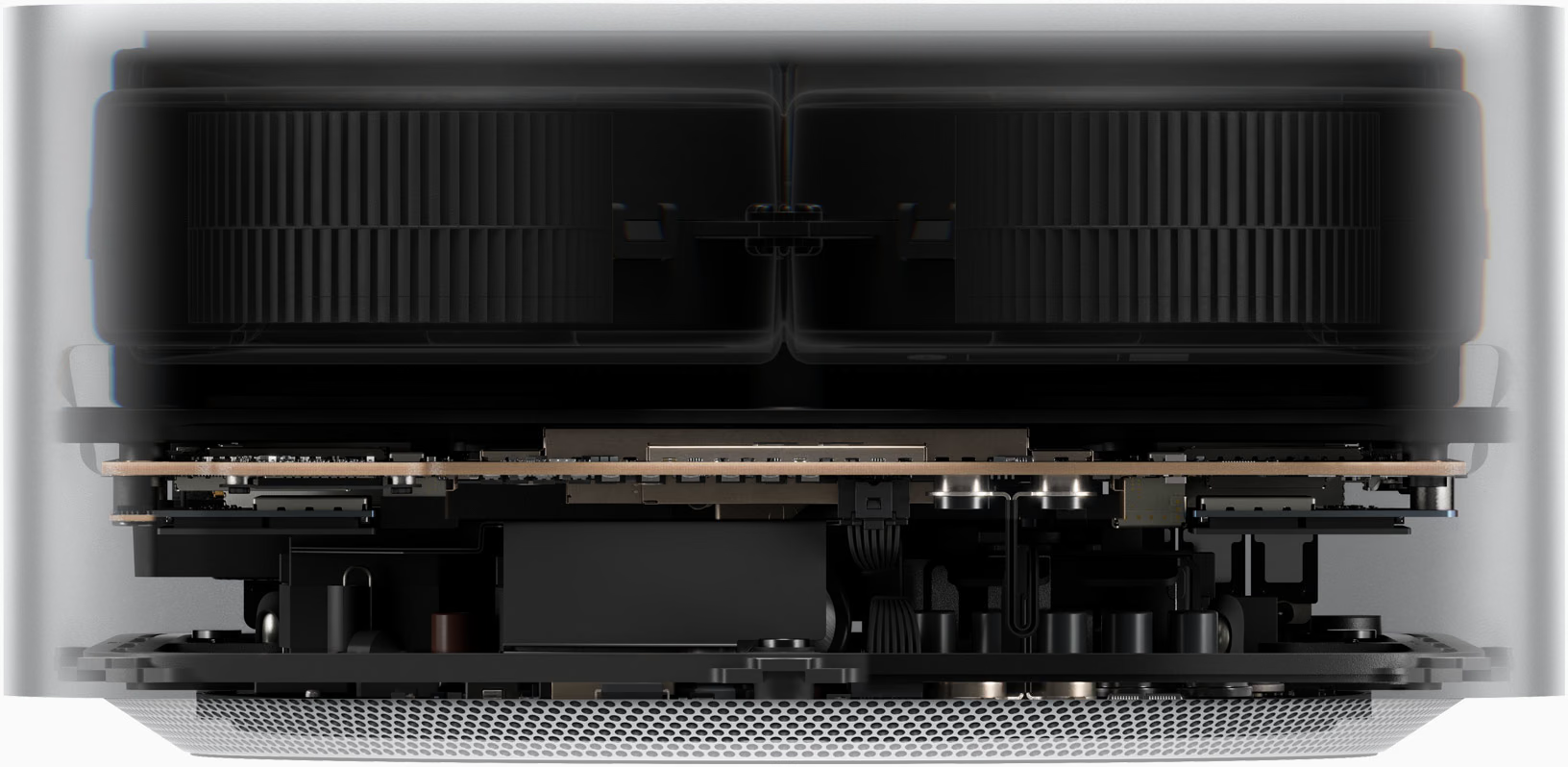
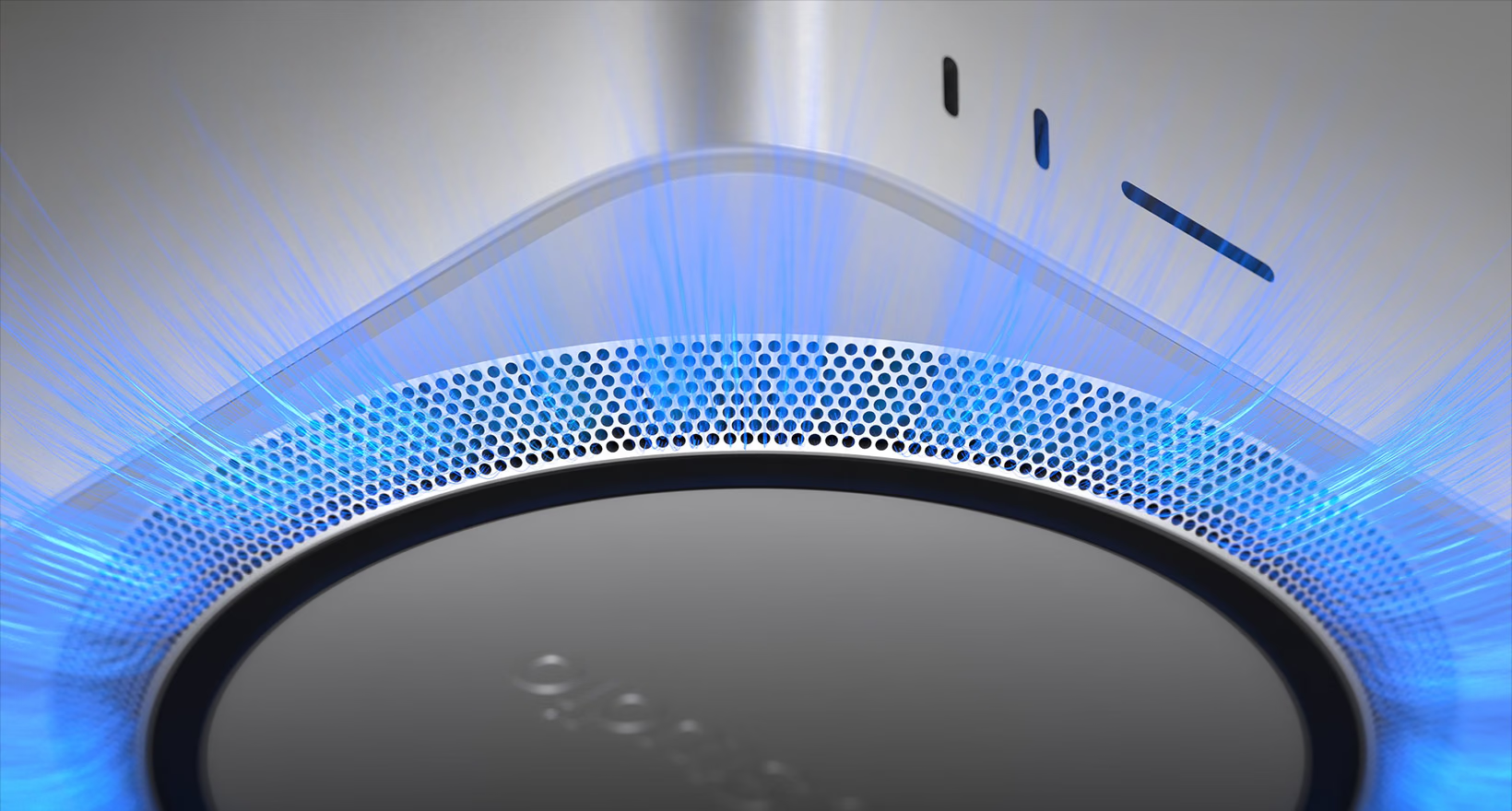
All that silicon needs to shed heat without making noise, and that is the part of the design almost no one sees. The Mac Studio draws air in through the perforated base, pushes it with a pair of blowers through the heatsinks, and exhausts it through the rear grille.
That is why a machine this size can sustain a long render without lowering frequencies. The Ultra version uses a larger thermal module than the Max version, which is why it weighs more even though the chassis is identical.
Performance in video, code, and imaging
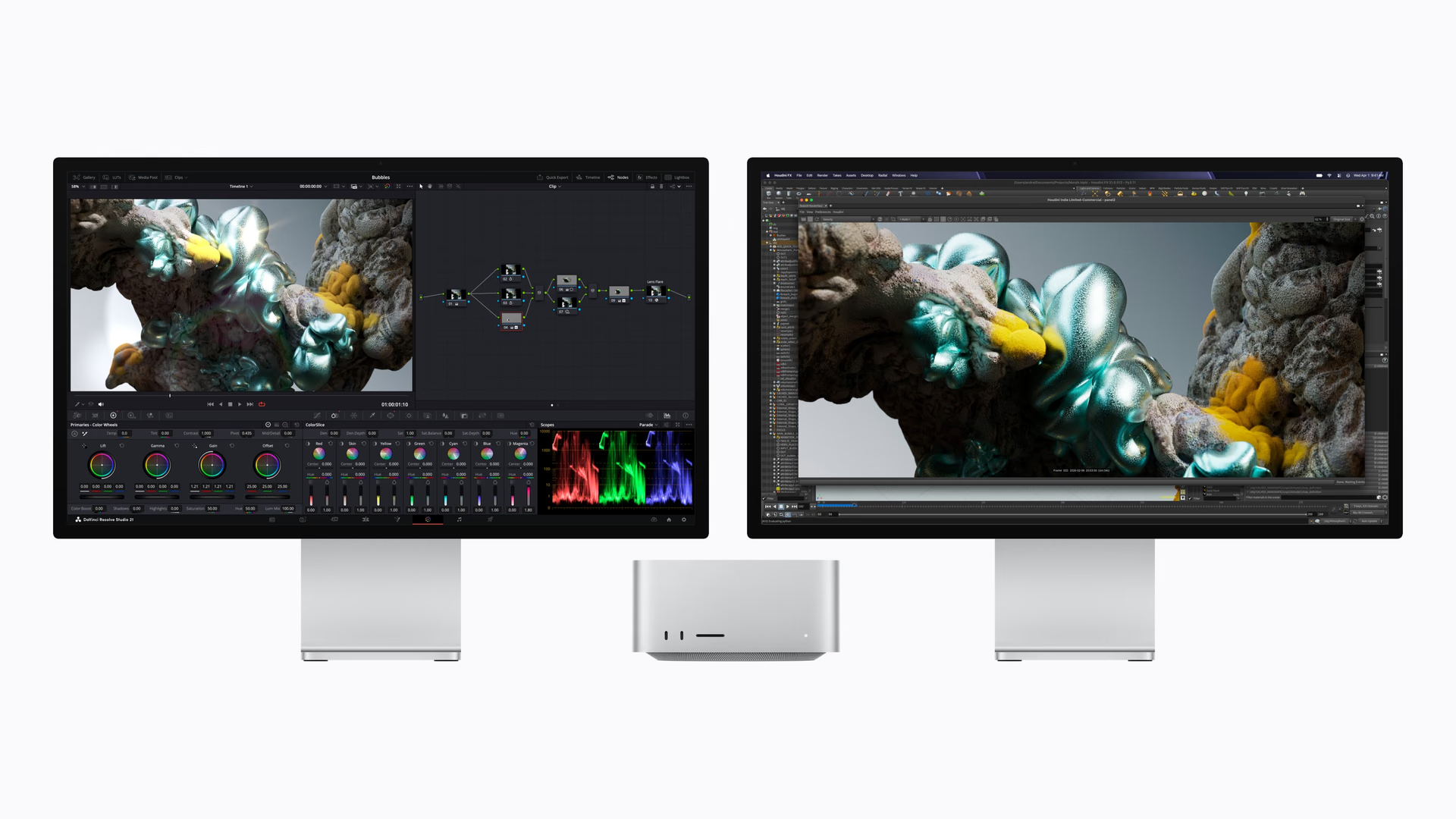
In DaVinci Resolve Studio, Apple measures up to three times more speed in Magic Mask with the M5 Max compared with the M4 Max, and 1.4 times in scene rendering with Maxon Redshift. In image generation from text, up to 3.5 times.
On the development side, the argument is Xcode compilation and the ability to run coding agents on the machine itself, without depending on an API.
As always with manufacturer figures, what matters is the relationship between generations, not the isolated number.
Pricing and availability
The Mac Studio with M5 Max starts at US$2,499, and the M5 Ultra starts at US$5,499. Education pricing is US$2,299 and US$5,099. A maxed-out configuration with M5 Ultra reaches US$18,299.
The 512 GB unified memory option is not available on day one: it arrives in late October. The rest of the configurations ship starting September 22.
The price jump is real: the previous generation with M4 Max started at US$1,999. That is US$500 more, and the reason is the same one that pushed up prices across almost Apple’s entire lineup during the year: the cost of memory, driven higher by demand for AI infrastructure.
Conclusion: who needs the Ultra
For most studios, the M5 Max at US$2,499 is the machine. With 128 GB and 614 GB/s, it covers 4K editing with multiple layers, rendering, heavy compilation, and mid-size local models. Doubling the price to move up to the Ultra only makes sense if you know exactly what workload justifies it.
The M5 Ultra is for two specific cases: timelines with multiple uncompressed feeds where bandwidth is the bottleneck, and AI models that do not fit in 128 GB. If your work is neither of those, the Ultra is power you will pay for and not use.
And if you are coming from an M3 Ultra that still holds up, the argument for upgrading is not the CPU —the jump is 1.3 times— but AI compute and memory. It depends on whether that is your work or just an extra.
Mac Studio
The 2026 Mac Studio keeps the 19.7-centimeter chassis and is refreshed with the M5 Max or the M5 Ultra, Apple’s first four-die chip, with up to 512 GB of unified memory.
Pros
- Up to 512 GB of unified memory at 1.2 TB/s, enough for AI models that do not fit in a dedicated GPU.
- Six 120 Gb/s Thunderbolt 5 ports and 10 Gb Ethernet standard.
- Wi-Fi 7 and Bluetooth 6 for the first time in a Mac Studio.
- Storage doubles its speed with an SSD architecture over PCIe Gen 6.
Cons
- The entry price increased by US$500 compared with the M4 Max generation.
- The 512 GB configuration does not arrive until late October.
- The M5 Max is silicon that already came from the MacBook Pro, not a new generation.
- A maxed-out configuration climbs to US$18,299.
Author
Alexis PaezReport based on official announcements and verified public sources at the time of publishing.