Logitech G PRO X3 SUPERSTRIKE: more battery life and better balance than the X2, with the same click
Index
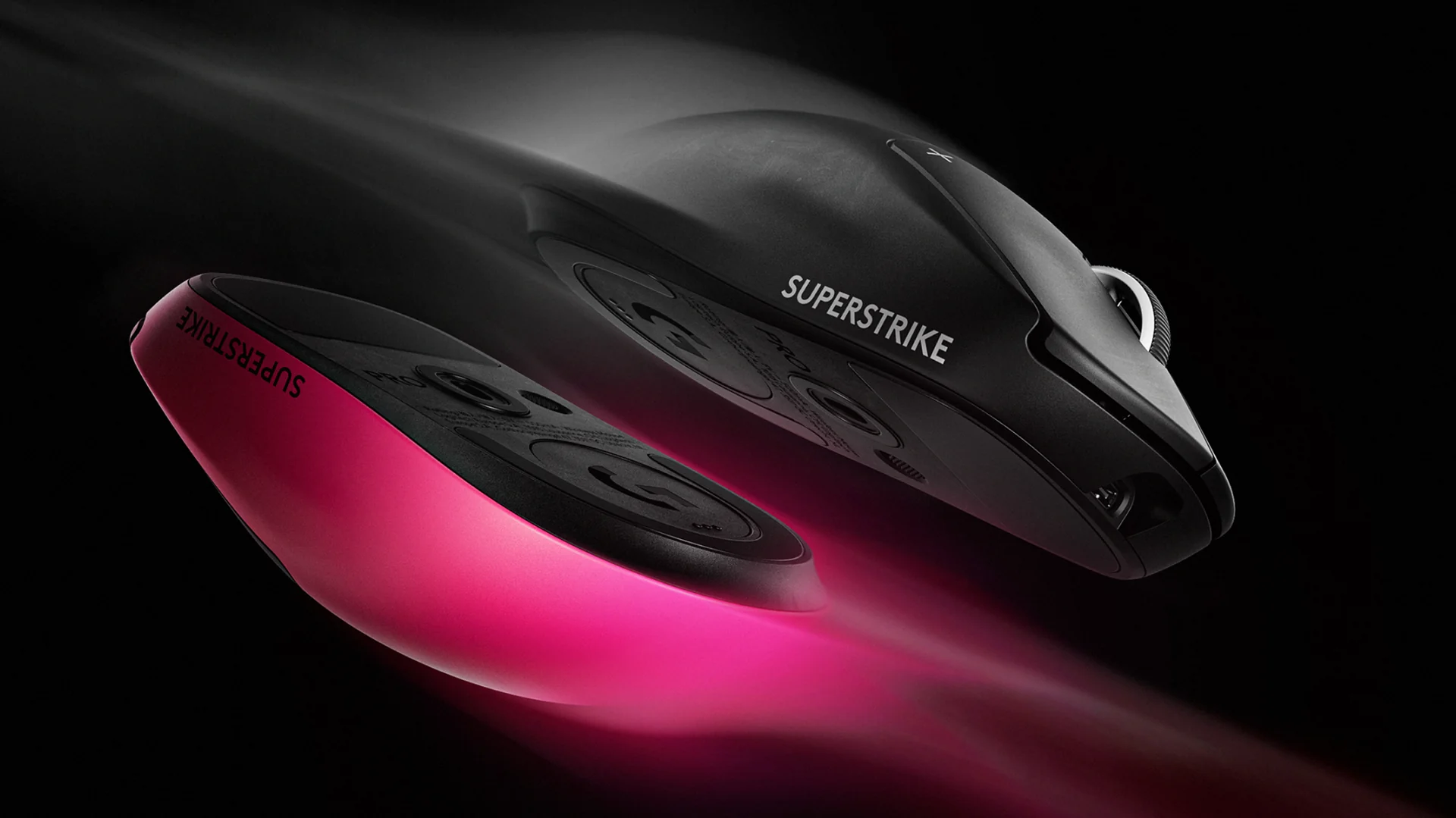
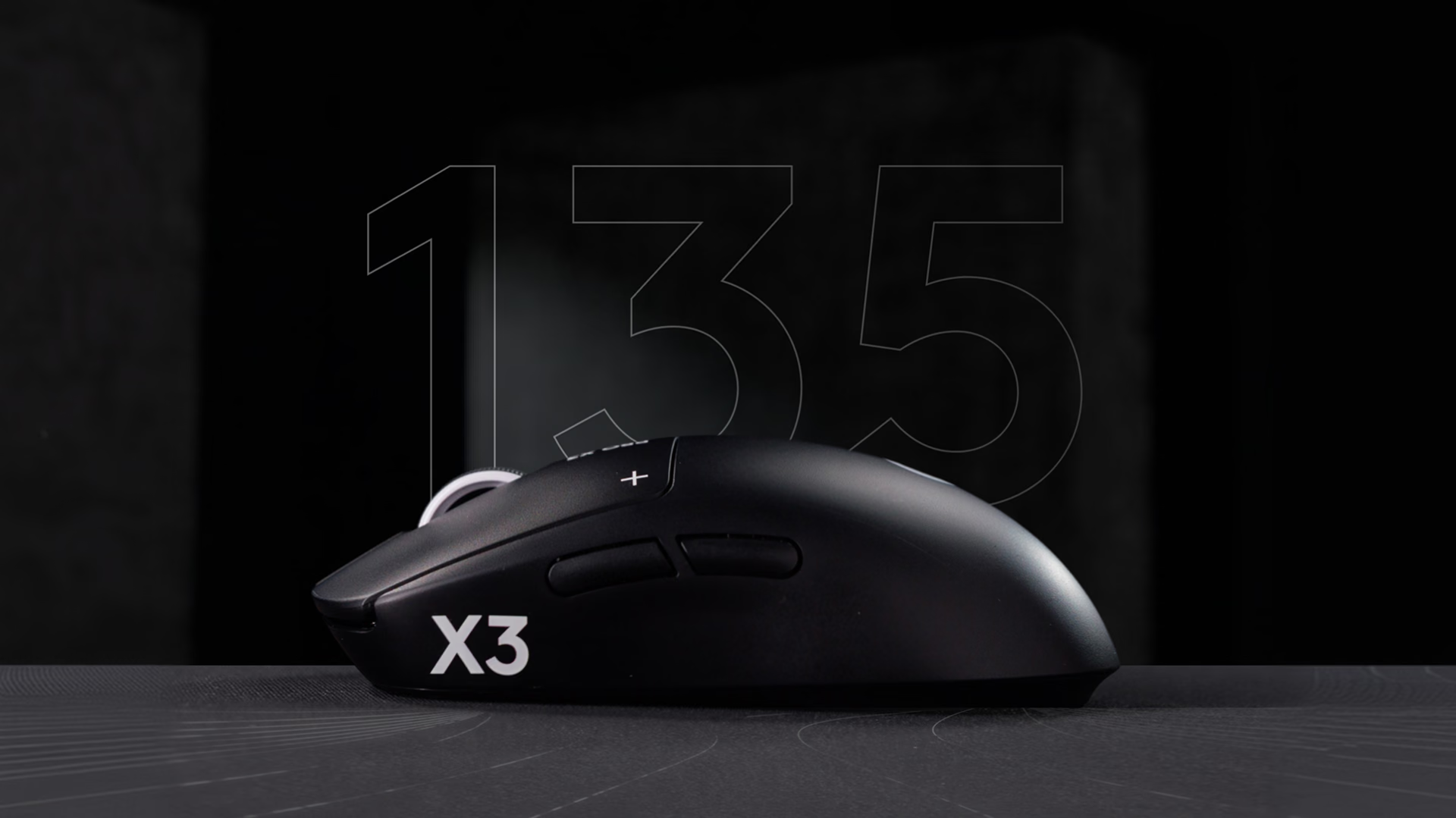
The PRO X3 SUPERSTRIKE is Logitech G’s second mouse with a haptic click. It keeps the shape, sensor, and click system of the PRO X2 SUPERSTRIKE and changes what is inside: a new chip that promises up to 135 hours of battery life and a different weight distribution. Logitech G introduced it on September 23, 2026, at US$199.99.
It is a better-balanced X2 with longer battery life: it is worth it if you do not own either model and want an adjustable click; if you already have the X2, almost nothing justifies the upgrade.
What the PRO X3 SUPERSTRIKE is
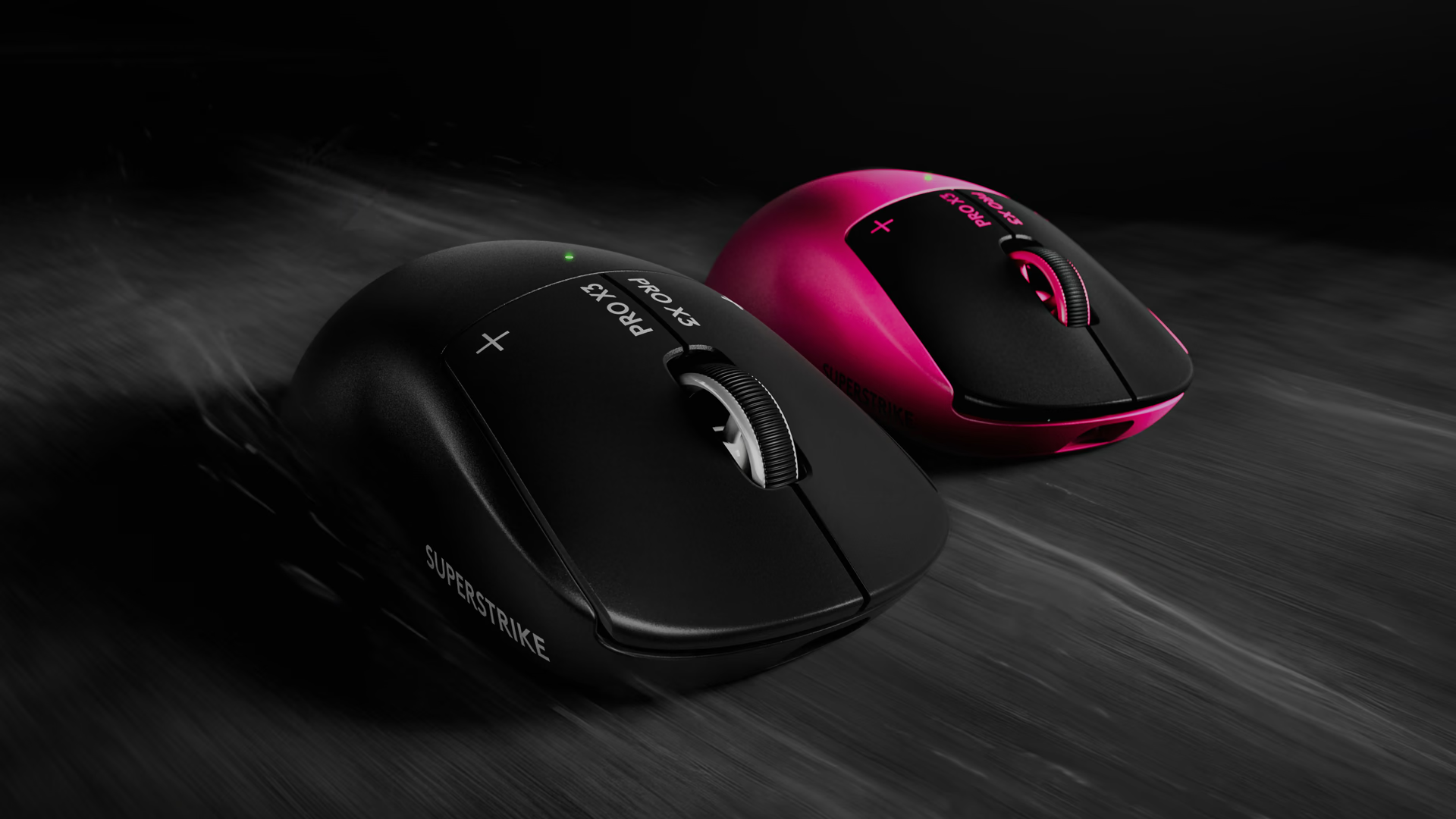
It is a symmetrical five-button wireless mouse designed for competitive shooters. It connects via LIGHTSPEED, Logitech G’s 2.4 GHz receiver, or via USB-C cable, and reports at 8 kHz in both modes. According to the brand, it was developed together with more than 70 esports athletes from three continents.
It costs US$20 more than the X2, which launched at US$179.99, and ProSettings places it above almost any non-niche gaming mouse.
HITS: how the click works
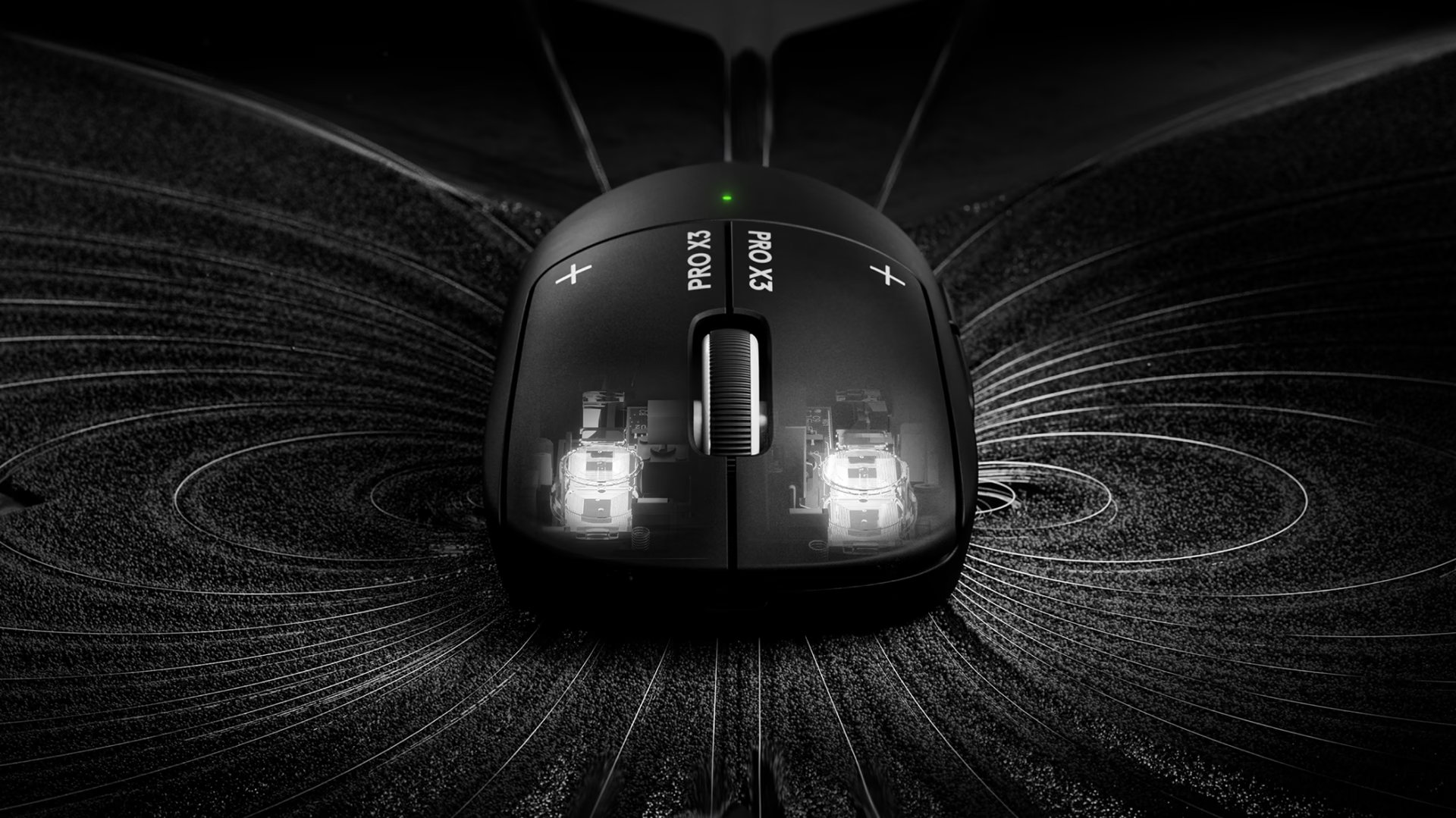
HITS, short for Haptic Inductive Trigger System, replaces the microswitch with an inductive sensor that measures how far the button is pressed. Since there is no mechanism that marks the click, an actuator simulates it with vibration. That lets you define in G Hub the point in the travel where the press is registered, when it resets, and how strong it feels.
Each main button has 10 actuation points and 5 reset points for Rapid Trigger, and the vibration has 6 levels, with the option to turn it off. They are the same as on the X2: Club386 confirms that the clicks are identical on both models. Rapid Trigger works like it does on Hall effect keyboards: the reset point follows the button position instead of waiting for it to return to a fixed point, which speeds up click bursts.
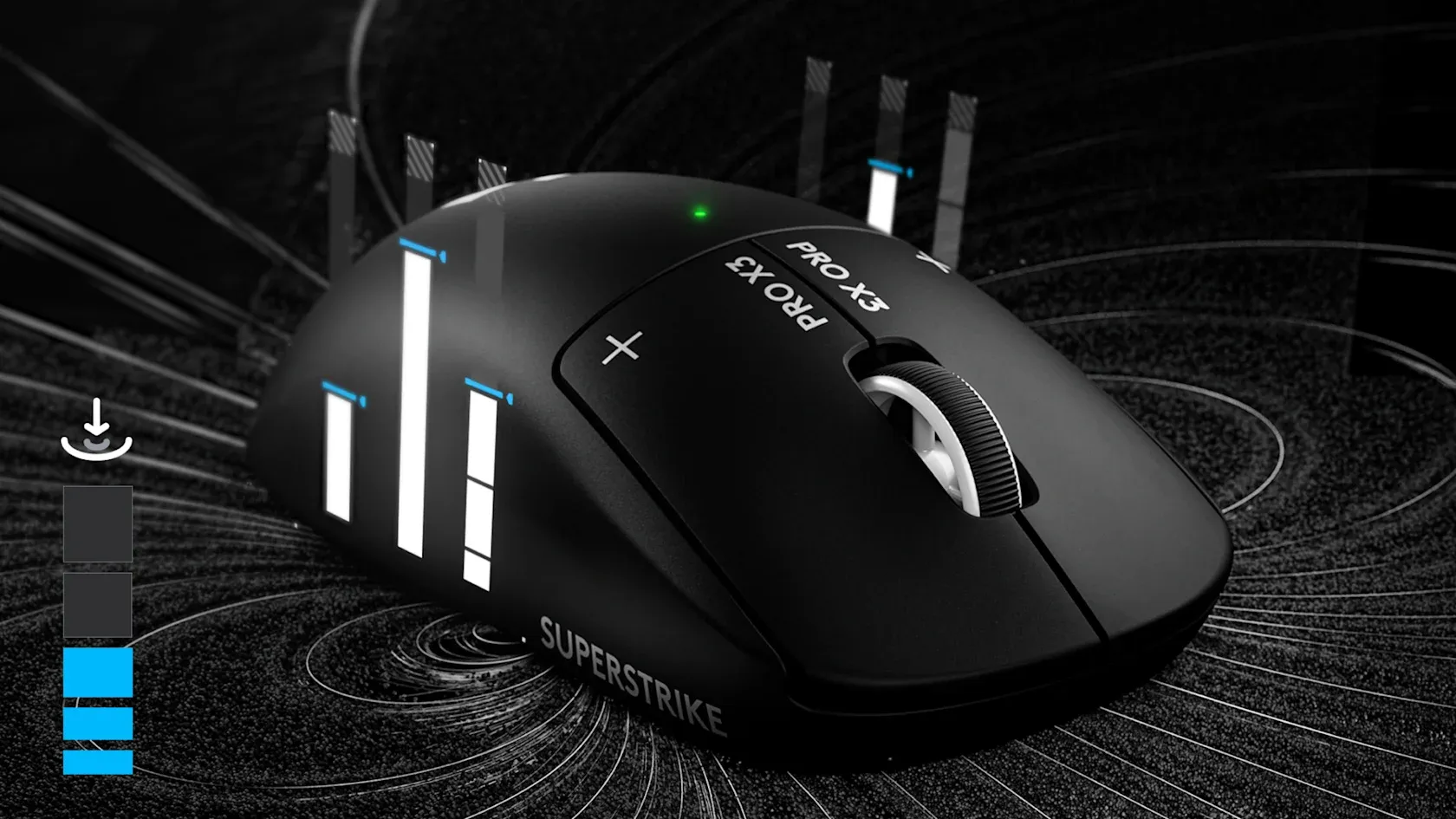
Logitech says HITS advances the click by 9 to 30 ms compared with mechanical and optical microswitches, but its HITS page does not explain how it made that measurement. That advantage comes from actuating earlier in the button travel, not from a faster signal.
In the hand, ProSettings describes the click as a vibration pulse similar to a MacBook trackpad rather than a mechanical snap, and notes that the main buttons are quiet. That review also found the vibration softer than on the X2 and raised the level from 2 to 3. Insider Gaming, meanwhile, says it never got used to the lack of a physical click.
Sensor, polling, and chip
The sensor is still the HERO 2, with adjustments. Logitech raises the maximum to 48,000 DPI, 930 IPS, and 90 G of acceleration, versus 44,000 DPI, 888 IPS, and 88 G on the X2. Club386 did not notice the difference in real-world use, so the sensor change carries little weight in the buying decision.
The deeper change is the chip. Logitech calls it NxLOGI and claims a 50% improvement in energy efficiency over the X2’s chip; Club386 notes that it is based on Nordic’s nRF54 platform, while the X2 used an nRF52833.
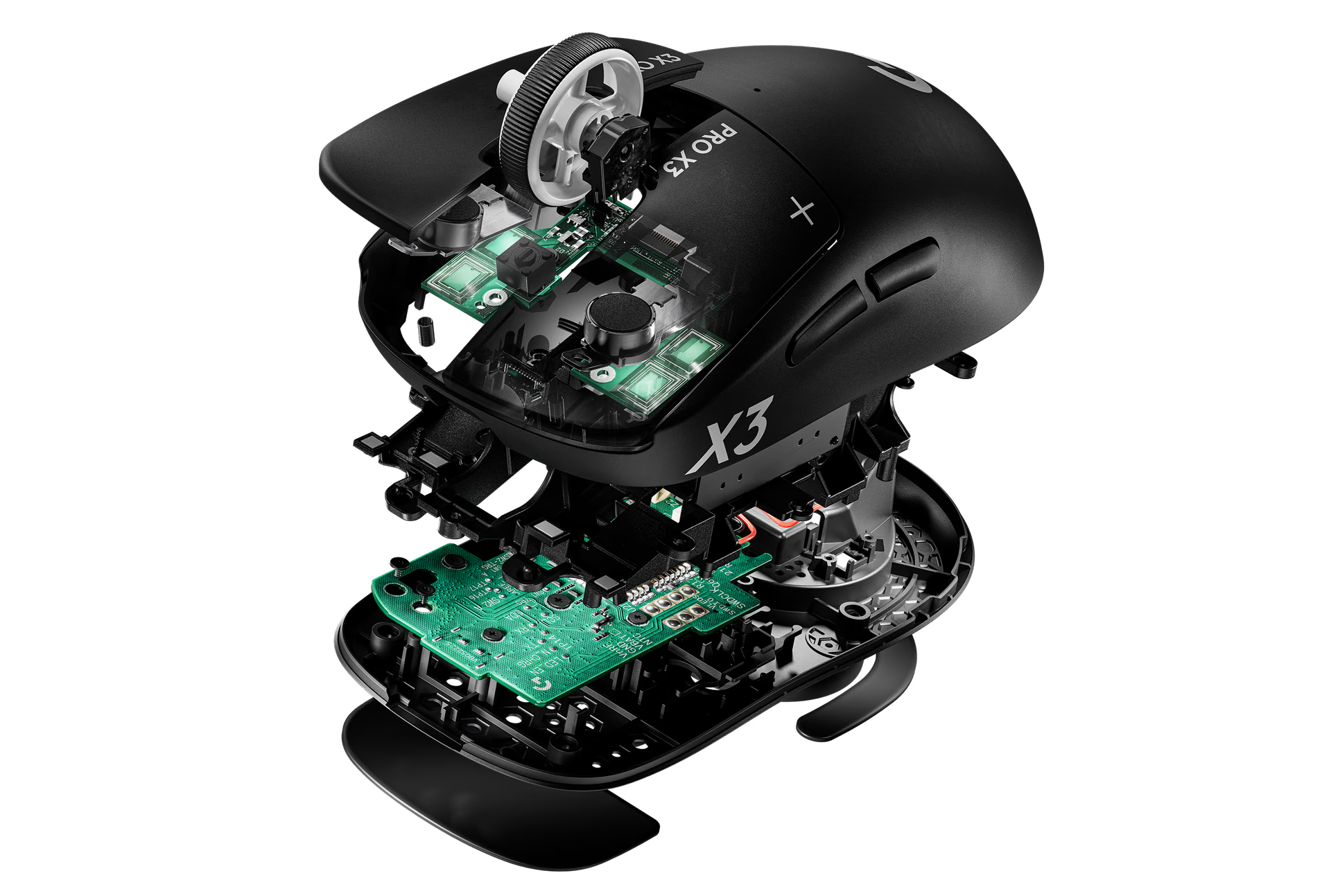
Polling ranges from 125 Hz to 8,000 Hz, both wired and over LIGHTSPEED. Club386 warns that 8 kHz is not for everyone: it puts more load on the CPU, and in games such as League of Legends, Marvel Rivals, and Overwatch 2 it can cause microstutter.
Design, shape, and weight
The shape is the same egg-like, nearly symmetrical, mid-profile design that Logitech has repeated for four generations in a row, according to Club386. ProSettings describes it as flat, with a gradual hump toward the rear, and calls it a very safe and generic shape.
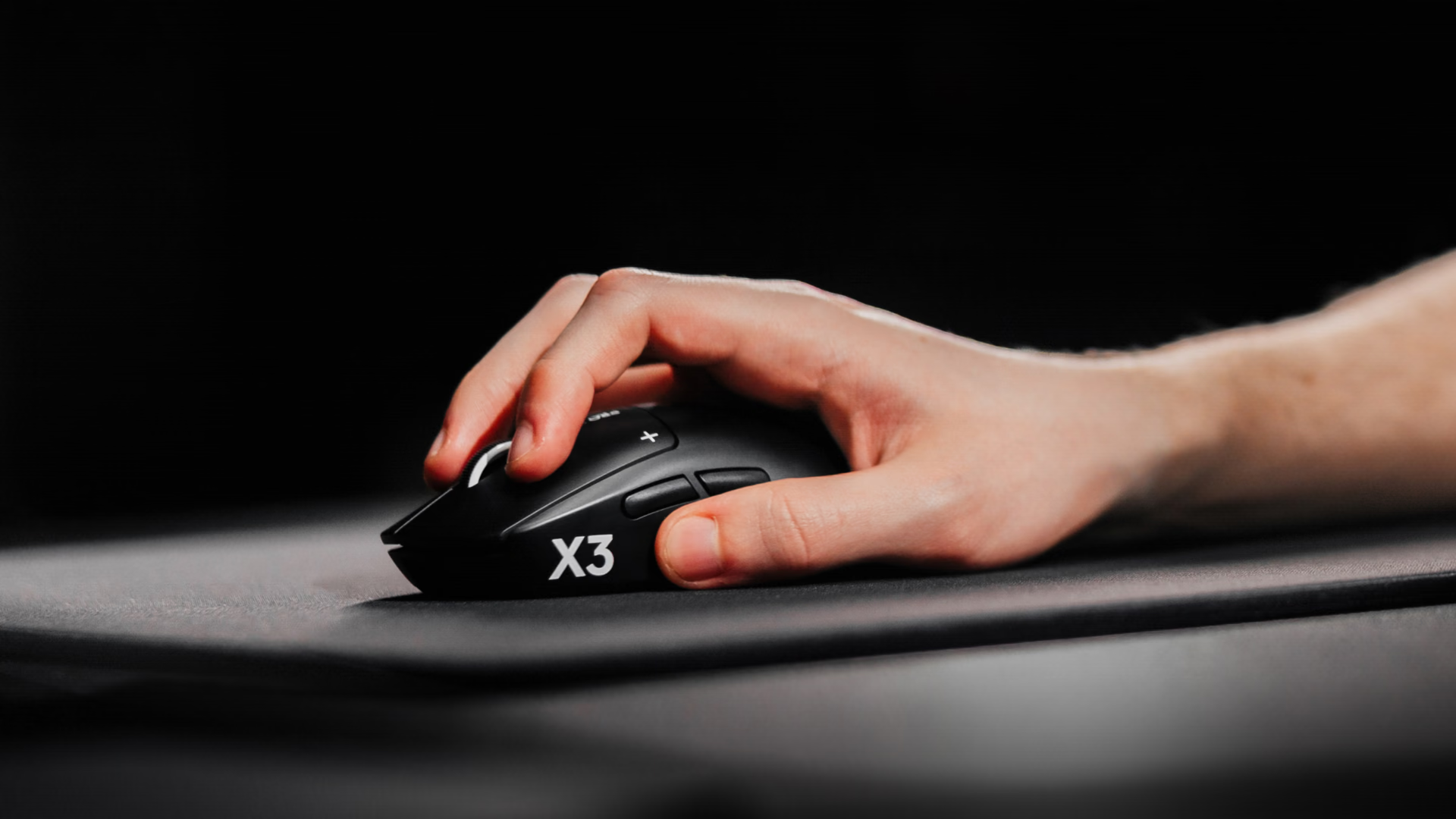
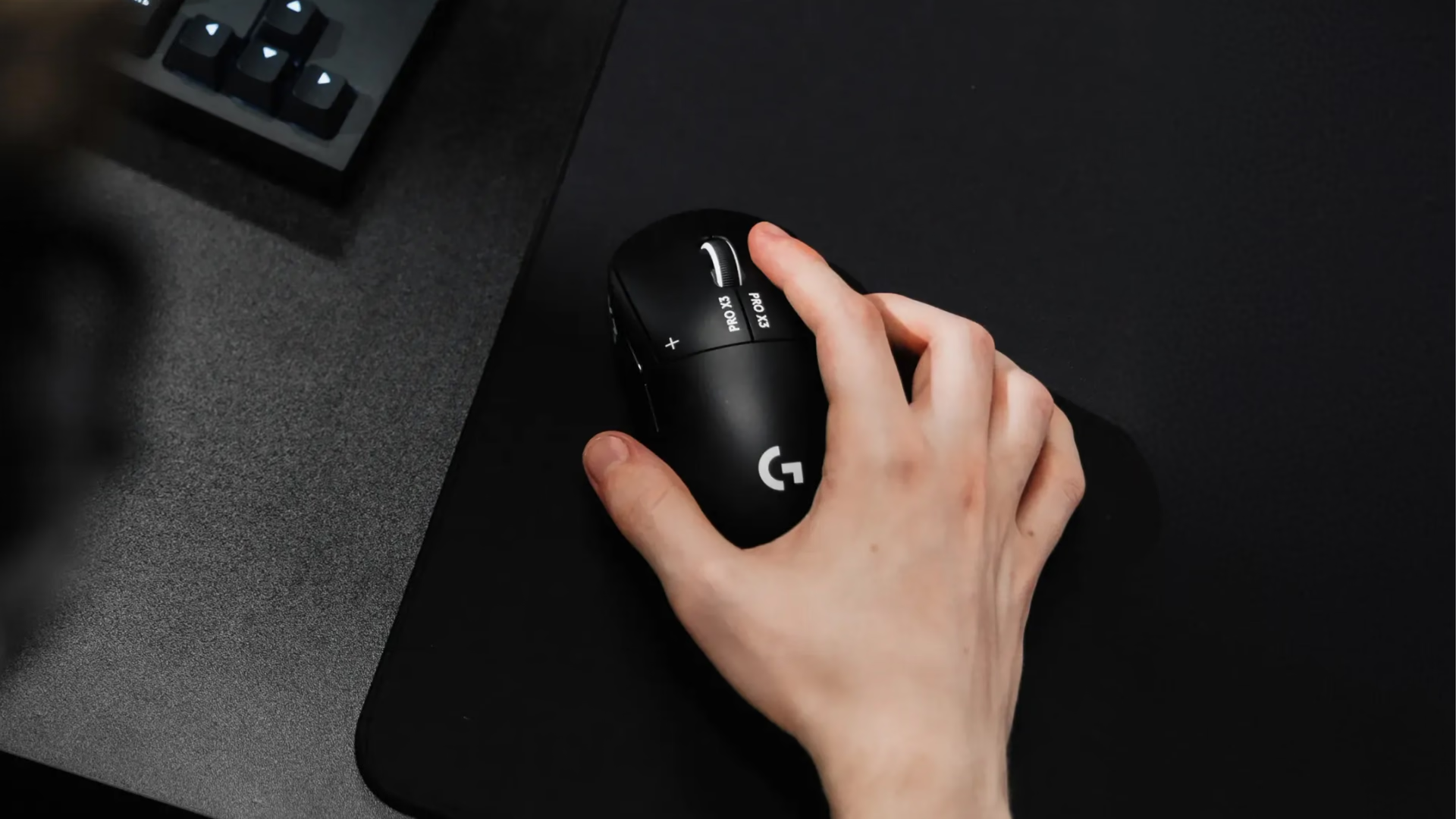
Weight is 59 g in the global version and 61 g in the European version. Since the X2 weighs 61 g, the 2 g gain exists only outside Europe. More important is the balance: Club386 found it much better distributed than on the X2, which carried weight toward the front, and Logitech says it optimized materials and realigned internal components to achieve this.
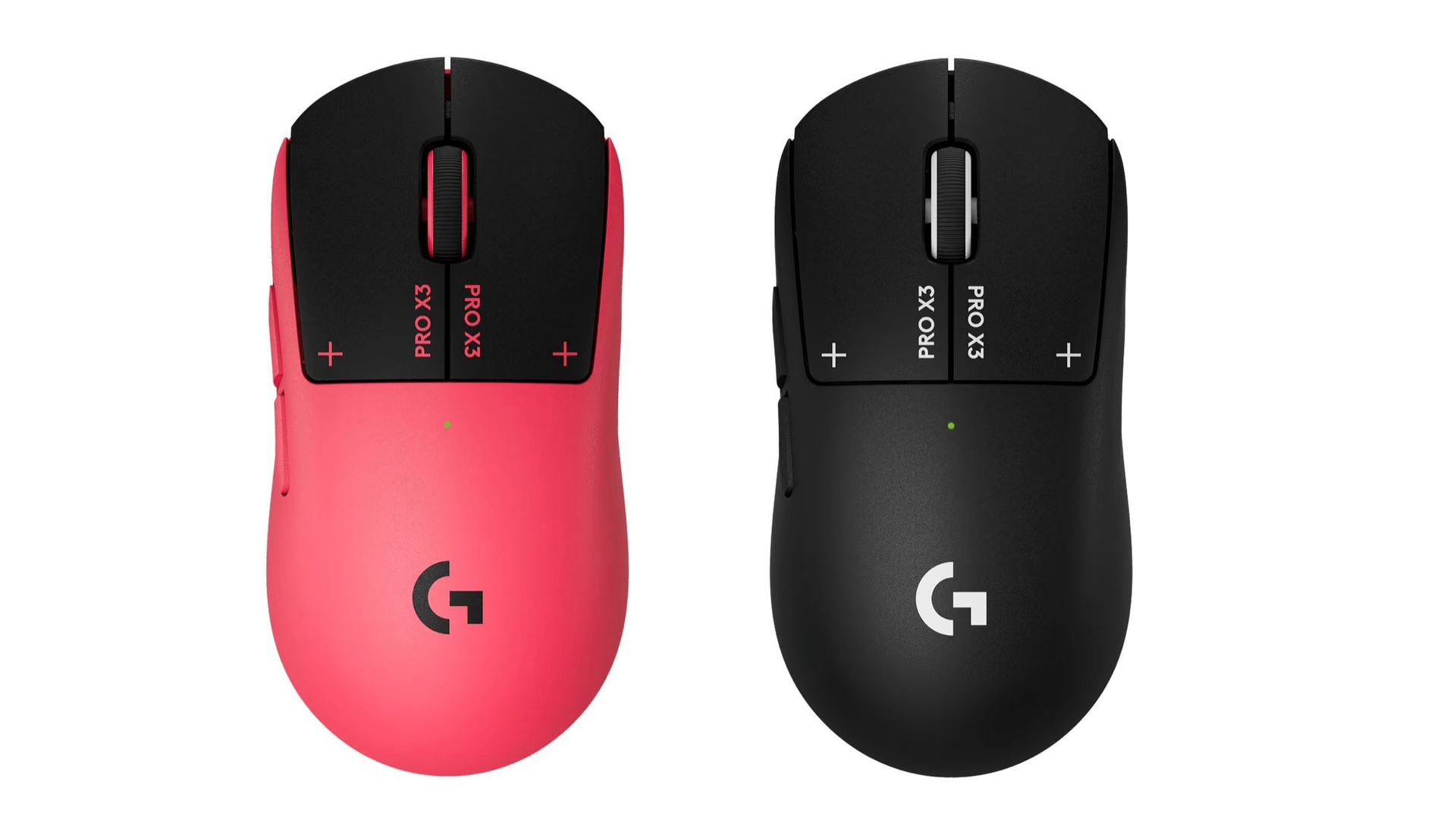
It comes in Midnight Black and magenta; the black-and-white two-tone color scheme remains exclusive to the X2.
The box includes optional grip tape, a cloth to clean the surface before applying it, the receiver, and a USB-C cable. The receiver is stored in a recess inside the mouse itself, under the cover for the POWERPLAY opening, Logitech’s wireless charging base sold separately.
Battery life: claimed and measured
Logitech claims up to 135 hours per charge, 45 more than the X2’s 90 hours: a 50% increase. Club386 clarifies that this figure applies to ideal conditions with vibration turned off, and Logitech’s installation guide confirms it in its own way: the stronger the vibration, the shorter the battery life.
In Club386’s test, with 8 hours of daily use at 1,600 DPI, 4,000 Hz wireless polling, vibration and Rapid Trigger at level 3, and actuation at 5, the X3 retained 92% charge after 8 hours and the X2 retained 90%. That projects to about 100 hours versus about 80: a real improvement of roughly 25%, half of what is claimed.
How it compares with the X2 and the competition
Compared with the X2, the X3 changes the chip, the balance, and the sensor numbers, while keeping everything else.
Club386 also measured click latency with OSLTT, using 100 clicks per mouse, with actuation and Rapid Trigger at level 3 and vibration at 5. These are the averages for four wireless mice:
At 1 kHz, the X3 averages less than half the latency of the X2, and its min-to-max spread, 0.18 ms, is the smallest Club386 measured. At 8 kHz, the two HITS mice are tied below 0.02 ms and pull ahead of the others. There is no direct rival: according to ProSettings, no other manufacturer offers a true equivalent to HITS.
What honest reviews point out
- The measured latency does not capture HITS’ early actuation. Club386’s test measures from the sound to click registration and does not reflect the early actuation that Logitech’s "up to 30 ms" claim comes from. In real-world use, that same review did not notice a response difference between the X2 and X3, and Lagtrial, which gave it 8.4 out of 10, described the latency advantage as real but minimal.
- It has no DPI button. Sensitivity is changed only from G Hub, and Club386 lists this as its main criticism.
- Side buttons, wheel, and skates. ProSettings found the side buttons and wheel click soft-feeling, and the PTFE skates rough. Club386 adds that those skates wear quickly on hard surfaces.
- The simulated click is not for everyone. Lagtrial notes that some players reject a press generated by a haptic motor.
Conclusion by user profile
If you do not own the X2 and play competitive shooters, the PRO X3 SUPERSTRIKE is the best version of a type of mouse that, according to ProSettings, has no direct equivalent: better balance, longer battery life, and the lowest 1 kHz click latency Club386 has measured. If you already have the X2, keep it: the change is balance and battery life, and paying the difference is not justified unless the weight distribution bothers you. And if the simulated click feels uncomfortable, if you need a DPI button, or if your hand is very large or very small, a mouse with a mechanical switch will serve you better.
Frequently asked questions
Is it worth replacing the X2 with the PRO X3 SUPERSTRIKE?
Almost never. The HITS clicks, shape, and sensor are the same, and the real battery-life improvement measured by Club386 is around 25%. The only thing you feel is the weight balance, and that only matters if the X2’s distribution bothered you. If you still do not own either model, the X3 costs US$20 more and adds better balance and battery life.
What hand type and grip is the PRO X3 SUPERSTRIKE ideal for?
For claw grip and hands that are neither very large nor very small. The shape is symmetrical, flat, and has a soft rear hump, and ProSettings, which tested it with claw grip, says most people find it comfortable except at extreme hand sizes. Lagtrial adds that the medium profile does not work well for palm grip, and ProSettings clarifies that it does not offer the tailored fit of an ergonomic shape.
Does it have a DPI button?
No. Sensitivity is changed from G Hub, which stores 5 DPI profiles in the mouse’s memory, and among the button assignments there is a DPI-shift function similar to the G502’s, according to Club386.
PRO X3 SUPERSTRIKE
Symmetrical wireless mouse with HITS haptic click, HERO 2 sensor, and up to 135 hours of claimed battery life.
Pros
- 0.12 ms click latency at 1 kHz, the lowest Club386 measured.
- Adjustable actuation, Rapid Trigger, and vibration from G Hub.
- Better weight balance than the X2, at 59 g (61 g in Europe).
- About 100 hours of projected battery life in Club386’s test.
Cons
- No DPI button: sensitivity is changed from G Hub.
- The click is a simulated vibration, without the feel of a mechanical switch.
- Soft-feeling side buttons and wheel, according to ProSettings.
- Rough PTFE skates that wear quickly on hard surfaces.
- The real battery-life improvement is around 25%, not the claimed 50%.
Author
Alexis PaezAnalysis based on the manufacturer's official specifications. The author did not physically test the product.
Comments
Share article
You might also like

Best gaming mice 2022
We analyze the best gaming mice of the year. Logitech, Razer, Steelseries, and Corsair. A guide to understanding DPI, sensors, and ergonomics.

Corsair Skiff 100 and Harpoon v2: the dial gets cheaper and the mouse arrives with a measured 12 ms latency
Corsair launched the Skiff 100 and Skiff 100 Plus keyboards with a control dial and the Harpoon v2 Wireless mouse. Prices, specs, and the latency figure nobody is showing.