Steam Frame: Valve's headset costs US$1,059 and runs your Steam library without a PC
Index
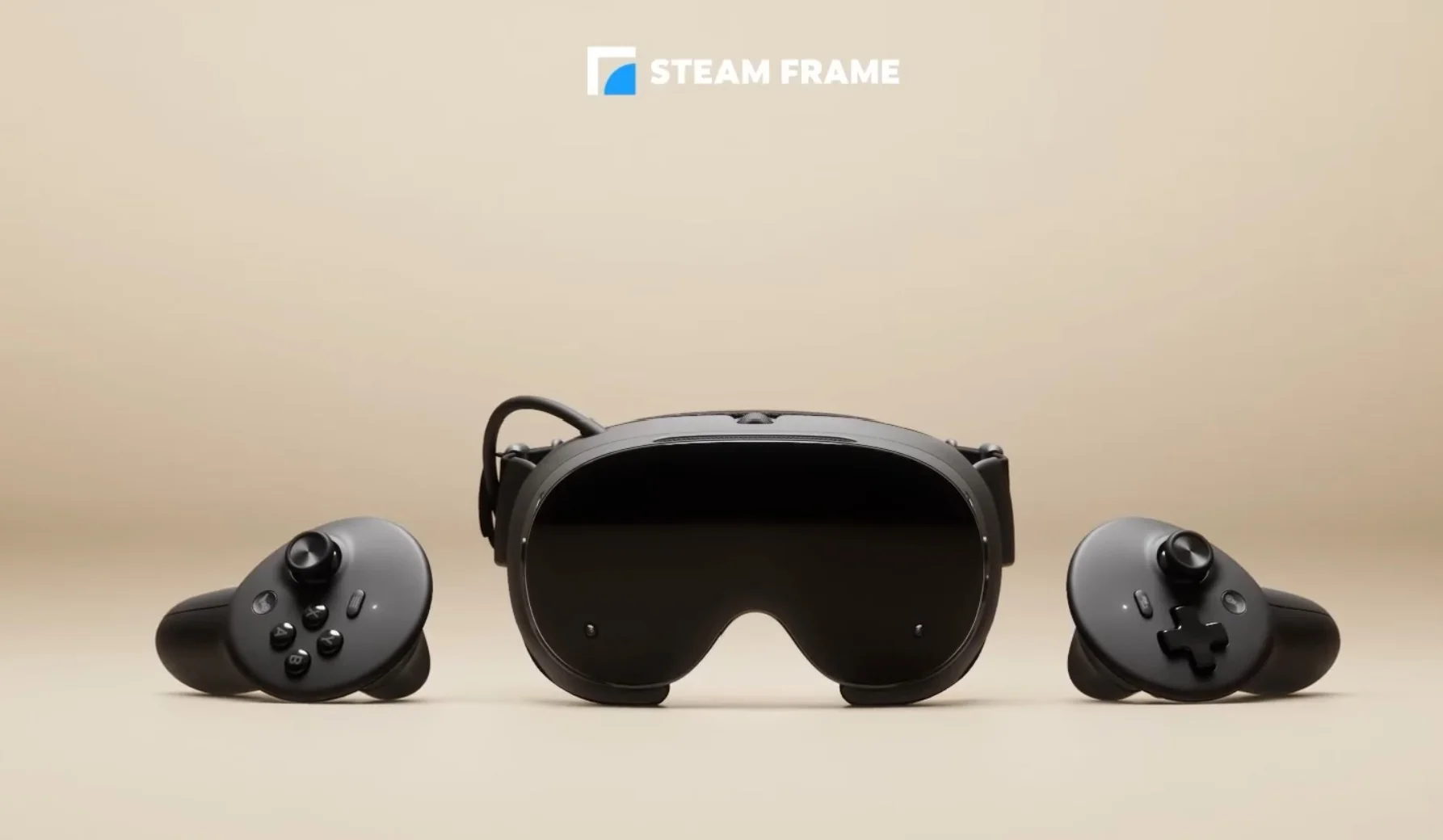
The Steam Frame is the headset Valve is using to replace the Index: a computer running SteamOS that plays games on its own and, with a nearby PC, receives them wirelessly via streaming. It costs US$1,059 with 256 GB and US$1,299 with 1 TB, and early reviews agree on what it does well and why that price is a sticking point.
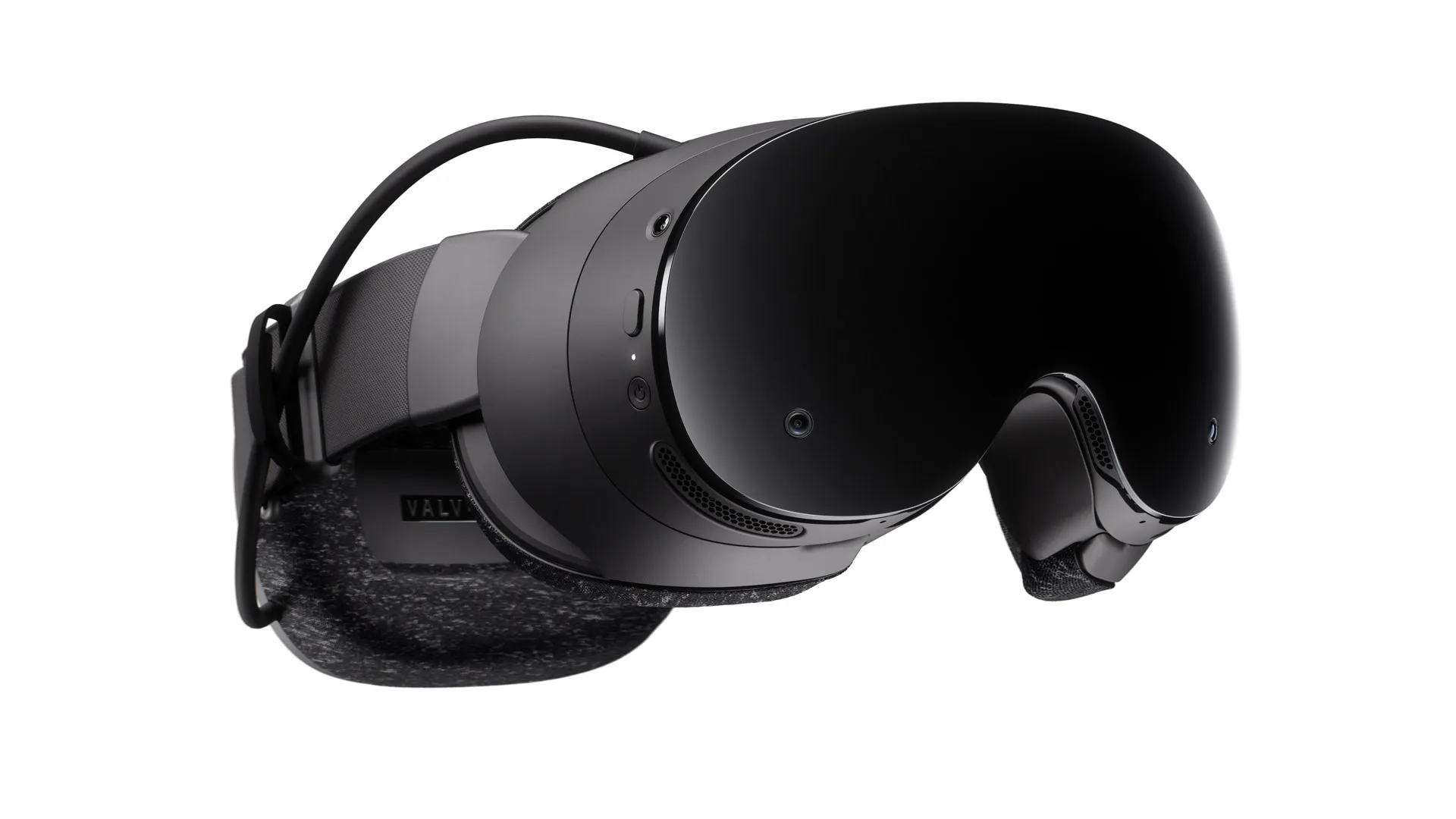
It is the most comfortable and best-integrated headset for playing your Steam library, but at this price it only makes sense if you already have a PC that can take full advantage of streaming.
What the Steam Frame is and where it fits
Valve introduced it in November 2025 alongside the Steam Machine and the new Steam Controller, and discontinued the Index. It runs SteamOS, the Steam Deck's operating system, and works for both virtual reality and flat games on a virtual screen.
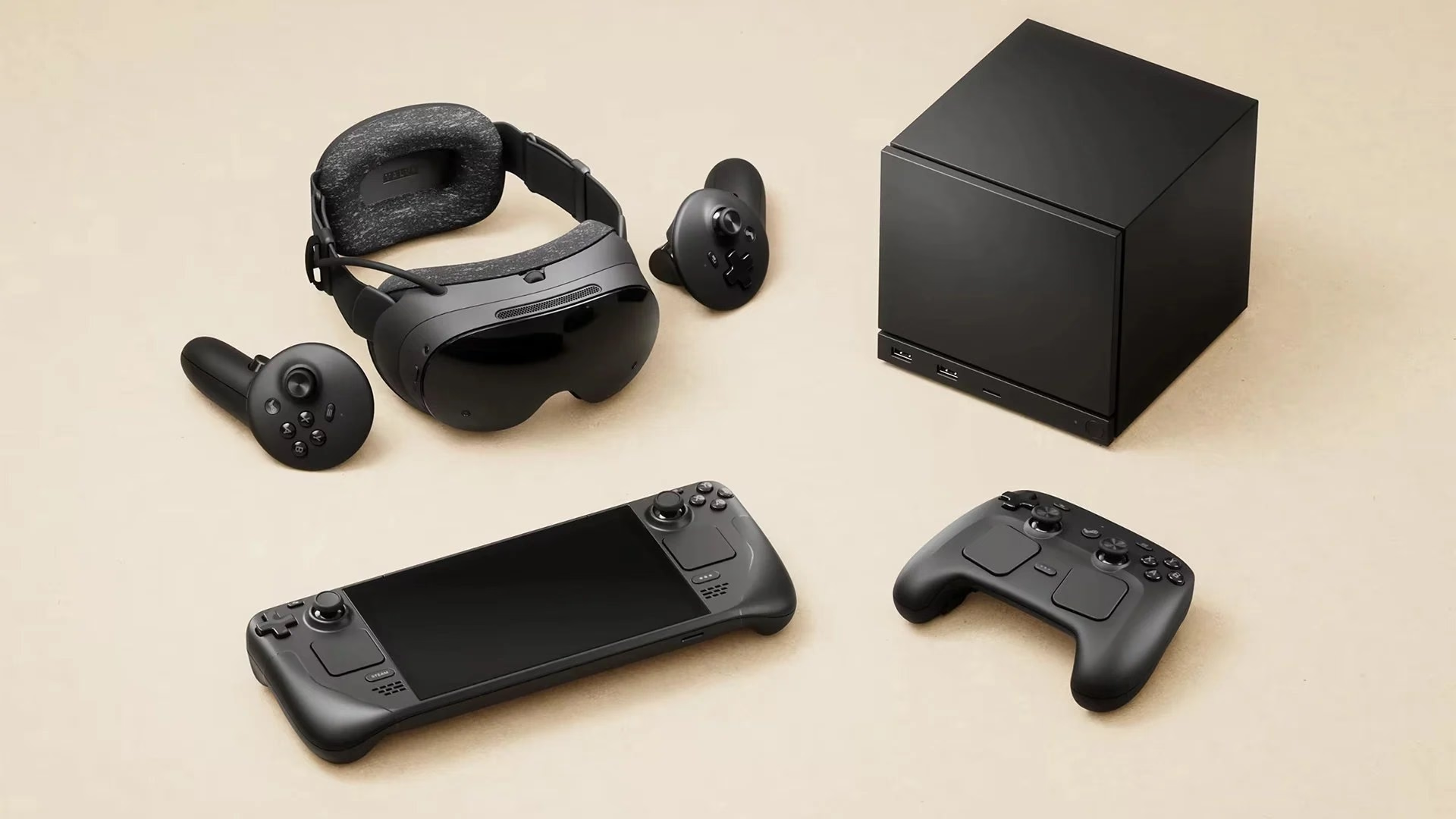
Valve had aimed for it to cost less than the full Index kit, at US$999. It did not get there: according to PC Gamer, Valve engineer Jeremy Selan attributed the gap to the memory crisis, the same one that led Meta to raise the 512 GB Quest 3 to US$600.
Against the Quest 3, the Frame does not compete on price but on platform: it does not require a Meta account, opens your Steam library from the start, and includes a Half-Life: Alyx code in the box.

Key Steam Frame specs
Inside, it has a Snapdragon 8 Gen 3, 16 GB of RAM, two 2,160 x 2,160-per-eye LCDs running from 72 to 144 Hz, and a 21.6 Wh battery in the rear.
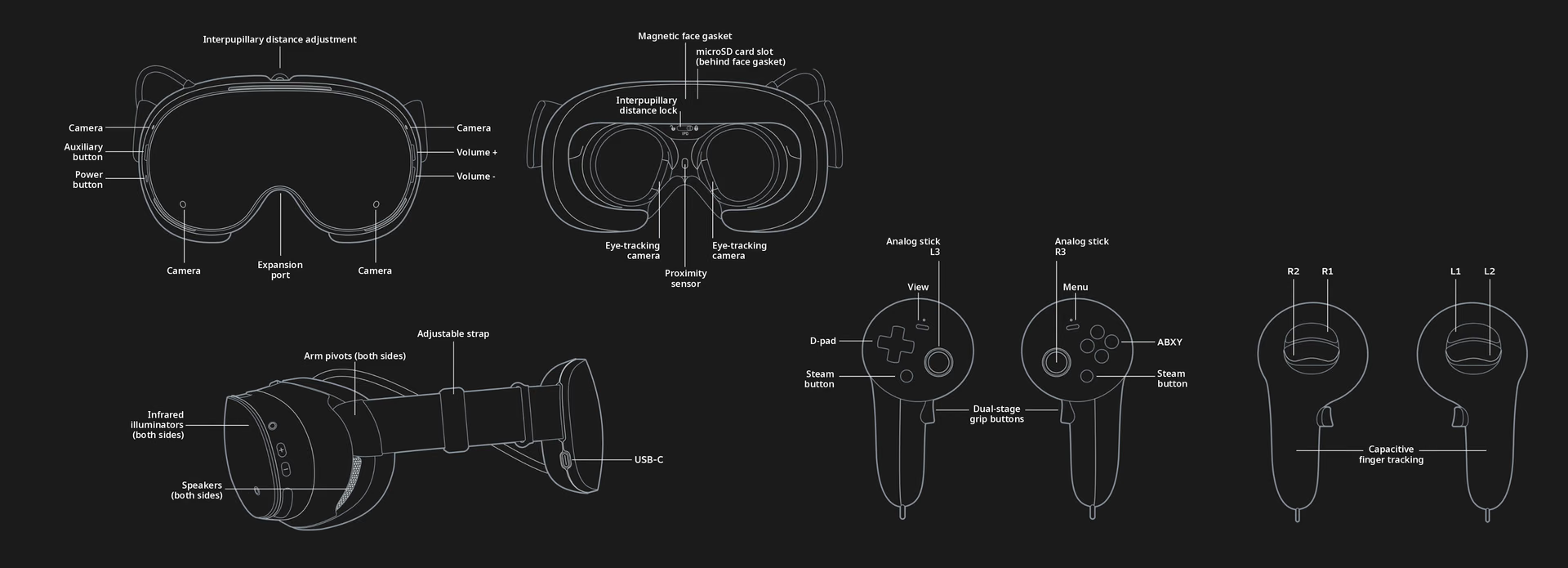
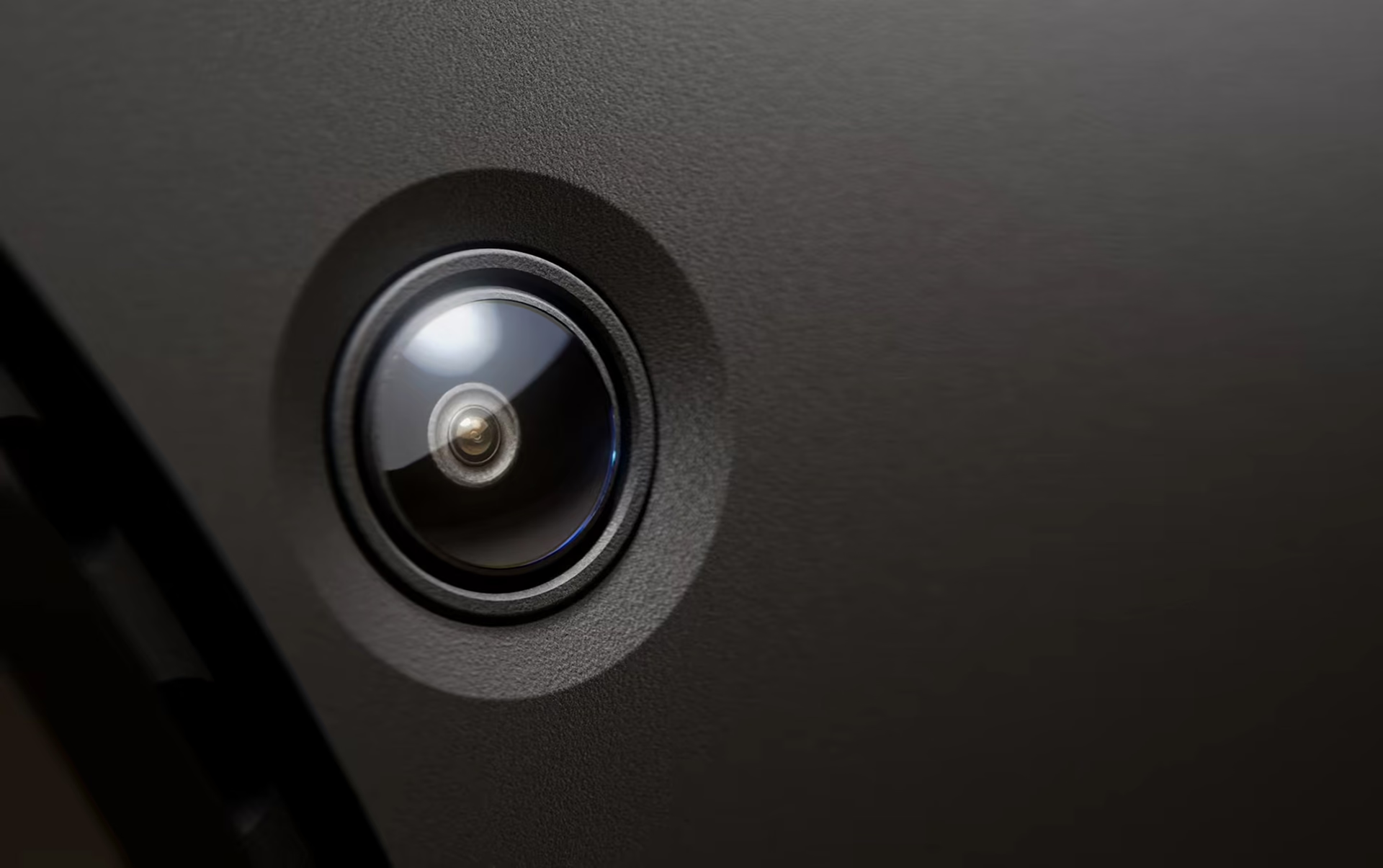
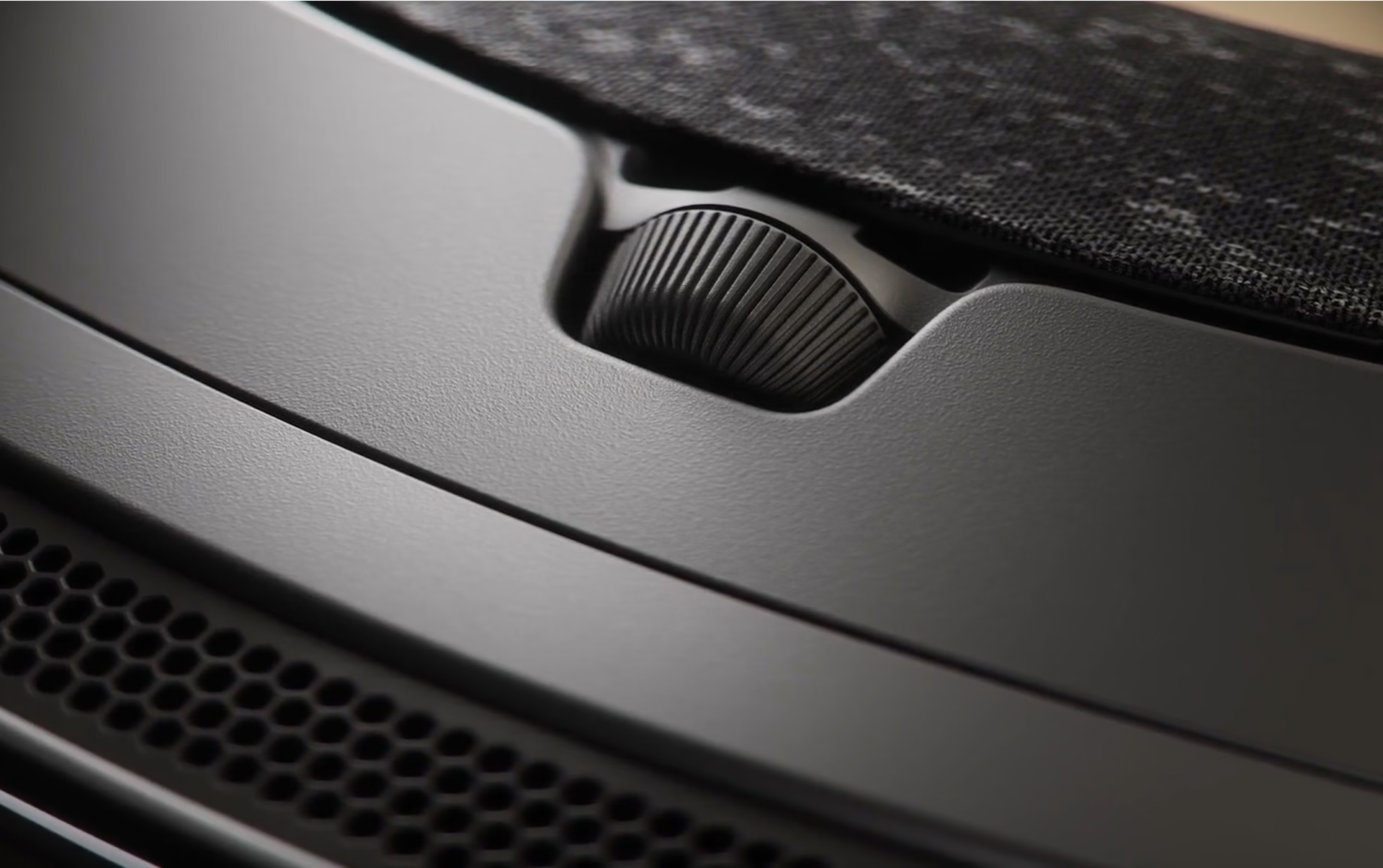
Valve's diagram places each component: the interpupillary distance wheel on top, the expansion port on the front, the microSD slot behind the facial interface, and USB-C on the rear battery.
Display, pancake lenses, and sound
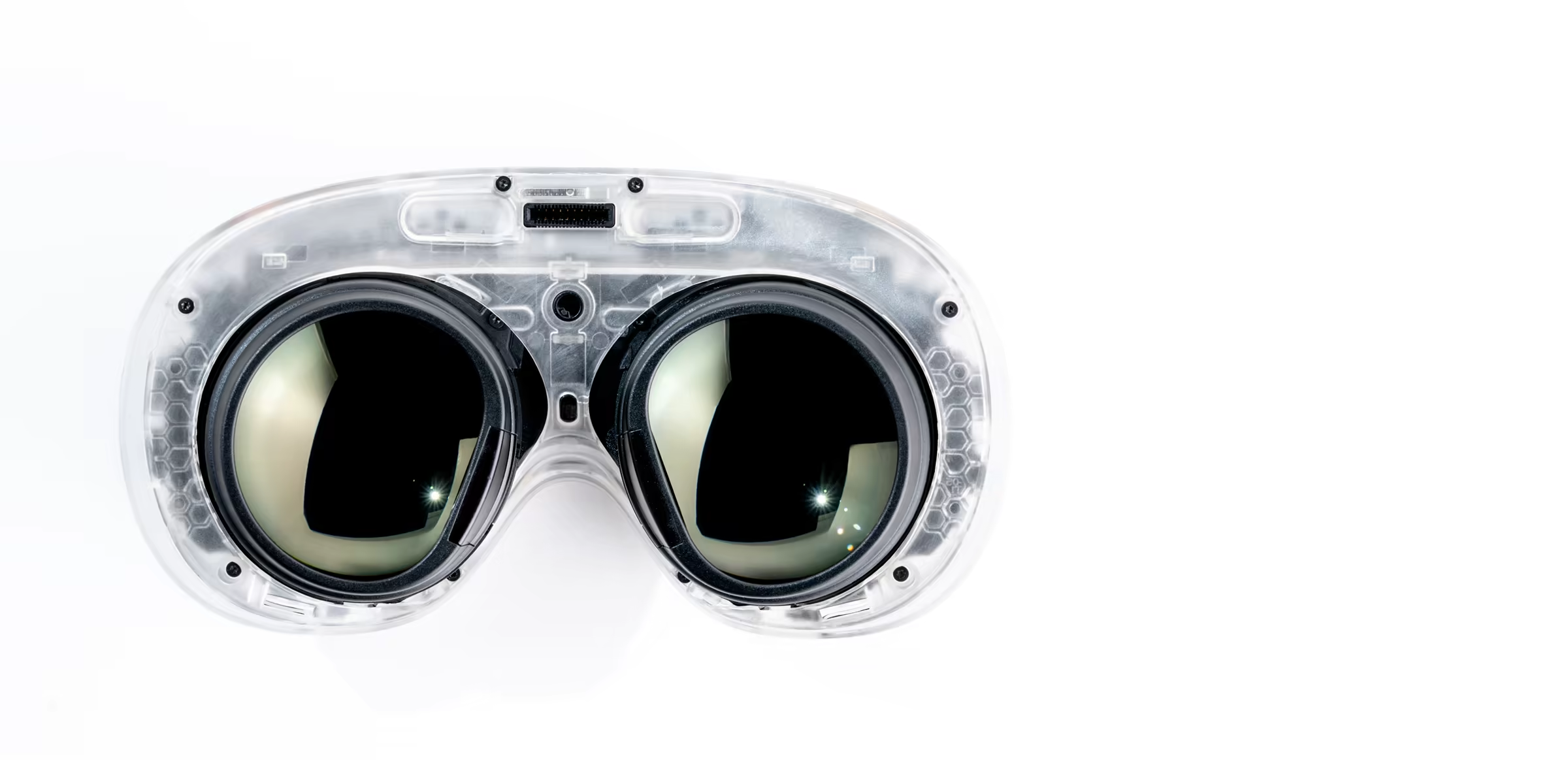
The displays are LCD, not micro-OLED, and that is the limitation: PC Gamer saw jagged edges on straight lines, and Engadget found it considerably less sharp than a micro-OLED headset. Eye tracking helps with streaming, because it tells the PC where you are looking so it can send higher resolution to that area.
Audio comes from two drivers per ear, with no 3.5 mm output, and reviews do not fully agree: Club386 described it as punchy, while Engadget called the bass weak.

Does the Steam Frame work without a PC?
Yes. The Steam Frame is a standalone headset: it runs SteamOS on its own Snapdragon 8 Gen 3 and plays Steam games without a PC, both VR titles and flat games displayed on a virtual screen. What it does not guarantee is that everything will run well, which is why Valve created the Steam Frame Verified label.
Valve published the requirements in its GDC 2026 hardware presentation: 90 fps in virtual reality and 30 fps at 1,280 x 720 in flat games.
Results vary: PC Gamer ran Half-Life: Alyx smoothly, but Marvel's Spider-Man would not launch, and in Kotaku's tests Beat Saber crashed several times.
With a PC, a Wi-Fi 6E adapter creates a direct 6 GHz link and no certification is needed: according to Valve, if the game runs well on your PC, it runs well on the Frame. Neither PC Gamer nor Kotaku saw quality drops or lag.
Flat games appear on a huge virtual screen with a standard controller in hand, the same idea as XR glasses with a floating display, but with virtual reality and its own computer built in.
Tracking and black-and-white passthrough
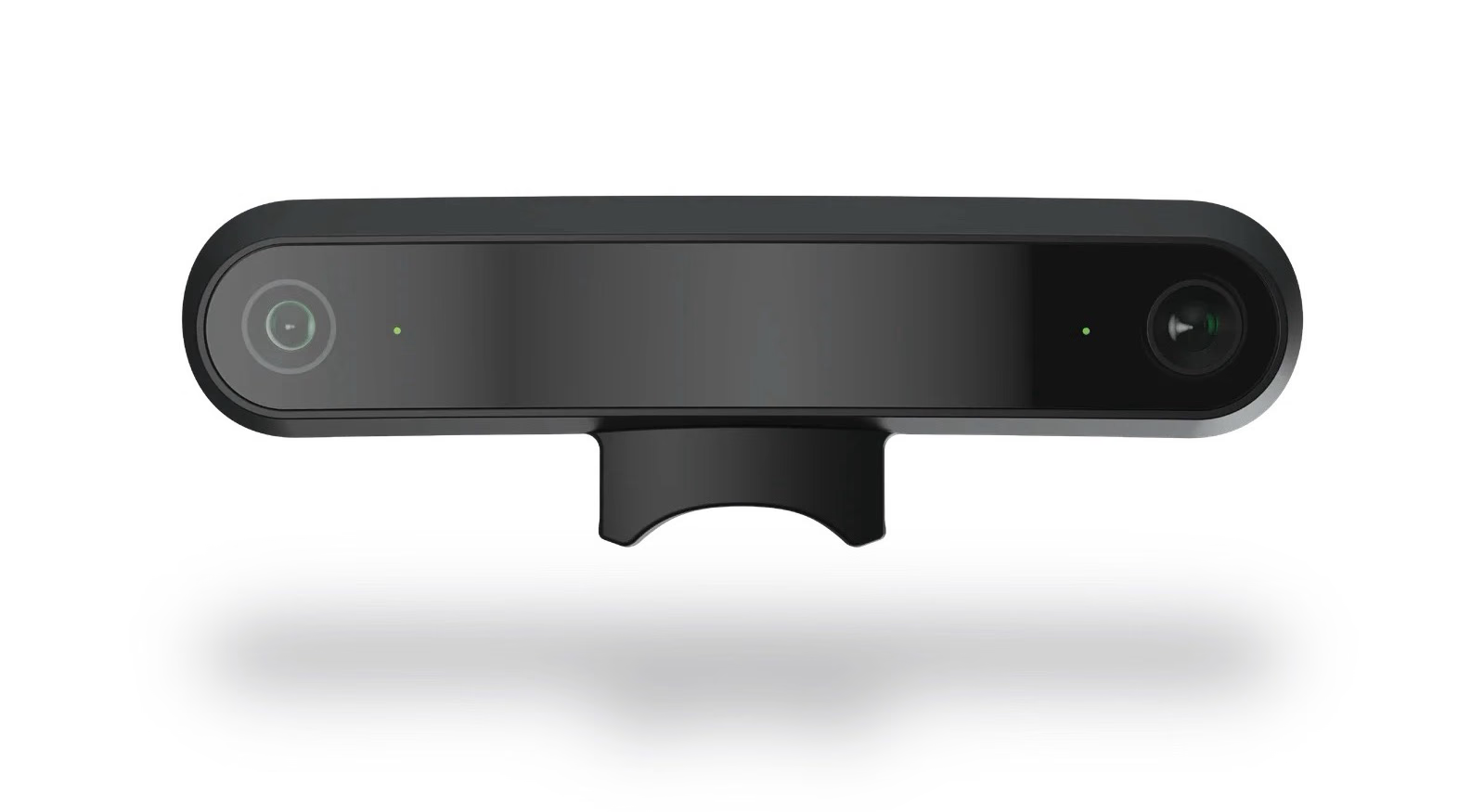
Tracking uses four monochrome cameras with infrared illuminators, with no external base stations, and PC Gamer did not report controller drift. Those cameras also provide passthrough, in black and white and at low resolution: good enough to avoid bumping into furniture, not to read your phone.
Color comes as an accessory: Arcturus Vision, from the company that developed the Frame's tracking, adds 5K HDR color passthrough and spatial video. Valve lists it as compatible, and Road to VR reported a price of around US$150.
Design and comfort
Valve lists 440 grams with strap and battery, and PC Gamer weighed its unit at 403. The battery sits at the back and balances the weight of the lenses, and Engadget, Kotaku, and PC Gamer agree that it is very comfortable in long sessions.
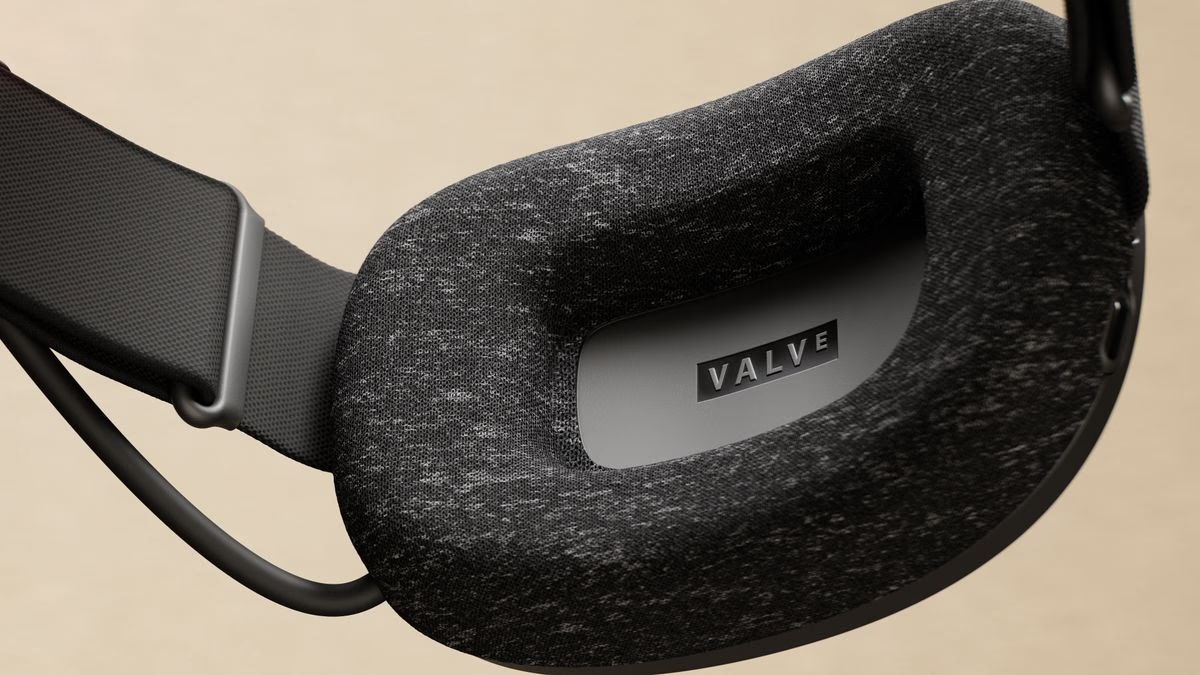
On the outside, the cameras sit in the front corners and the interpupillary distance wheel is on top. Criticism focuses on the materials: Kotaku described plastic that picks up fingerprints and magnetic pieces that creak.
Steam Frame controllers
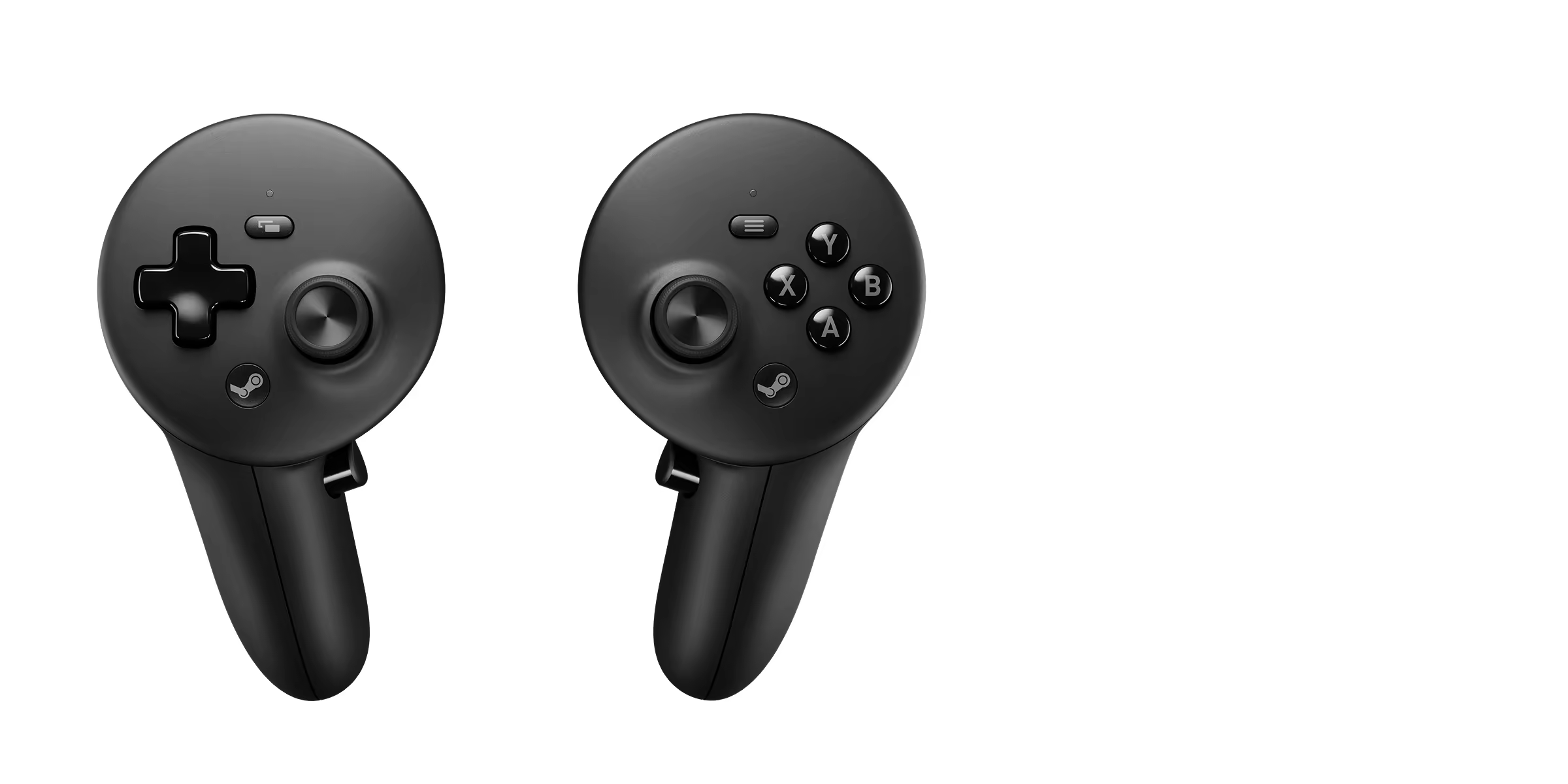
The controllers move away from the Index controller design and adopt a gamepad-like layout: D-pad on the left, ABXY on the right, two top buttons on each side, and capacitive detection to know which fingers are resting on them. Hand straps are sold separately.
Steam Frame repairability and modularity
The sticks use TMR (tunnel magnetoresistance) technology. Drift, the most common joystick failure, comes from wear on the resistive track in potentiometers: every movement rubs the contact until the reading shifts. A TMR sensor reads a magnetic field without contact, so it does not have that wear-prone part.
Each controller runs on one AA battery rated for around 40 hours. It is less convenient than a rechargeable battery, but it removes the first part to age in a wireless controller: an internal cell that loses capacity over charge cycles and forces you to open the device to replace it.
On the headset, the strap with the battery is removable and the facial interface attaches with magnets. Valve promised to share CAD files so third parties can make facial interfaces and straps, and the front has an expansion port with PCIe and two camera interfaces.
The teardown photos Valve submitted to the FCC show the controller built with several small screwed-in boards, instead of the large board in the Index controller, which in some repairs required soldering.
How it compares with the competition
The table compares the Frame with the benchmark standalone headset and one of the lightest PC headsets.
The Quest 3 costs much less and has color passthrough; the Beyond 2e wins on image quality, but it is wired and requires external base stations.
Price, preorders, and what comes in the box
US$1,059 with 256 GB and US$1,299 with 1 TB. Preorders run from September 14 to 17, 2026, and Valve will send purchase emails starting on the 18th, in random order.
The box includes the headset, the controllers with their batteries, the Wi-Fi 6E adapter, and a Half-Life: Alyx code. The power adapter is sold separately for US$29, although any 45 W or higher USB-C charger works, including the Steam Deck charger. The ergonomic kit, with hand straps, costs US$59.
What honest reviews point out
Scores range from 6.5 out of 10 at Engadget to 80 out of 100 at PC Gamer and 4 out of 5 at Club386. The recurring points are:
- Battery: PC Gamer measured 63 minutes with Half-Life: Alyx running on the headset and 114 minutes via streaming.
- Stability: Kotaku needed three restarts to connect to Wi-Fi and experienced blackouts.
- Catalog: Engadget and PC Gamer note that there are few new VR releases on Steam.
Conclusion: who the Steam Frame is for
If you have a gaming PC and play wired VR, the Frame is the best way to cut the cable: streaming is the product's strongest achievement.
If you plan to use it without a PC, expect around one hour of battery life in demanding games and check the Verified label before buying.
The Frame is the best-thought-out headset Valve has made and the easiest to maintain, but its price makes it a product for people who have already invested in a PC.
Frequently asked questions
Does the Steam Frame work if I wear glasses?
Yes, with caveats. It comes with a magnetic spacer to make room for the frames, but Engadget reported uncomfortable pressure while wearing glasses. The alternative is prescription lenses: Valve lists Zenni's inserts as a compatible accessory.
Is the Steam Frame sold in LATAM?
Not officially. Valve sells it directly in the United States, Canada, the United Kingdom, the European Union, and Australia, and no Latin American country is among those markets. Importing it is the only option.
Can the Steam Frame storage be expanded?
Yes, with a microSD card: the slot sits behind the magnetic face gasket. The internal UFS storage is built in and can't be replaced, so the choice between 256 GB and 1 TB is permanent, apart from the card.
Steam Frame
Standalone virtual reality headset from Valve with SteamOS, eye tracking, and wireless streaming from a PC, starting at US$1,059.
Pros
- Stable wireless streaming, with a dedicated adapter and gaze-based foveated resolution.
- Light and balanced: 440 g with the battery at the back.
- Runs Steam games without a PC, including flat games.
- TMR sticks, AA batteries, and an easy-to-replace magnetic facial interface.
- 16 GB of RAM and a microSD slot for storage expansion.
Cons
- Costs almost twice as much as a 512 GB Quest 3.
- Passthrough is black and white; color requires a separate accessory.
- LCD displays with sharpness comparable to the Quest 3.
- Battery life is around one hour in demanding games running on the headset.
- Hand straps and the power adapter are sold separately.
Author
Alexis PaezAnalysis based on the manufacturer's official specifications. The author did not physically test the product.
Comments
Share article
You might also like
Meta VR Glasses: 100 grams, 5K display, and a puck to take weight off your face
Meta VR Glasses weigh 100 grams, use 5K micro-OLED displays, and move the battery and compute to a puck. Price, date, and trade-offs.

VITURE Pro 2: 63 grams, US$299, and the dial the competition doesn’t have
The VITURE Pro 2 weigh 63 grams and cost US$299, but what separates them from their rivals isn’t the weight: it’s the built-in myopia dials.

The New Era of Handheld Gaming: ROG Ally, Steam Deck, and Switch 2
Handheld gaming is having its best moment yet. We analyze and compare the three queens of the market: ASUS ROG Ally, Steam Deck, and the new Nintendo Switch 2.