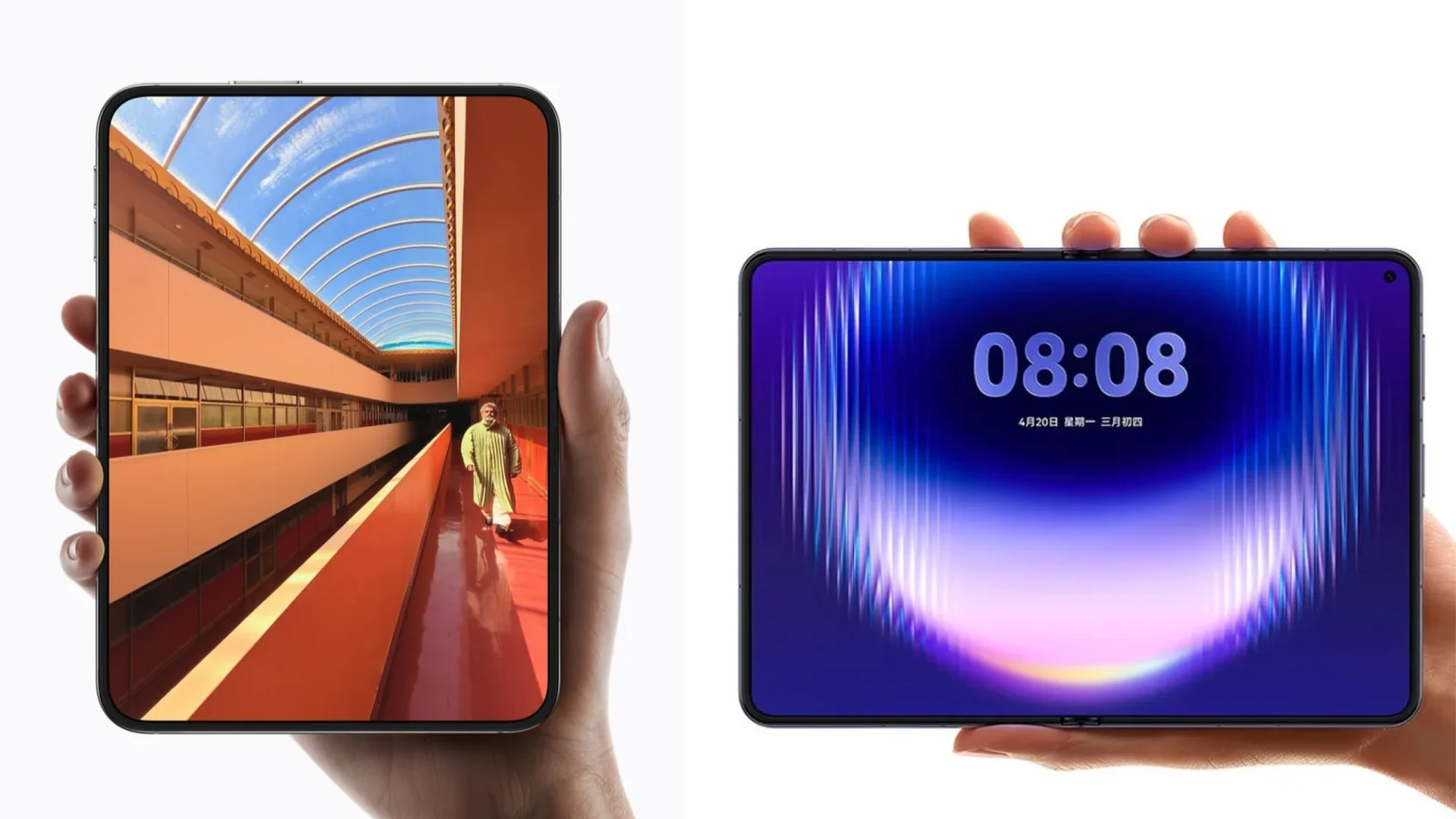
MacBook Pro with an OLED touchscreen and Dynamic Island: what changes
Index
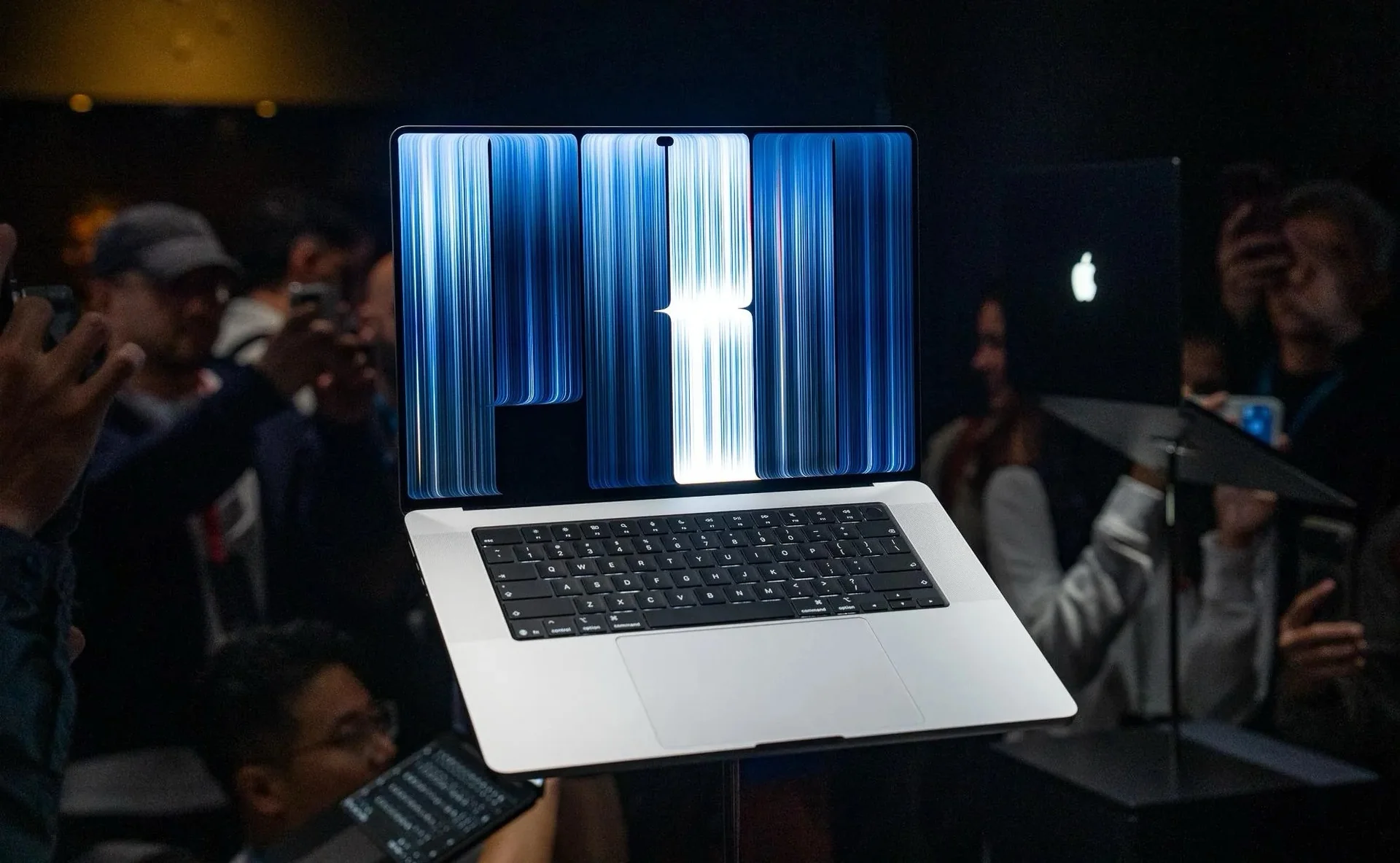
Apple introduced the MacBook Pro with an OLED touchscreen and Dynamic Island on October 28, 2026. The redesign changes the display and the way users interact with macOS while retaining the M5 Pro and M5 Max chips. For anyone with a recent machine, the question is how much those improvements are worth when processing power comes from the same chip generation.
Its official name is MacBook Pro with PROLED XDR Display. Apple's announcement confirms 14-inch and 16-inch models, with preorders opening October 28 and availability beginning November 6.
What changes in the MacBook Pro with an OLED touchscreen
The redesign sits alongside MacBook Pro models with Liquid Retina XDR displays. The MacBook Pro with M6 introduced on October 27 follows a different path, updating the processor in the entry model. PROLED XDR distinguishes the display experience of the professional configurations.
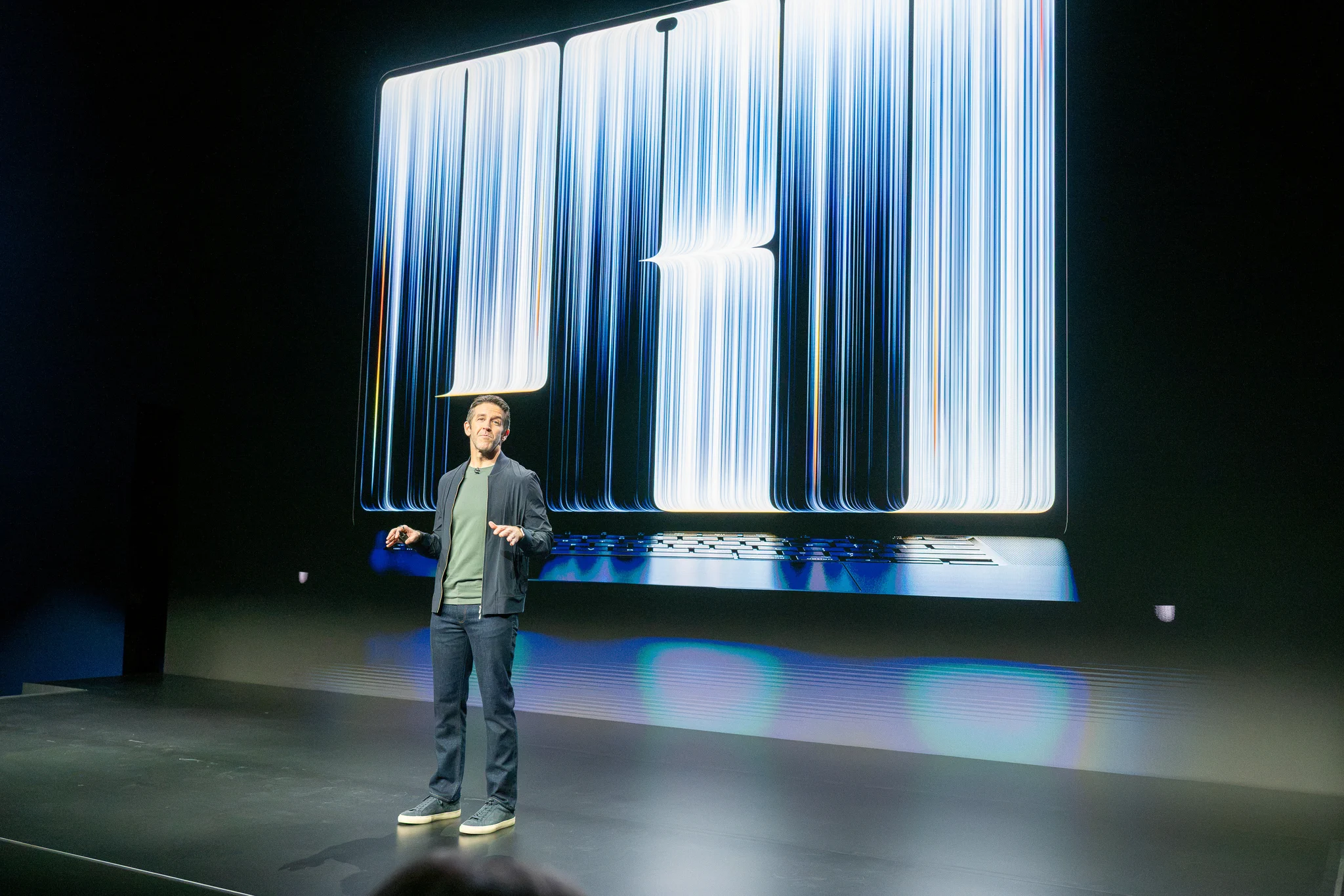
Our May coverage of the rumored MacBook Ultra discussed tandem OLED, Touch, Dynamic Island, and a more stable hinge. Those elements materialized. The Ultra name, M6 Pro and M6 Max chips, and expected schedule did not describe the final launch.
Tandem OLED: what improves over mini-LED
PROLED XDR combines two self-emitting pixel layers. Each pixel can switch off independently, preventing a backlight zone from also lighting the black area around a bright detail. That difference matters when reviewing titles against dark backgrounds or small lights in a night scene.
The 2,000-nit figure is a peak, for HDR and for SDR outdoors; maximum sustained full-screen brightness is 1,000 nits. That distinction prevents the largest number from being read as the constant brightness of every application. ProMotion adjusts the refresh rate between 10Hz and 120Hz.
Optional nano-texture glass reduces reflections. The decision should follow the lighting in the workspace; it is separate from needing more brightness or working in HDR.
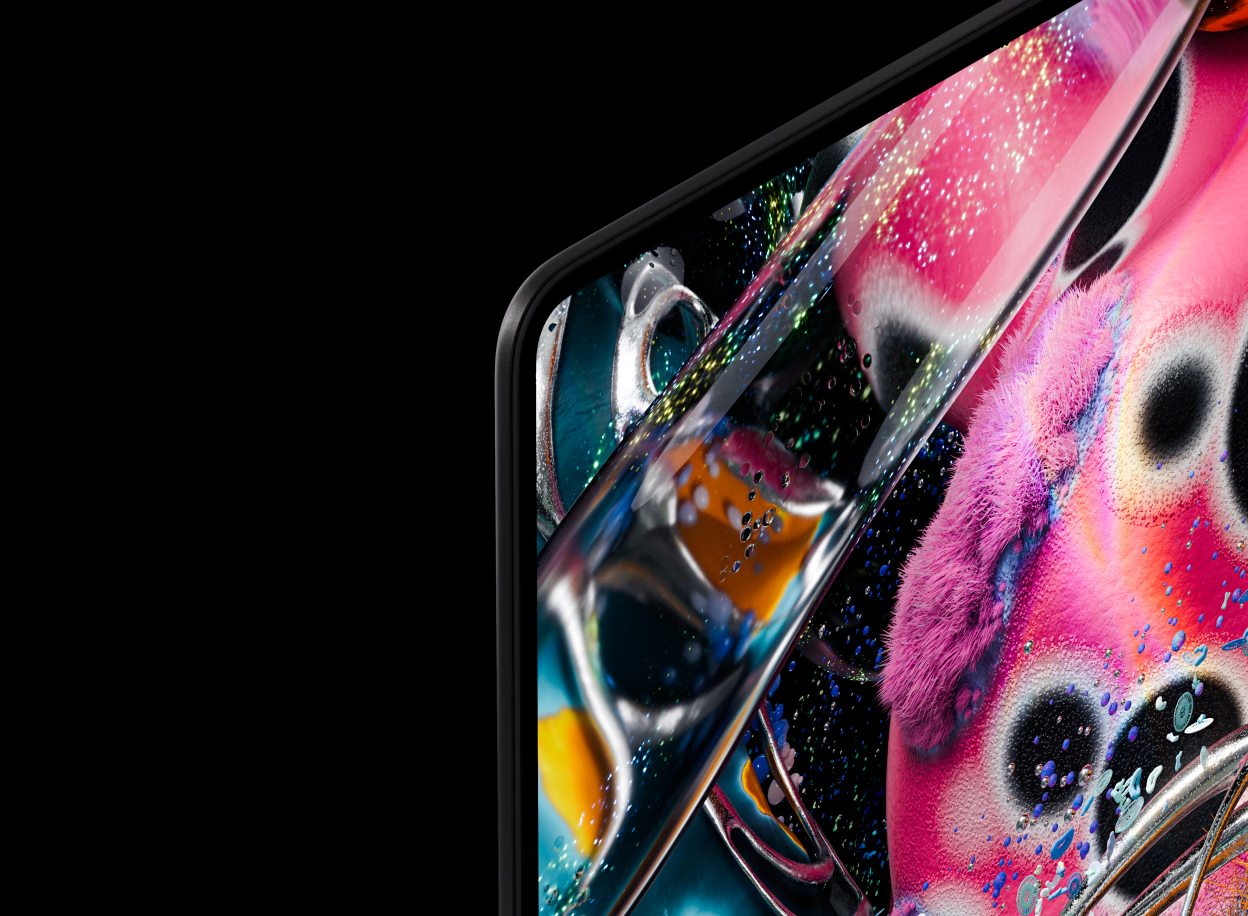
The PROLED XDR Display Technical Paper explains its combined P3 and Adobe RGB coverage. For photography and print, the expanded greens and cyans matter more than simply making an image look more saturated. Displaying more colors does not fix a poorly managed file: profiles, applications, and output remain part of the workflow.
Apple Pro Display Calibrator allows calibration to specific targets. Apple Color Matching Function 2026, called Apple CMF 2026 in the technical paper, aims to improve visual matching across display technologies. Genlock synchronizes the panel with a camera through compatible third-party hardware and software. These are practical production tools that need a workflow able to use them.
Touch: where it could be useful
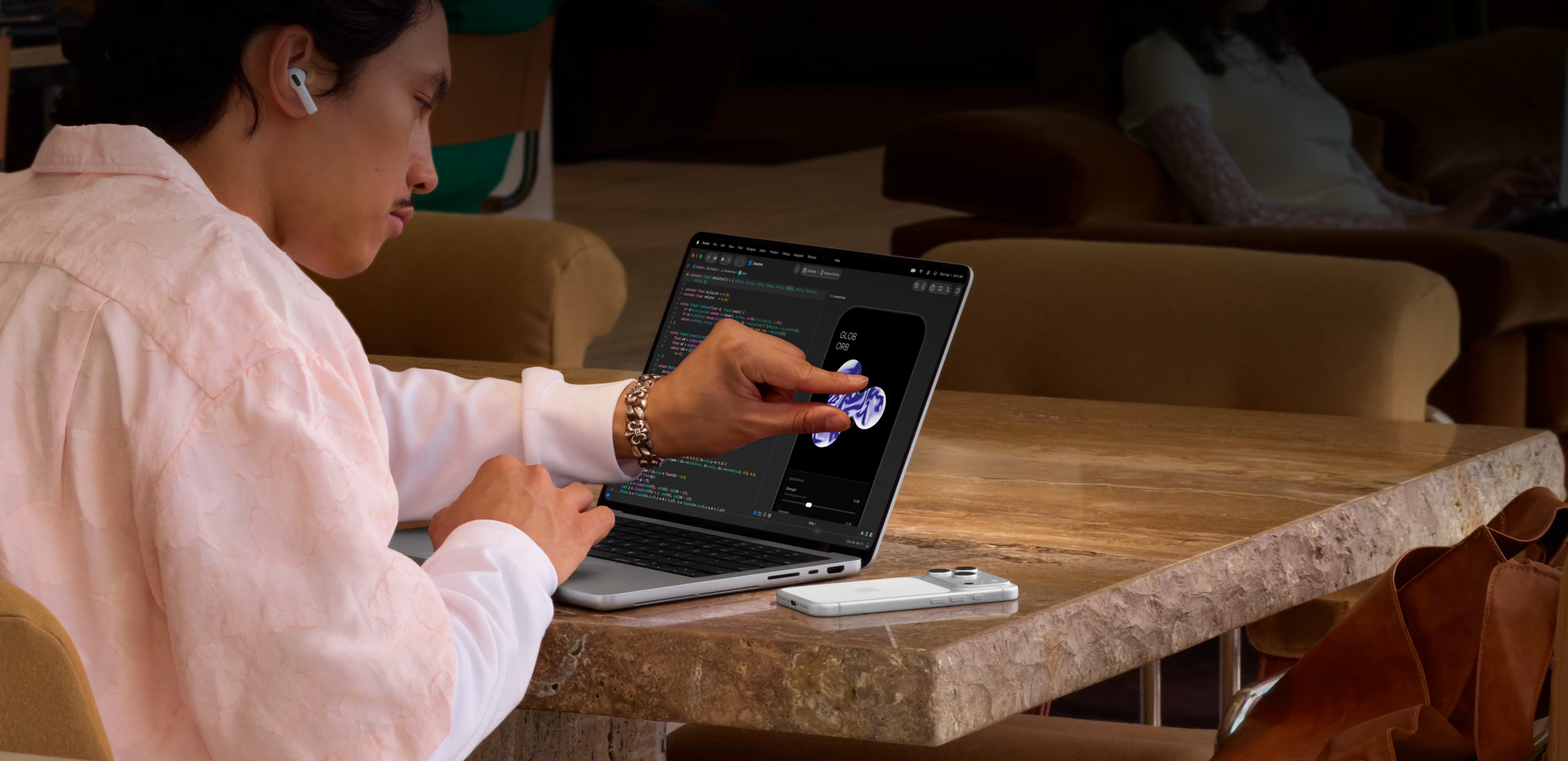
The Touch sensor is built into the panel. Multi-Touch gestures allow users to scroll, zoom, and manipulate content directly. Apple describes marking ranges and positioning clips in Final Cut Pro, playing instruments and pads in Logic Pro, and working directly on the canvas in Pixelmator Pro.
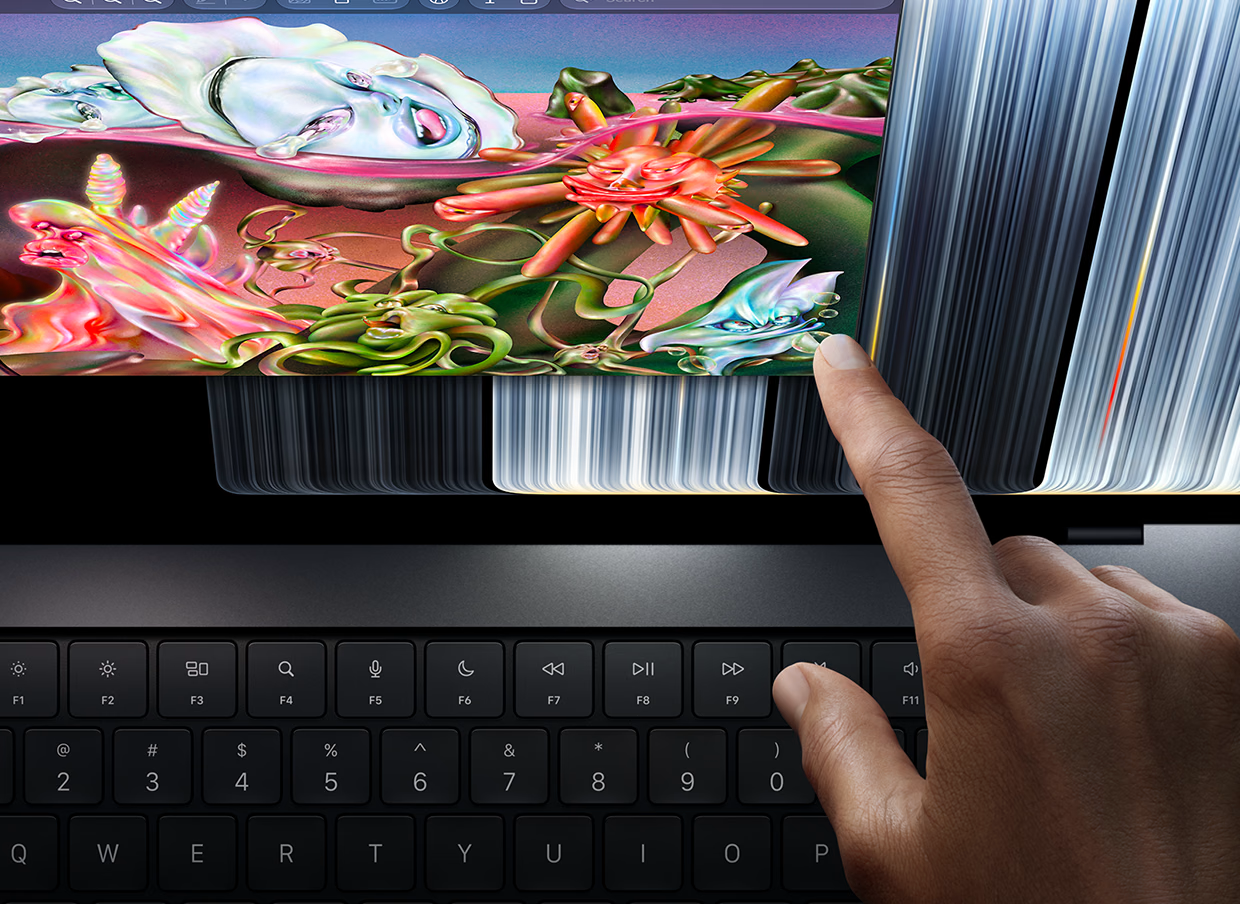
For occasional actions, reaching toward the content could save a trip across the trackpad. For hours of typing or editing, usefulness will depend on how each application combines gestures, shortcuts, and controls. The measure is whether it reduces steps in a familiar task.
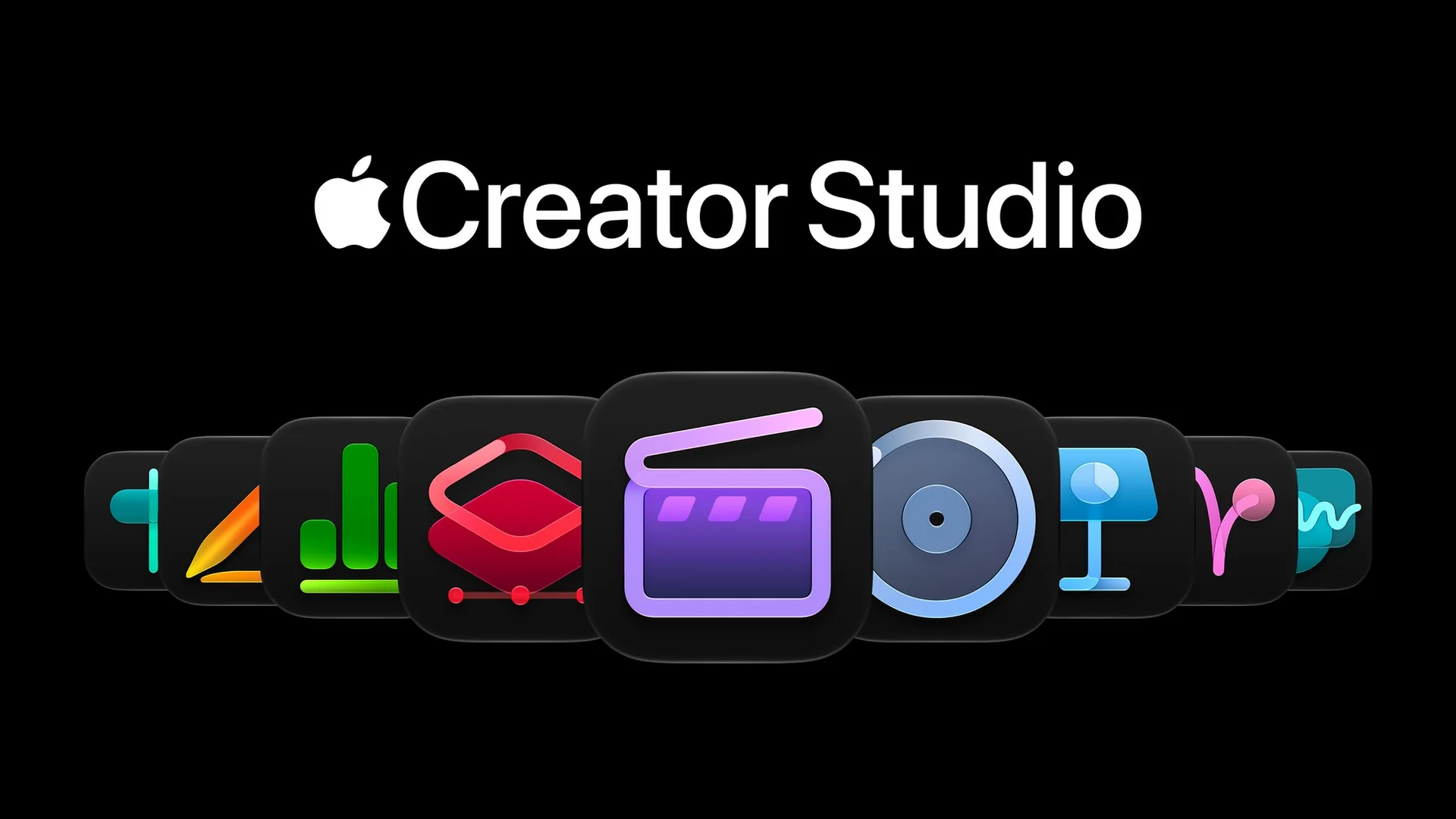
macOS translates touches into clicks for many existing applications, which is different from providing an interface designed for Touch. Apple schedules the Touch-enabled versions of the third-party apps listed in its announcement for later in 2026. The Apple Creator Studio updates arrive in November.
Dynamic Island: what it does on a Mac
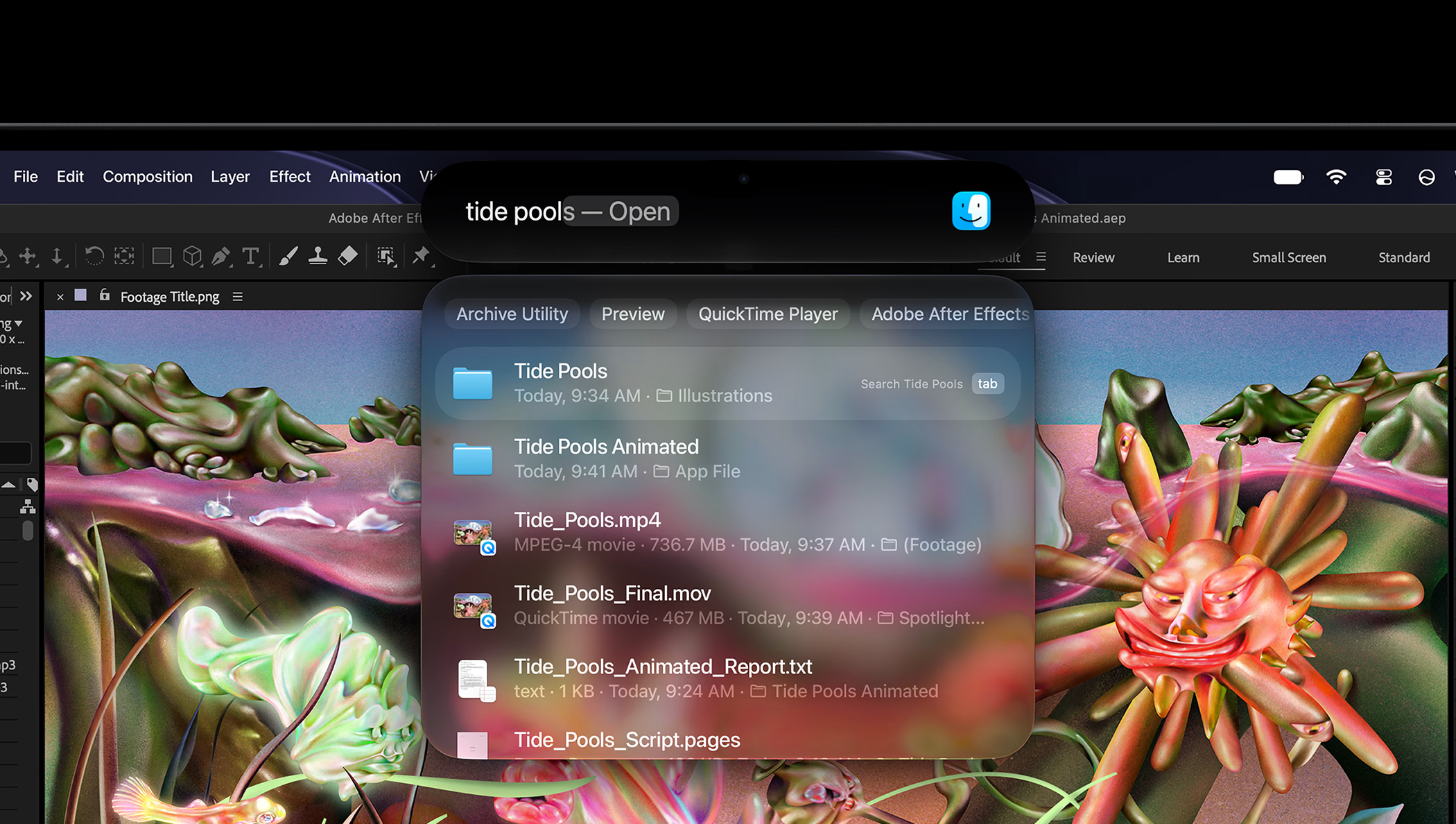
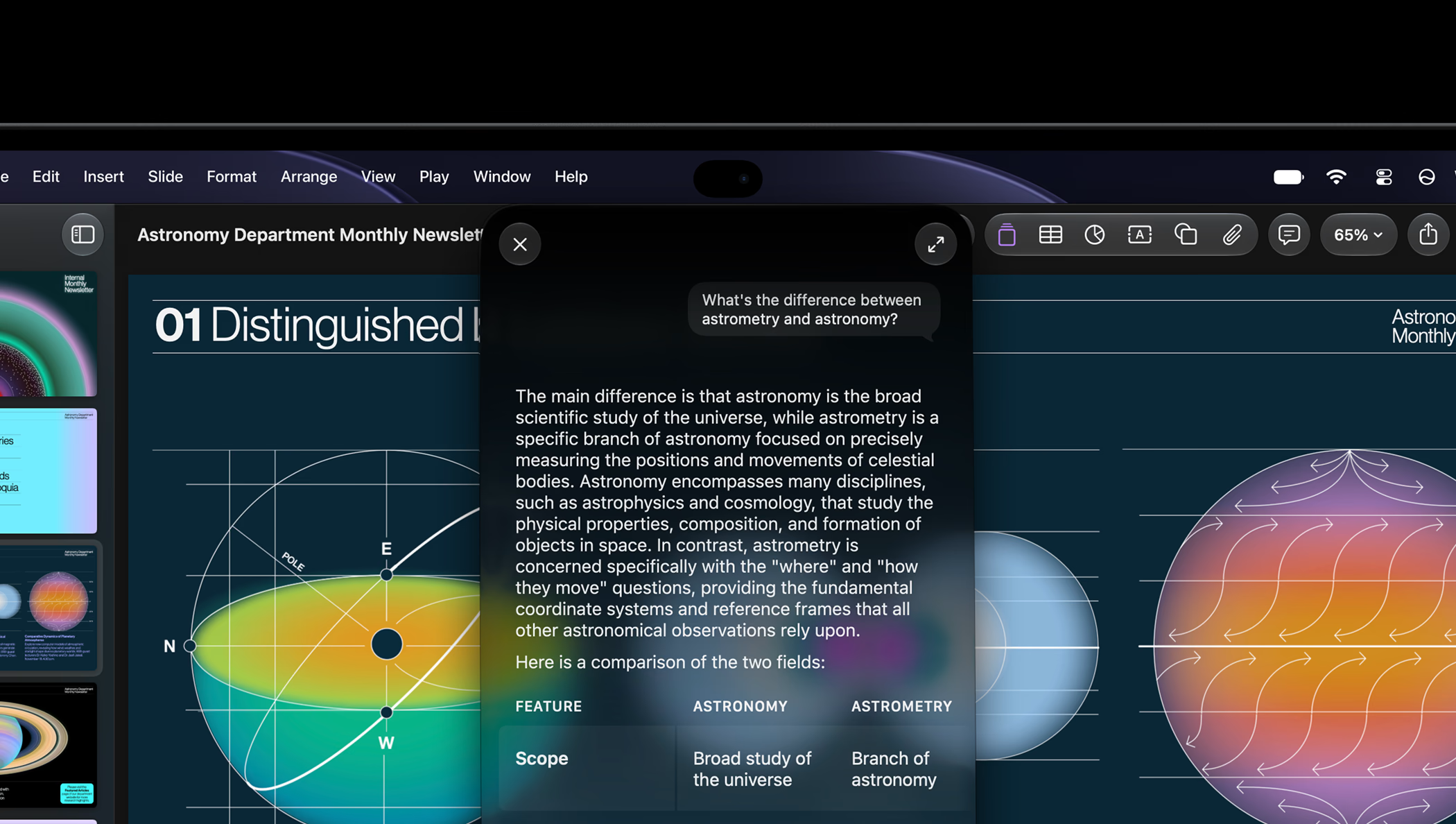
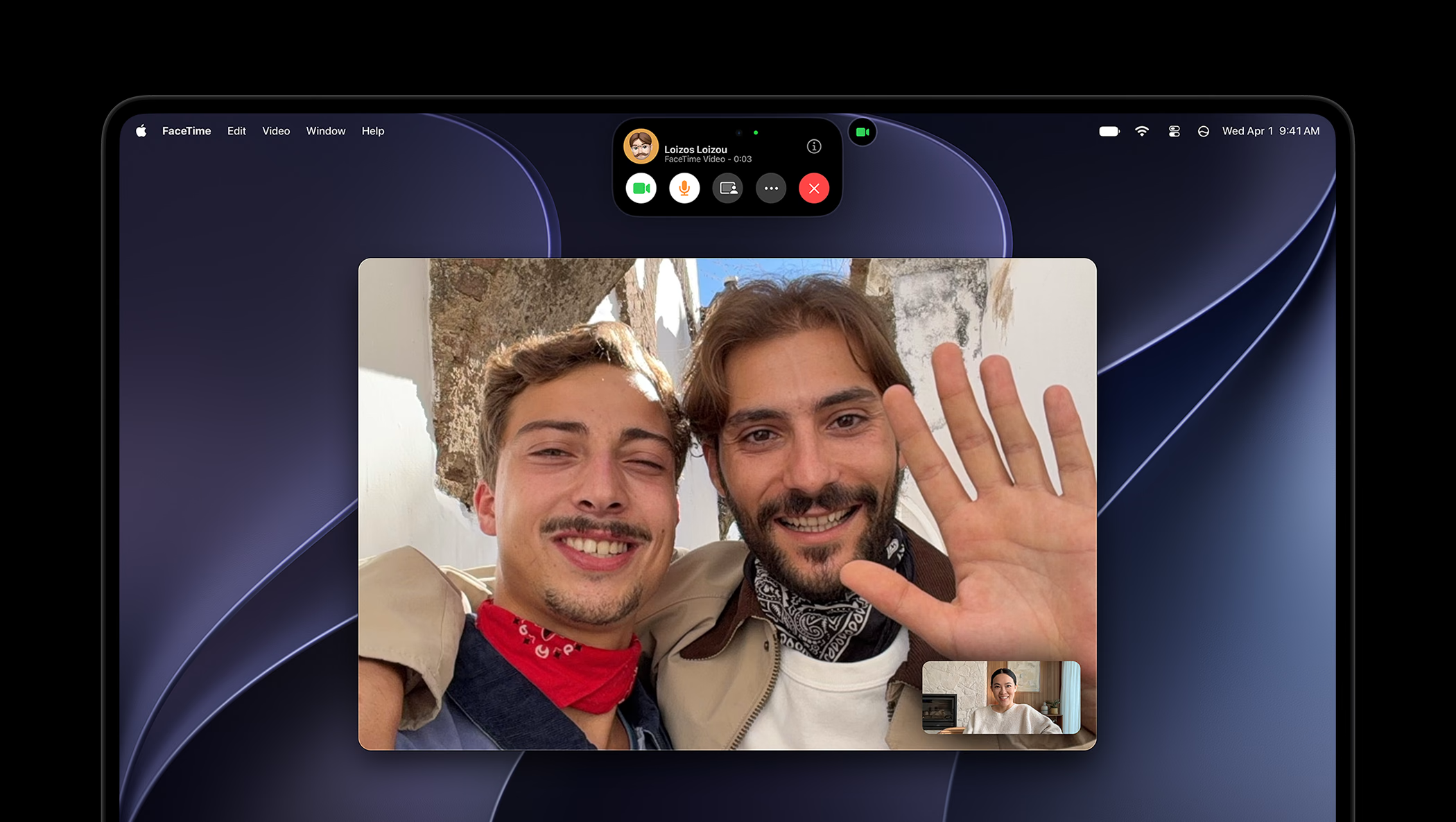
Dynamic Island brings controls and information close to the camera. Live Activities provide updates, AirDrop acceptance, and music controls, alongside access to calls, Spotlight, and Siri AI. Its value lies in handling a brief interruption while preserving the context of the work.
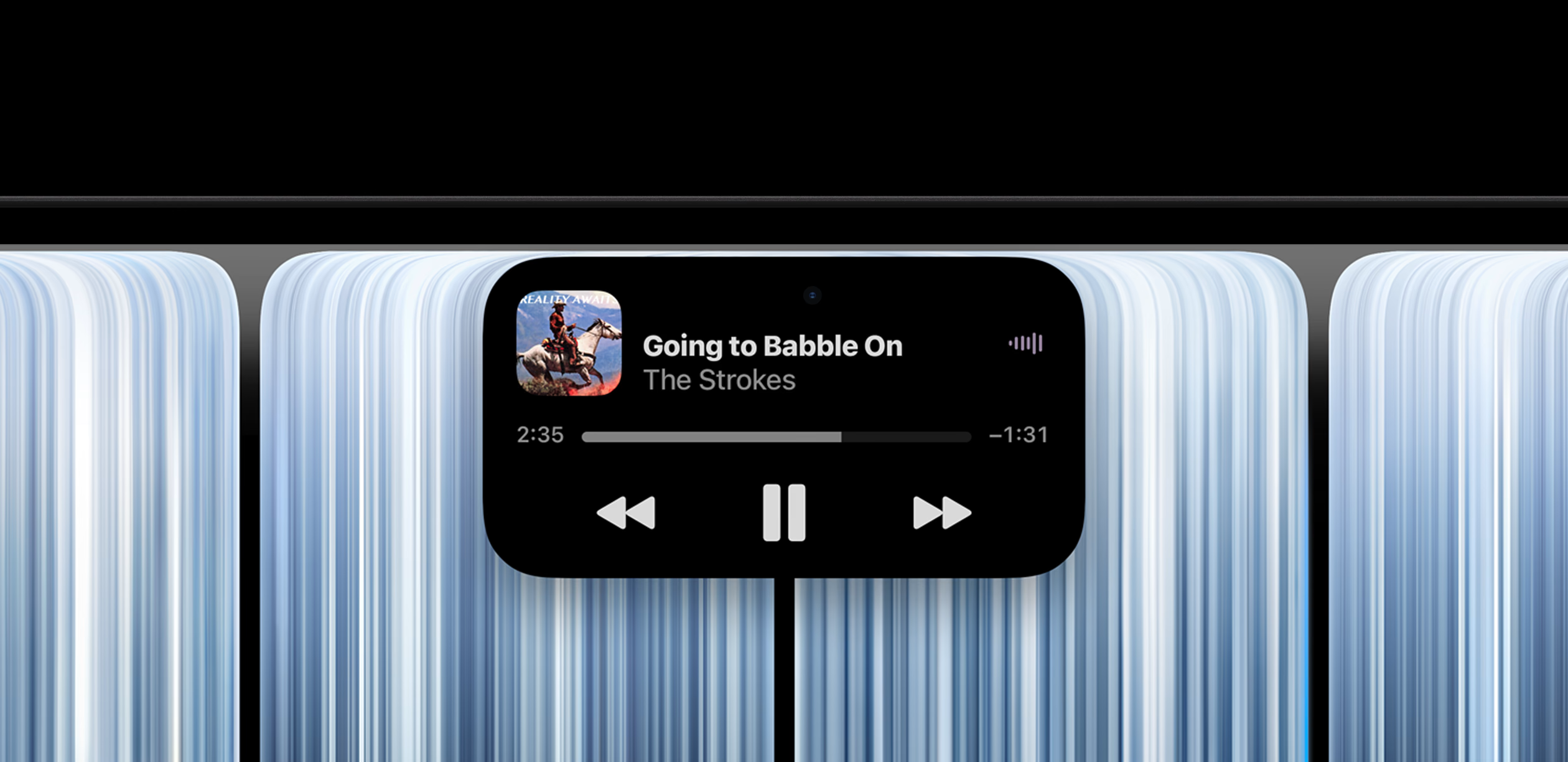
There is an important condition: Spotlight moves into Dynamic Island when Siri AI is available and enabled. Siri AI remains in beta in macOS 27.2, with Spanish among its supported languages and availability subject to language and region. The new display does not remove those macOS 27 Golden Gate requirements.
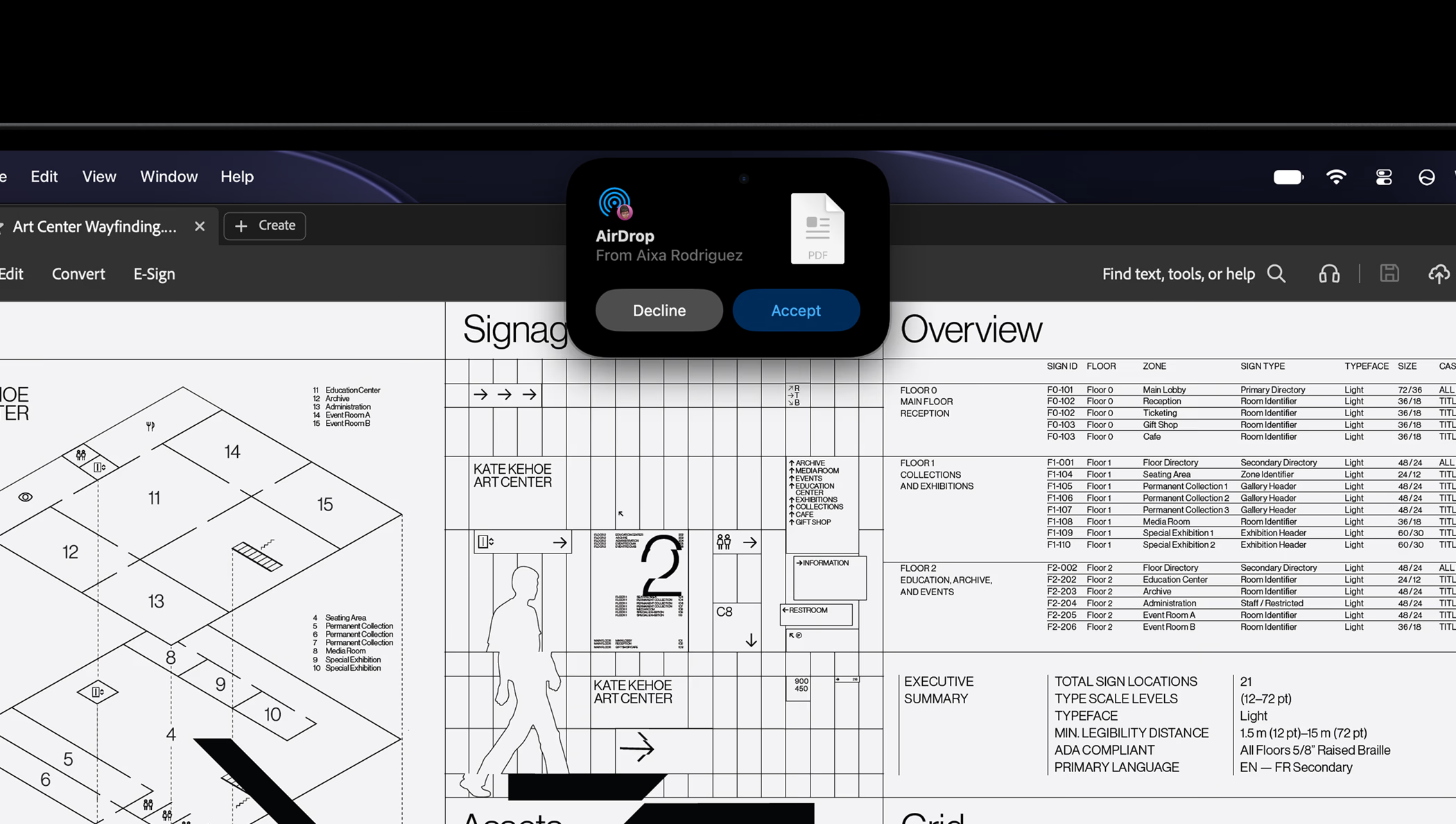
A lighter design with a hinge built for Touch
Apple lists weights of 1.38kg for the 14-inch model and 1.82kg for the 16-inch model, depending on configuration. The displays measure 14.2 inches and 16.3 inches. Slimmer borders and lower weight are especially relevant to anyone carrying the computer every day.
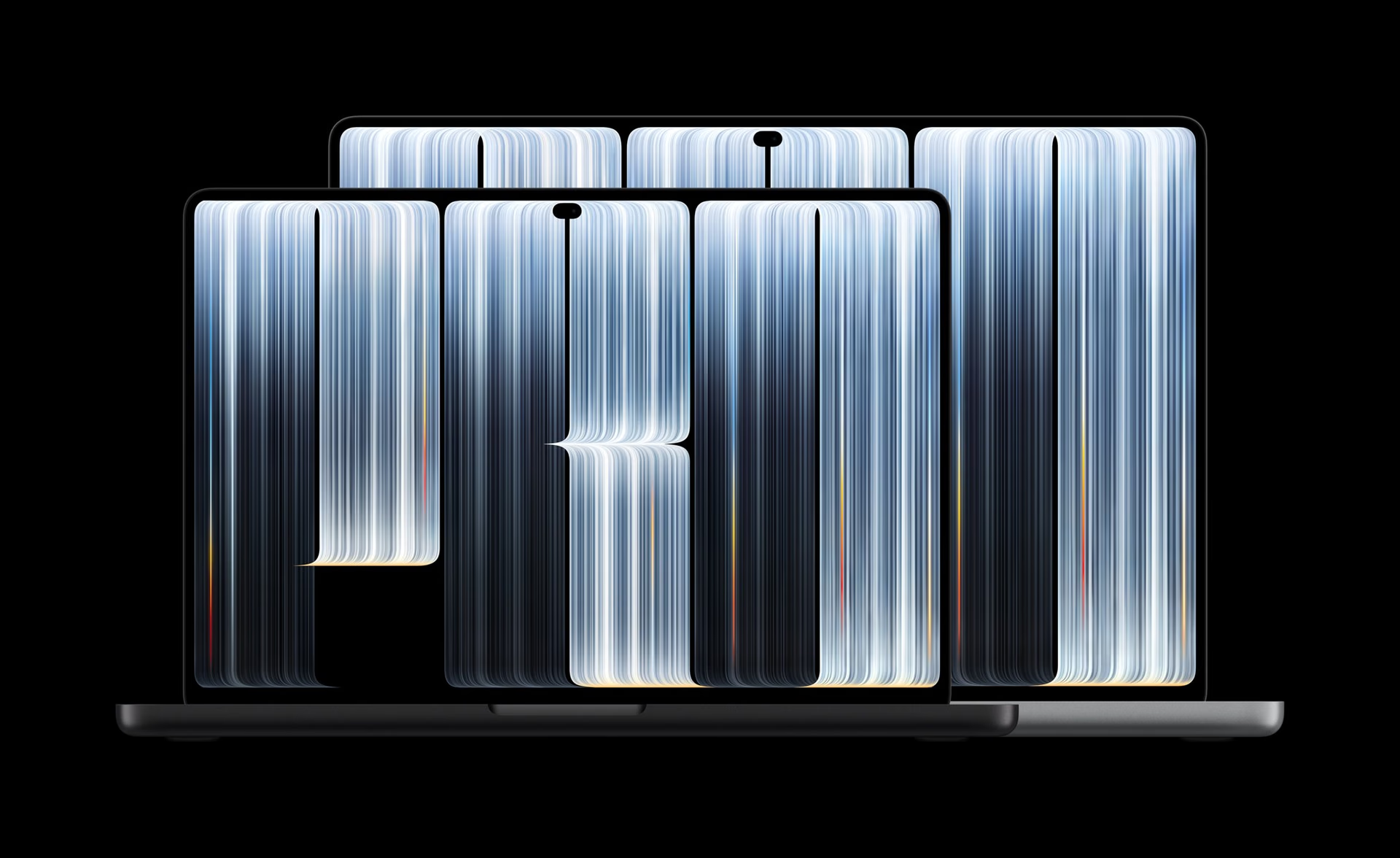
The redesigned hinge aims to stabilize the screen during Touch input. That matters as much as the sensor: if the panel moves back with every gesture, precision is lost to movement of the assembly. Apple also redesigned the thermal system to maintain sustained performance in the lighter chassis and direct warm air away from the display.
The presentation also shows the return of the illuminated Apple logo on the lid. The design's practical improvement will need to be judged through stability, temperatures, and noise during long sessions.
M5 Pro and M5 Max: the chips remain the same
M5 Pro and M5 Max were introduced on March 3, 2026. Their Neural Accelerators, Neural Engine, and media engines belong to that platform. Adding PROLED XDR does not make them new chips or demonstrate a CPU or GPU improvement over an equivalent configuration.
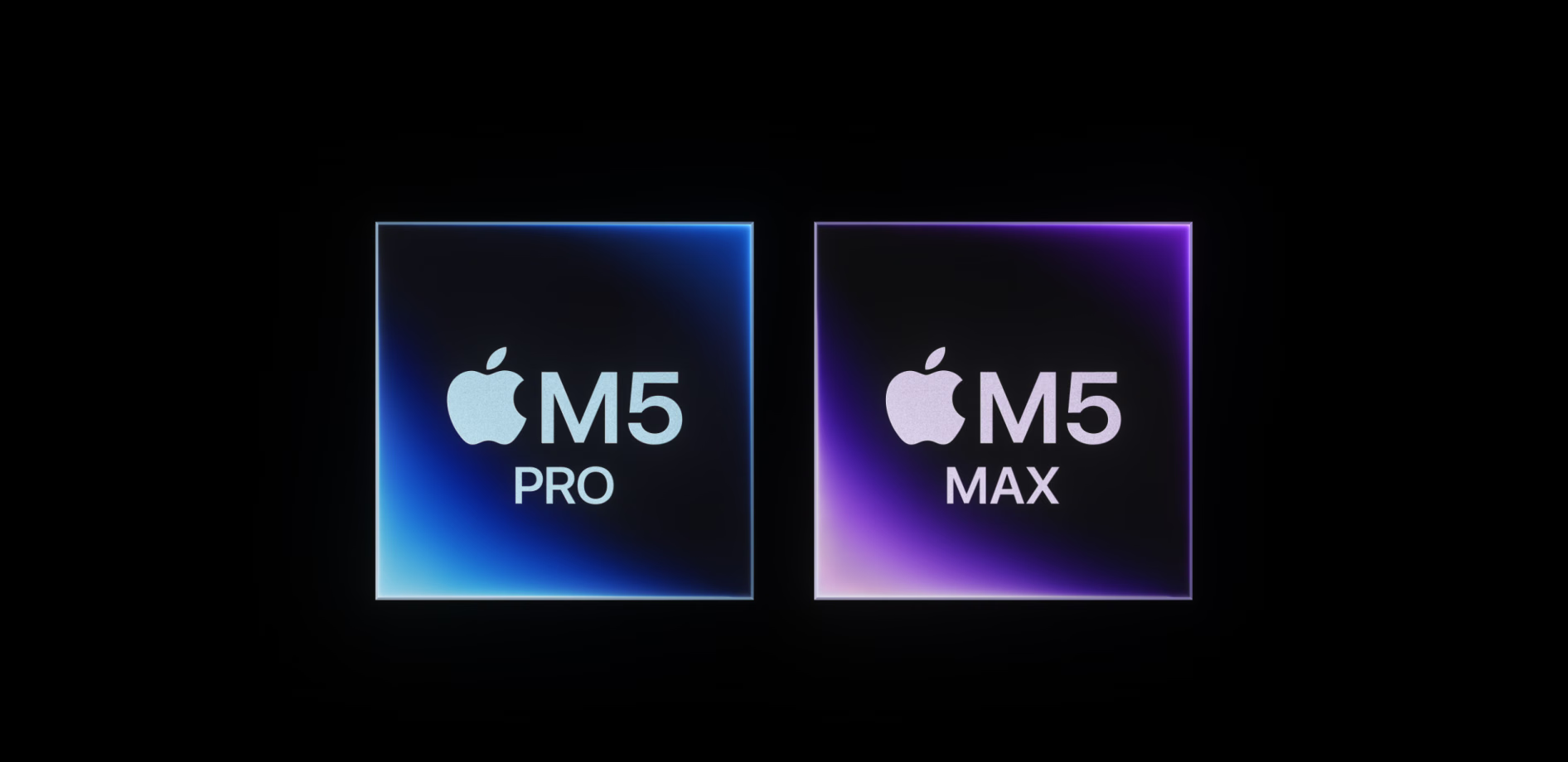
There are changes around the processor: SSD capacity reaches 16TB with M5 Max, while M5 Pro goes up to 4TB. The 128GB unified memory option belongs to M5 Max with a 40-core GPU. The full configuration deserves attention before comparing prices or capacity.
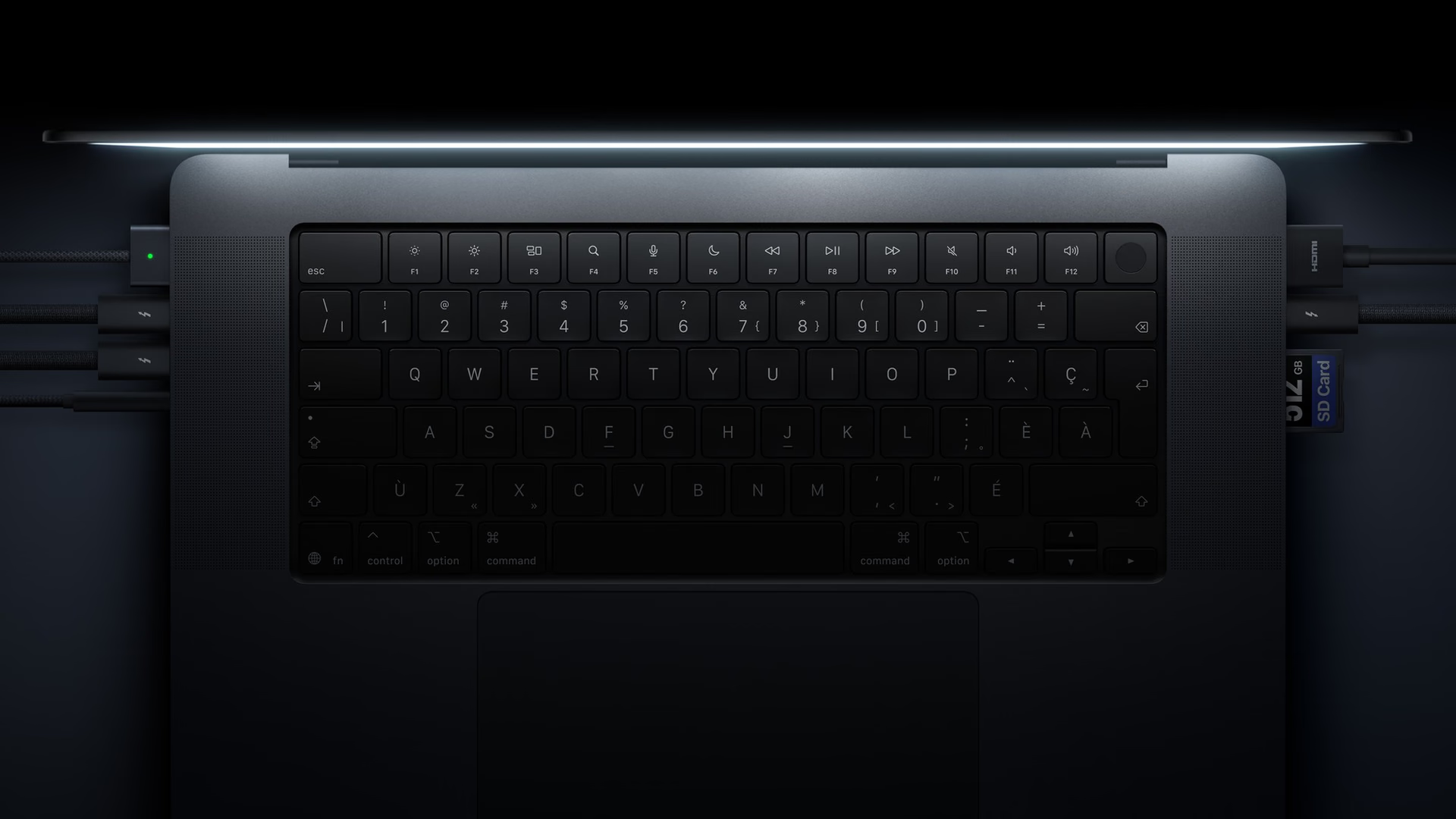
Three Thunderbolt 5 ports, HDMI, SDXC, MagSafe 3, and a headphone jack remain, alongside Wi-Fi 7 and Bluetooth 6. Apple specifies support for up to three external displays with M5 Pro and four with M5 Max, with particular resolution and refresh-rate combinations. For a professional desk setup, that expansion can matter more than the chip's generation number.
Battery, camera, and audio: changes beyond the panel
The technical specifications break battery life down by size and chip. The advertised 24 hours apply to the 16-inch model with M5 Pro.
These are Apple's tests, rather than an estimate for rendering or running local AI. Choosing a size means weighing battery life against the actual workload and the weight being carried.
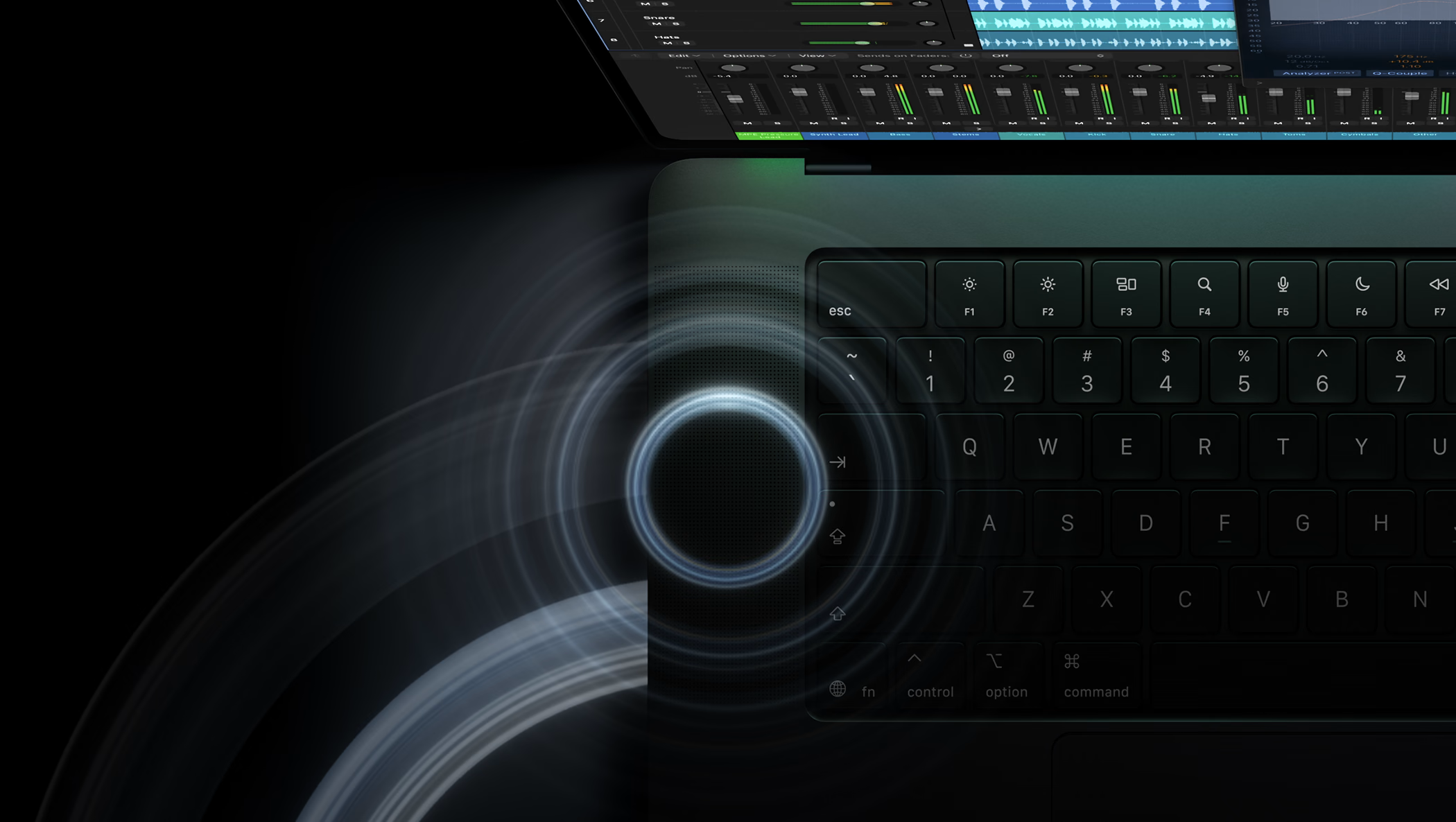
The 12MP Center Stage camera retains Desk View and adds stabilization to smooth the image during Touch input. The six-speaker system includes new woofers and tweeters; Apple claims 50 percent deeper bass and adds tuning for closed-lid use. That last improvement can also be useful when working with an external monitor.
Price, availability, and who should consider it
These are the announced starting prices in the United States, before tax. Configuration upgrades and nano-texture glass change the total.
Availability begins November 6, 2026, in Apple's announced markets. For anyone relying on the built-in display to review photography, color, or video, PROLED XDR deserves serious consideration. Touch adds value when a particular application and task justify using it.
If you already own an M5 Pro or M5 Max machine and work mainly with an external monitor, there are fewer reasons to upgrade: much of the investment goes into a display you would rarely use. The strongest decision starts with identifying the limitation the new computer solves. Familiar processors mean the panel, portability, and interaction need to earn the upgrade.
MacBook Pro with PROLED XDR Display
A 14-inch and 16-inch redesign focused on display and interaction. Starting price is for the 14-inch M5 Pro model in the United States, before tax.
Pros
- Tandem OLED with P3 and Adobe RGB.
- Touch input and lower weight.
Cons
- Retains M5 Pro and M5 Max chips.
- App adaptations follow different schedules.
Author
Alexis PaezReport based on official announcements and verified public sources at the time of publishing.