Apple Creator Studio adds MotionVFX and new AI assistants
Index
Apple announced on October 27, 2026, an Apple Creator Studio update for November: integrated MotionVFX, more editing tools, and AI assistants. It keeps the US$12.99 monthly or US$129 annual pricing in the United States. The nuance is availability: the assistants arrive in beta and only in U.S. English.
What Apple Creator Studio includes
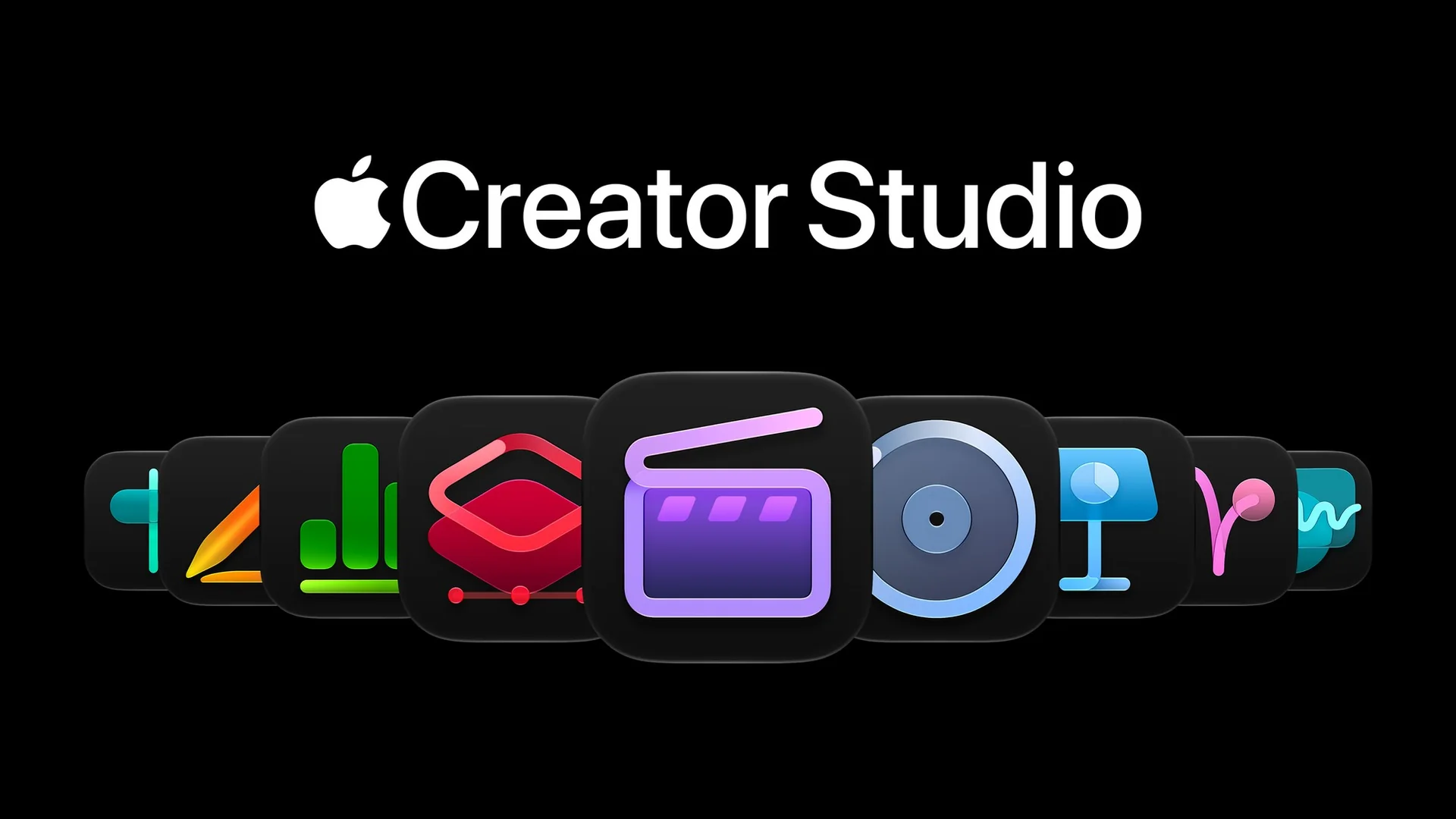
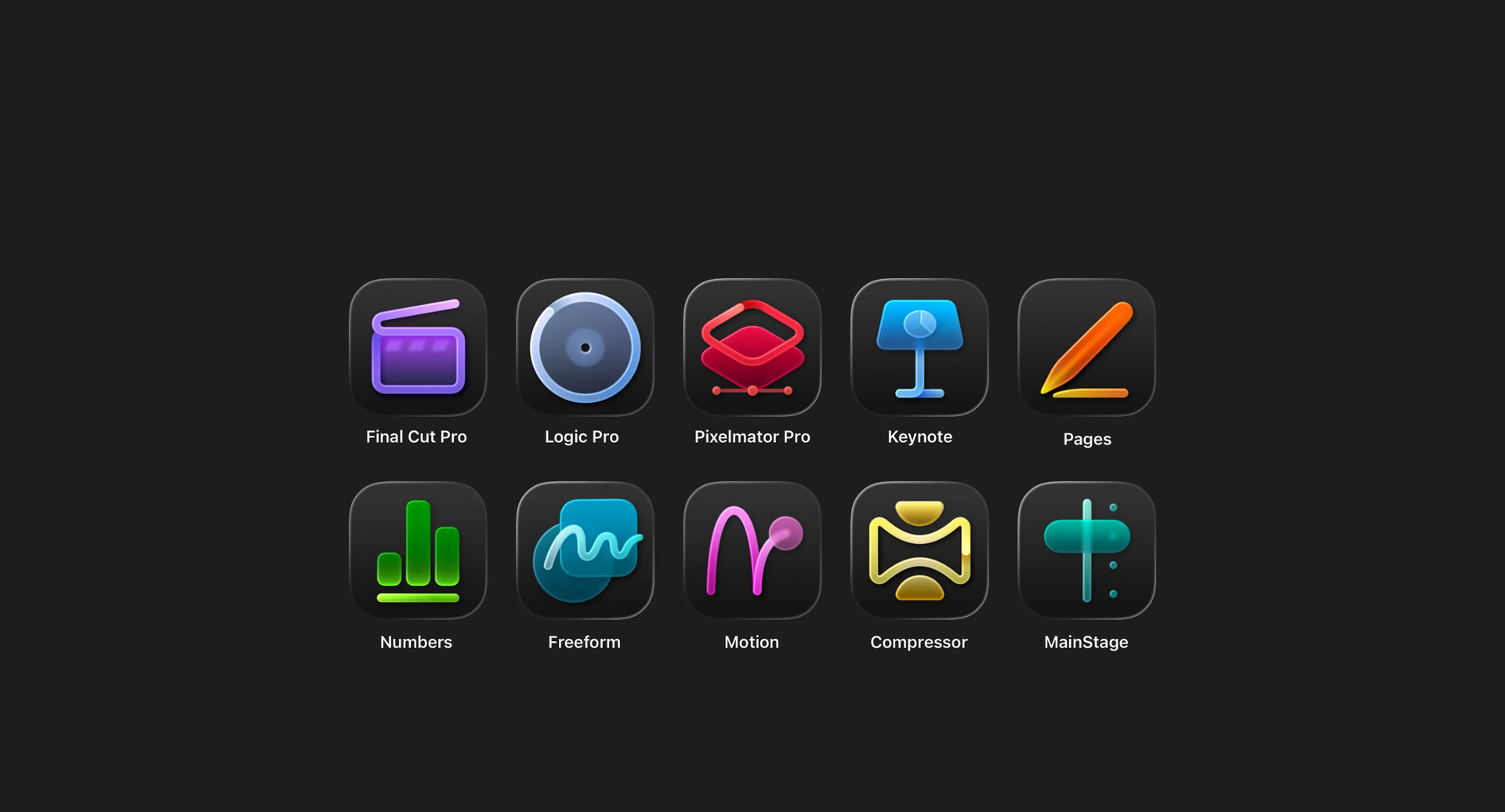
The subscription brings together Final Cut Pro, Logic Pro, and Pixelmator Pro, along with Motion, Compressor, and MainStage on Mac and premium productivity features. For creators, the appeal is combining several tools within the same subscription. If you use only one, it is also worth comparing it with an individual purchase.
Final Cut Pro: assets inside the project
The update will integrate MotionVFX into Final Cut Pro for Mac and add stock videos in Content Hub. For editing, the expected advantage is reducing app switching when looking for media and effects. The value depends on how much of that catalog fits your projects, not on accumulating templates.
MotionVFX covers titles, transitions, and tools for tracking, rotoscoping, and color. Motion will also add plug-ins for effects and 3D camera tracking. In this way, the update covers both editing and the preparation of graphics that are later integrated into the video.
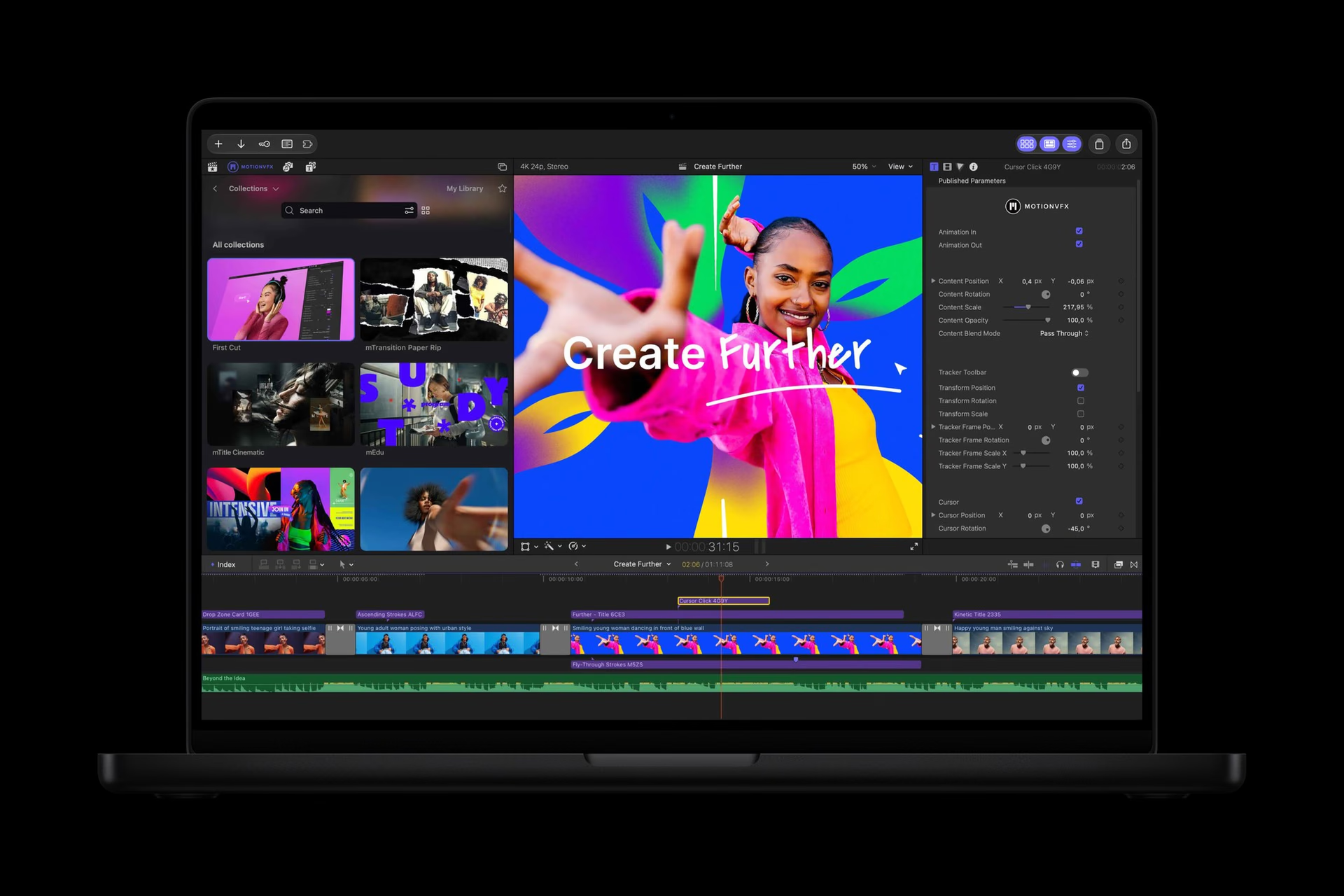
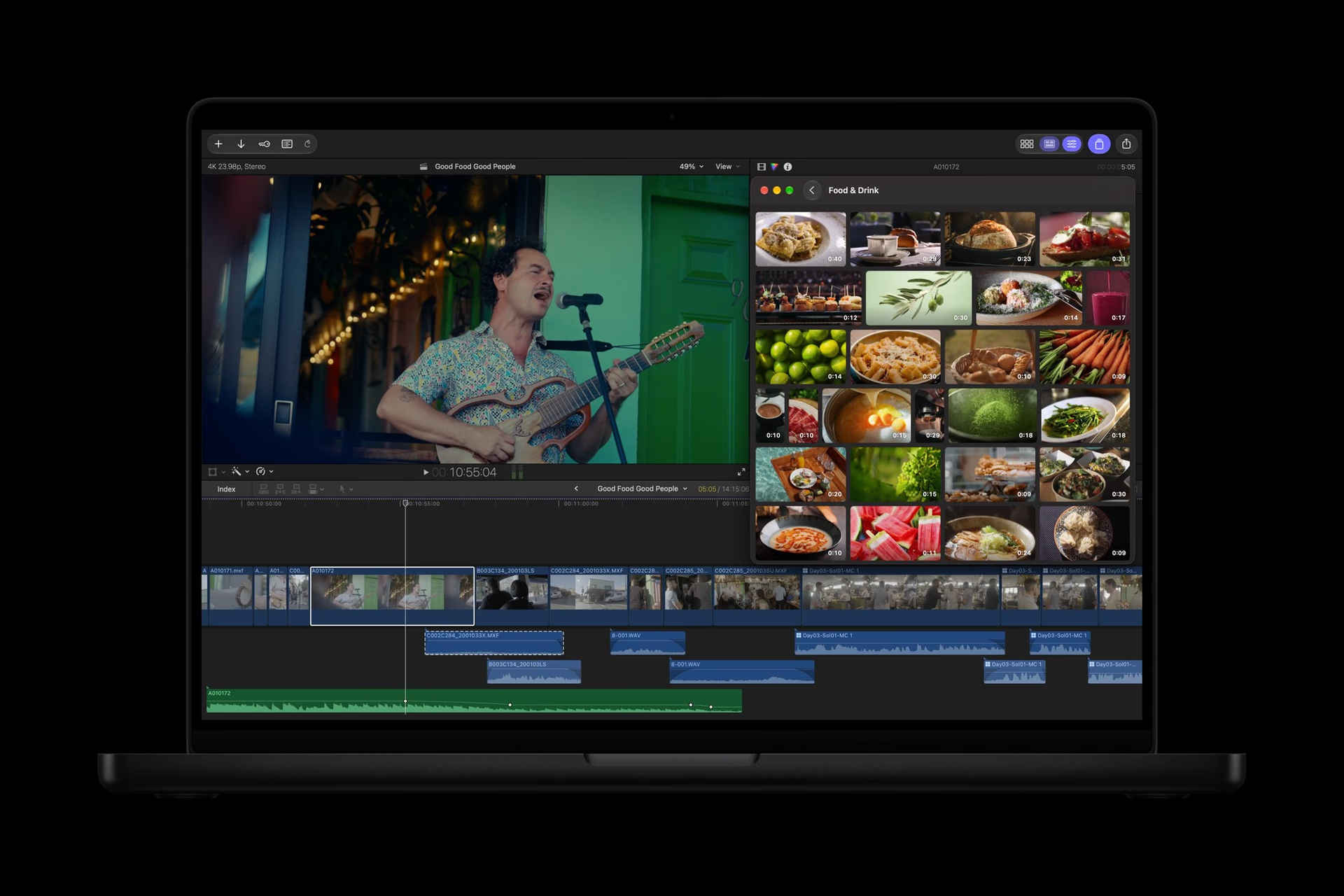
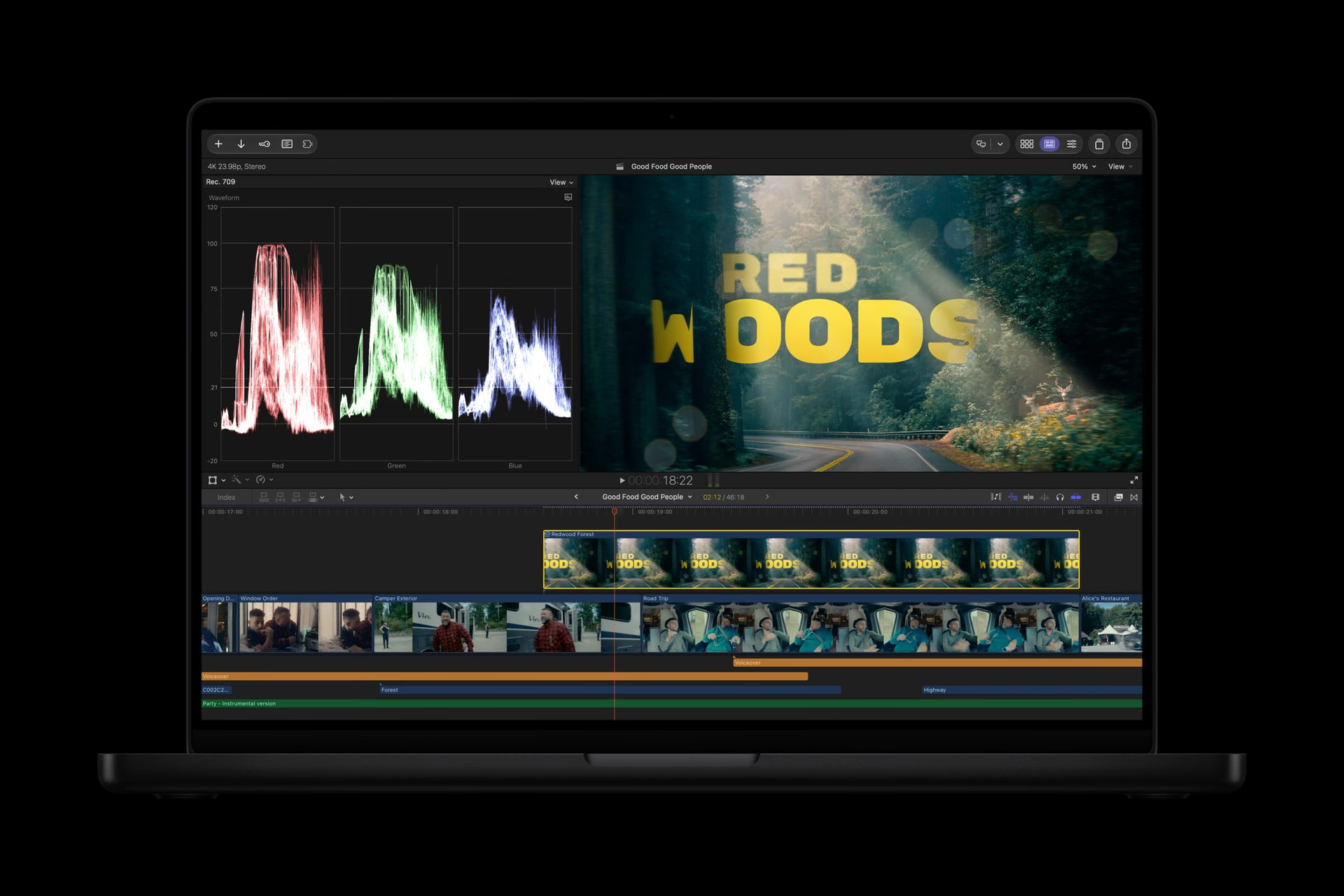
Final Cut Pro combines editing, sound, effects, and color. The new exchange with Pixelmator will let you edit images and send changes back to the project without reimporting. Keeping that path inside the editor can save repetitive work, especially when adjusting graphic elements during the edit.
Transcription and editing controls
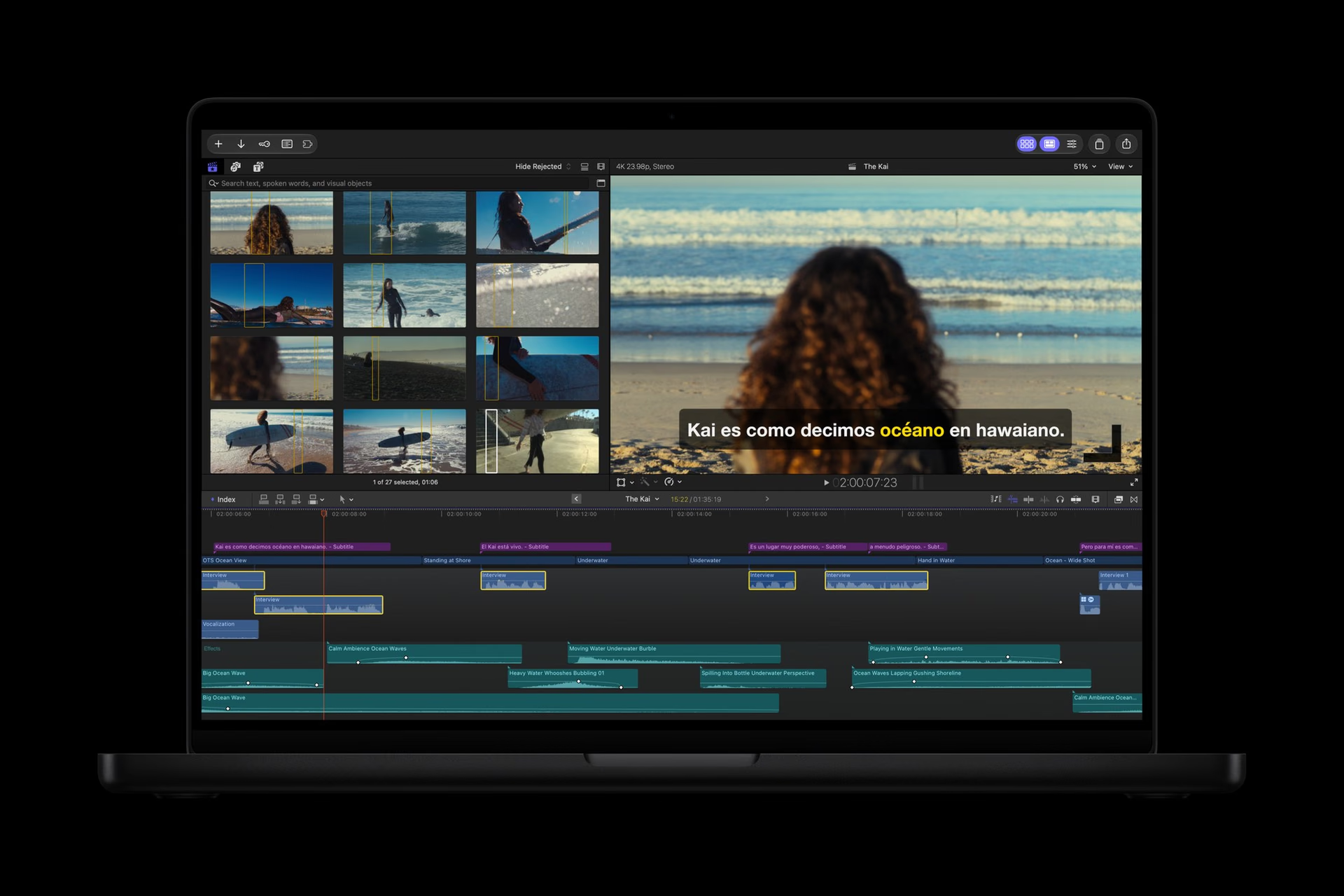
Twenty-three transcription languages will be added, along with animation options and clip management. The official capture shows subtitles in Spanish. For a production with interviews, finding and subtitling a segment may be more relevant than an additional visual effect.
Pixelmator Pro: edit an area with instructions
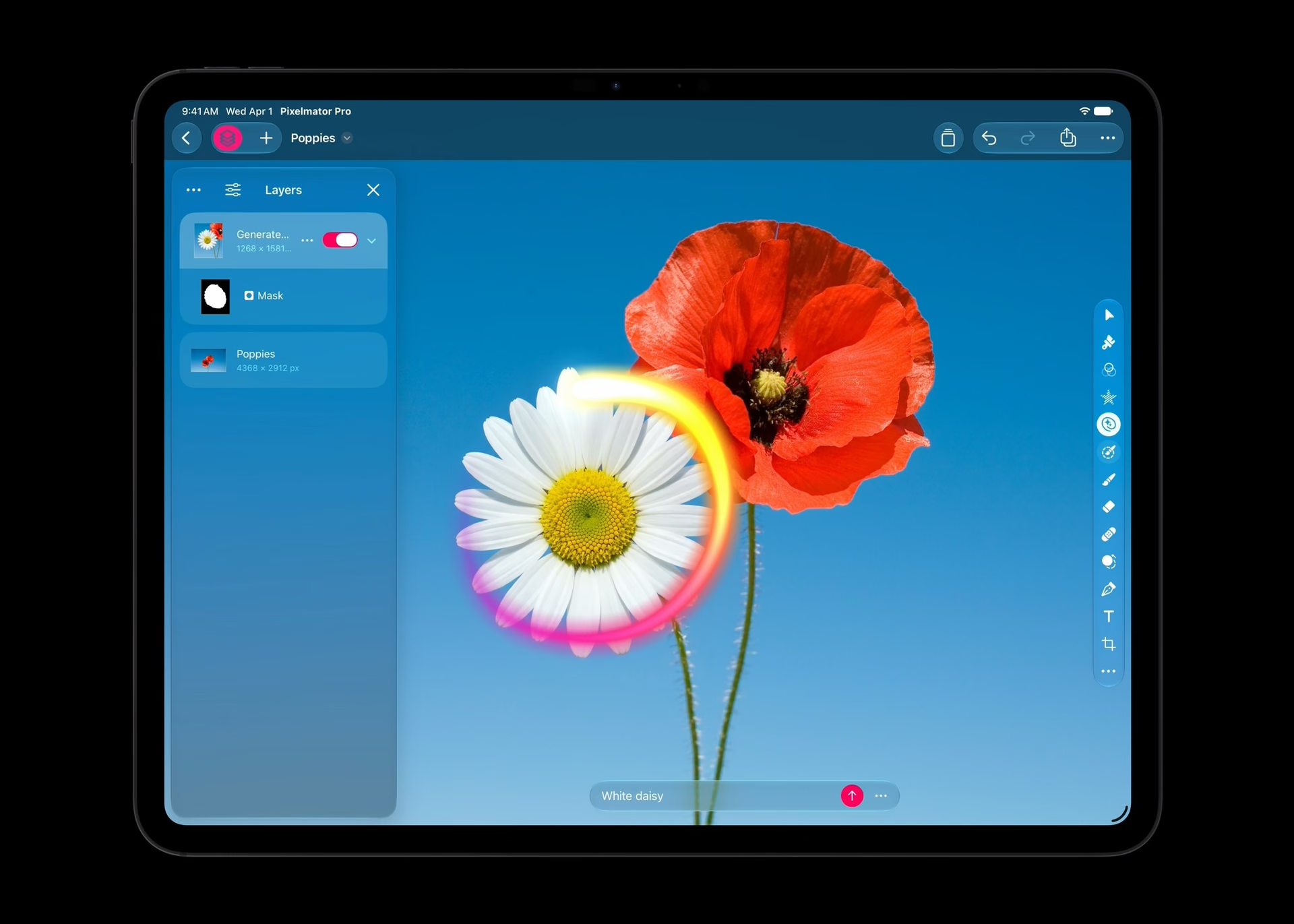
Generate Fill will let you modify a selection using text. The official image shows the tool on a floral composition on iPad. Pixelmator Pro already combines layer-based editing, selections, and adjustments: the interest of this addition lies in integrating with a controllable retouching workflow.
Apple says the fill adapts lighting, perspective, and texture to the surrounding environment. The result can be incorporated into an existing layer or kept on a new one with a mask, so you can keep adjusting it. That ability to preserve editable elements matters when a composition needs several rounds of revisions.
Logic Pro: assistance and sound search
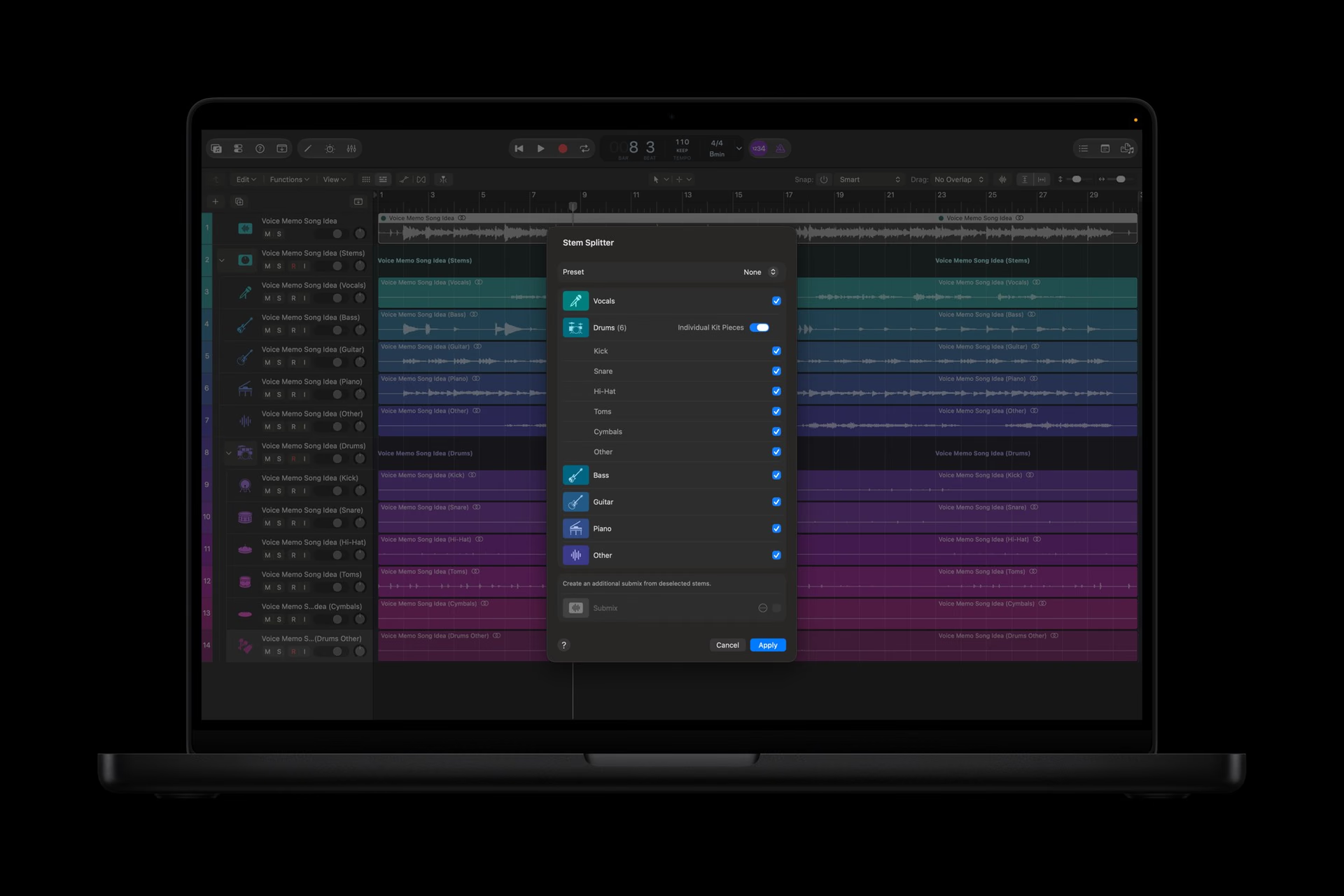
Logic Pro for Mac will add an assistant and a reorganized browser with local audio analysis. Stem Splitter will make it possible to work on drum parts. These are three different needs: learning an operation, finding material, and adjusting a mix.
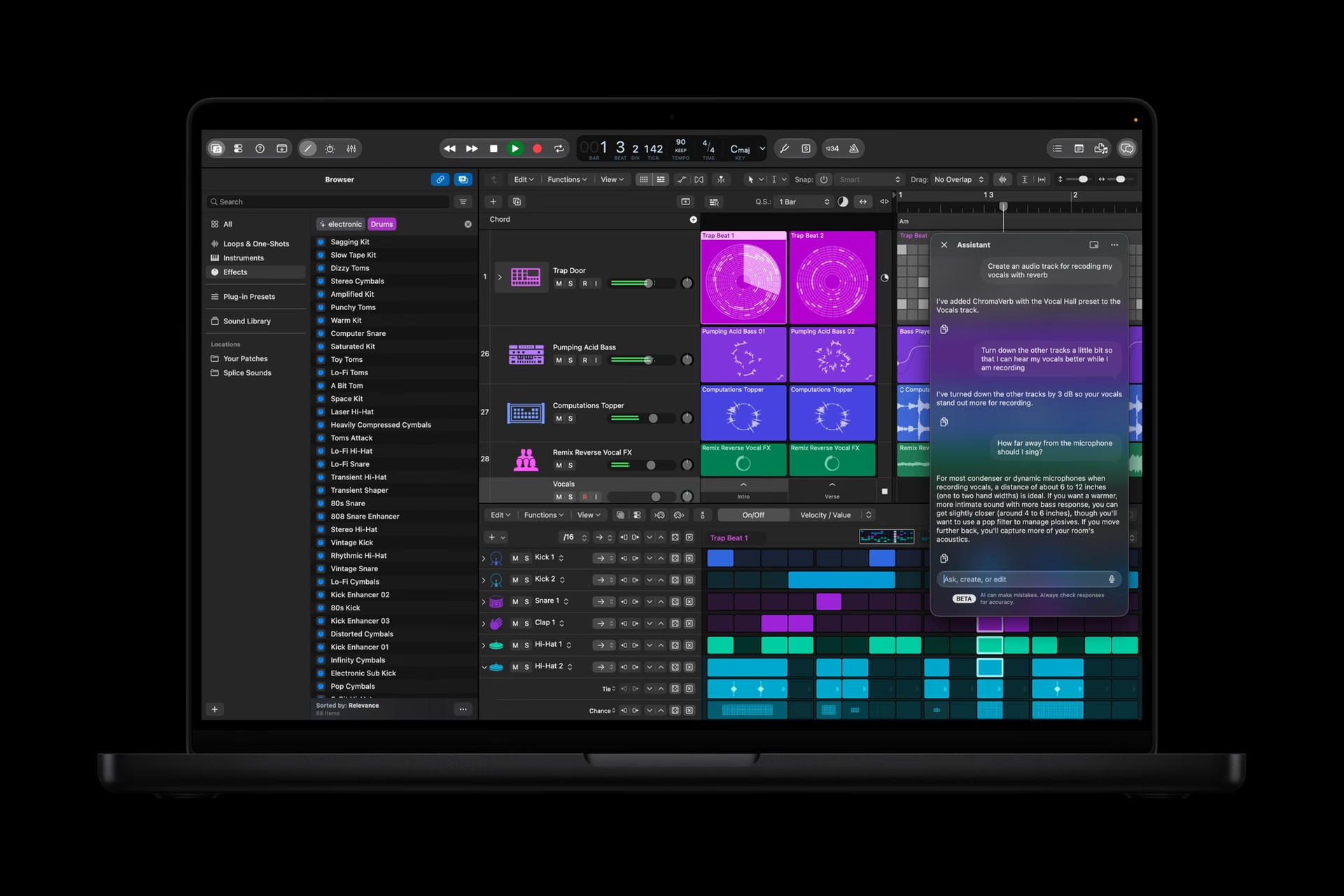
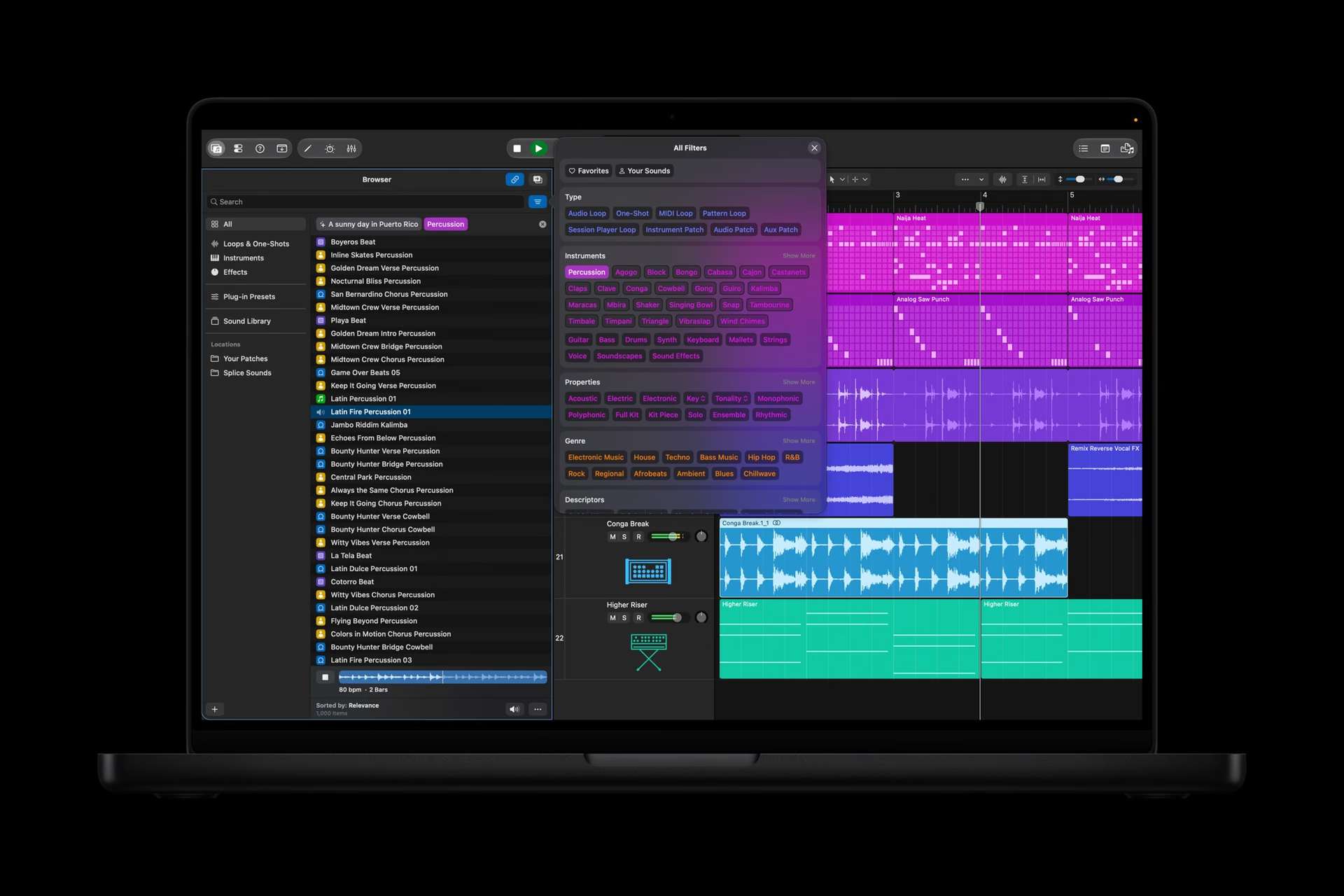
Logic Pro already uses tools such as Session Players and Mastering Assistant. The new assistant combines Apple and OpenAI models; it is distinct from those specialized production features.
Keynote, Pages, and Numbers: documents and agents
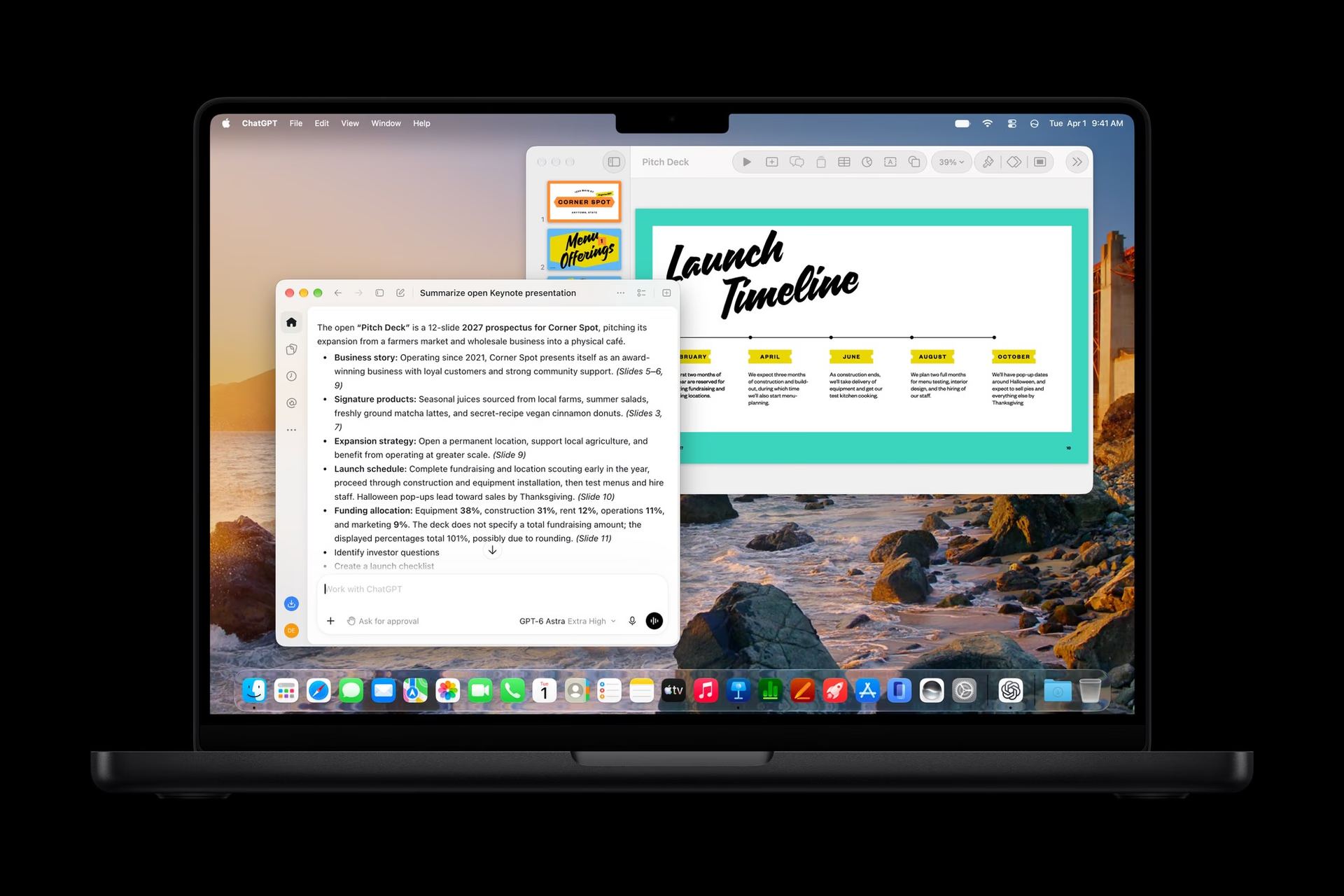
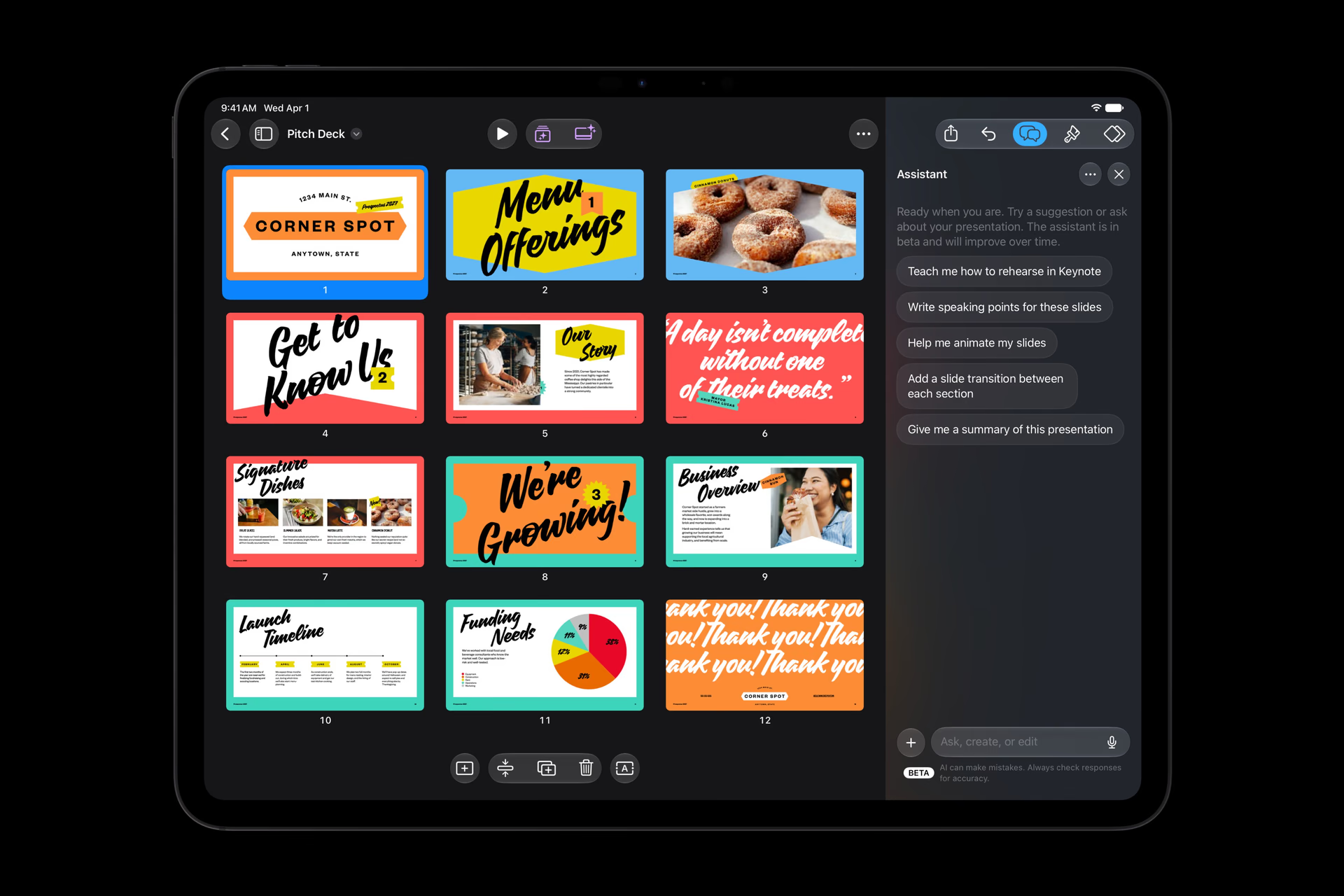
All three apps will receive assistants and MCP support to connect external tools on Mac. Keynote will add the open .keyx format. The change is aimed at working on existing documents, in addition to generating new content.
MCP allows external agents to read content and perform edits in the applications. The .keyx format, based on JSON, opens another path for integrating presentations with development tools. These are relevant additions for automated workflows, although their usefulness will depend on the integrations that are actually implemented.
When it arrives and what you need
According to the official announcement, the update arrives in November 2026 at no additional cost for subscribers. The assistants require devices compatible with Apple Intelligence and systems 27 or later; the Logic assistant is for Mac. MCP requires macOS 27. Some Freeform updates are coming in December.
Education plans cost US$2.99 per month or US$29.99 per year, subject to eligibility. The one-time purchase versions of the professional apps and the free productivity versions remain available. The subscription enables its own set of tools and content: you should not assume that every new feature is included with every license.
The general plan allows the applications and content to be shared with up to six family members. The education plan requires verification and does not extend that benefit to the family group. That difference should factor into the cost comparison if several people need the tools.
Conclusion
The update makes the most sense for those who move between video, image, and audio. For anyone specifically looking for an assistant in Spanish, it is best to wait for confirmation for these apps: the availability of Siri AI in Spanish does not automatically carry over to Creator Studio. The purchase is justified by the work that the set of tools you can actually use solves.
Author
Alexis PaezReport based on official announcements and verified public sources at the time of publishing.