iMac M6: more power and differences that go beyond the chip
Index
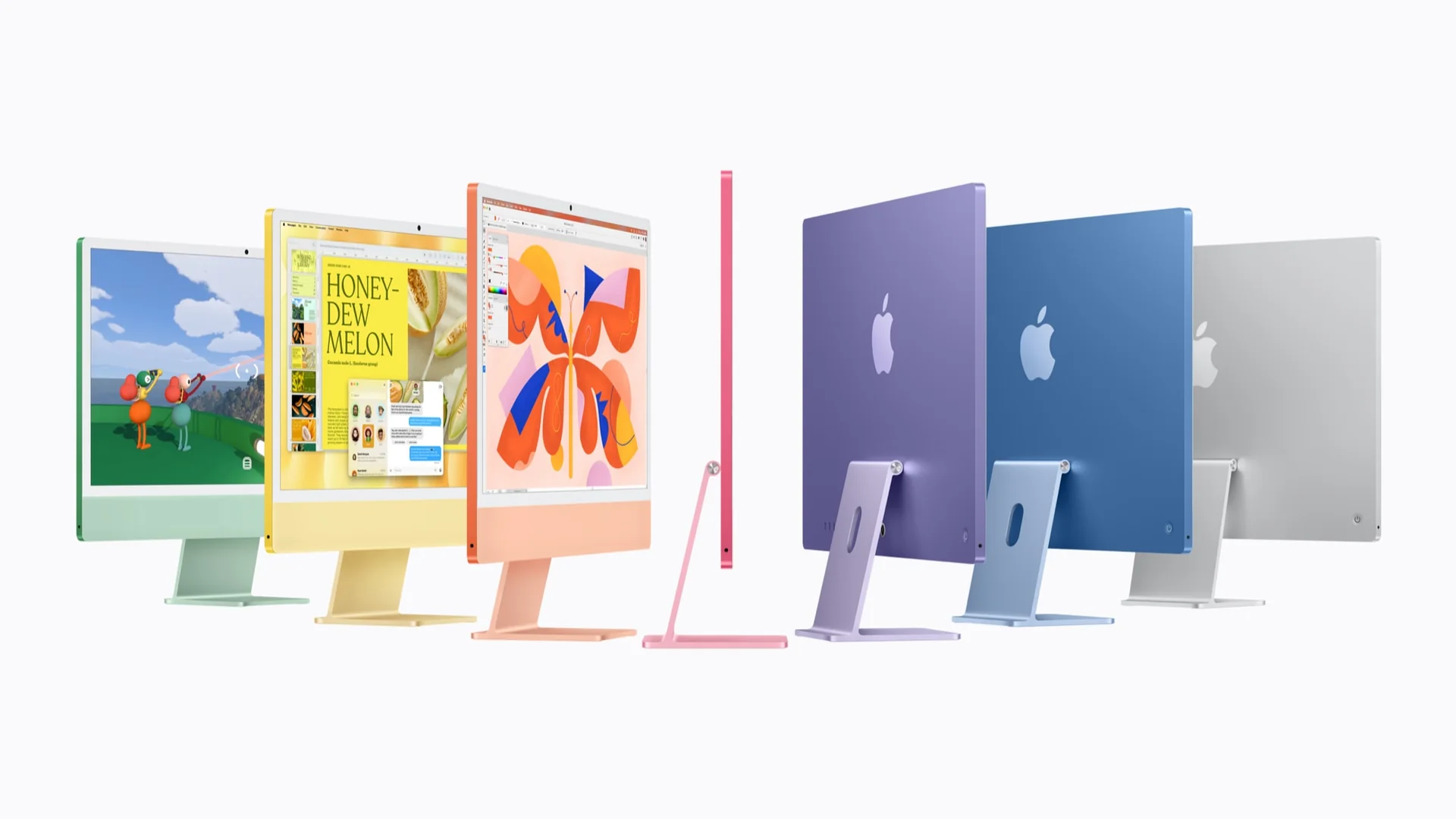
Apple introduced the iMac with M6 on October 27, 2026, starting at US$1,499. It keeps the 24-inch 4.5K Retina display and seven colors, with preorders starting October 28 and deliveries beginning November 6. The important decision is between its two configurations: the chip, ports, and expansion options change.

What changes in the iMac M6
The format remains that of a computer integrated into the display, with a matching keyboard and mouse. M6 strengthens processing and pairs with Wi-Fi 7 and Bluetooth 6. For anyone who wants to handle their desktop setup with a single machine, integration remains its main argument.
The iMac keeps seven finishes: blue, purple, pink, orange, yellow, green, and silver. Its thin design lets you integrate the computer without adding a separate tower to the desk.
Performance: what Apple measures
The CPU and GPU go up to 12 cores, with neural accelerators and two 16-core Neural Engines. The entry configuration has ten CPU cores and ten GPU cores. Sharing the M6 name does not mean carrying exactly the same chip.
The Apple press release claims up to twice the graphics performance and up to five times faster prompt processing in LM Studio compared with M4. These are different manufacturer tests: they should not be summarized as an iMac that is five times faster at everything.
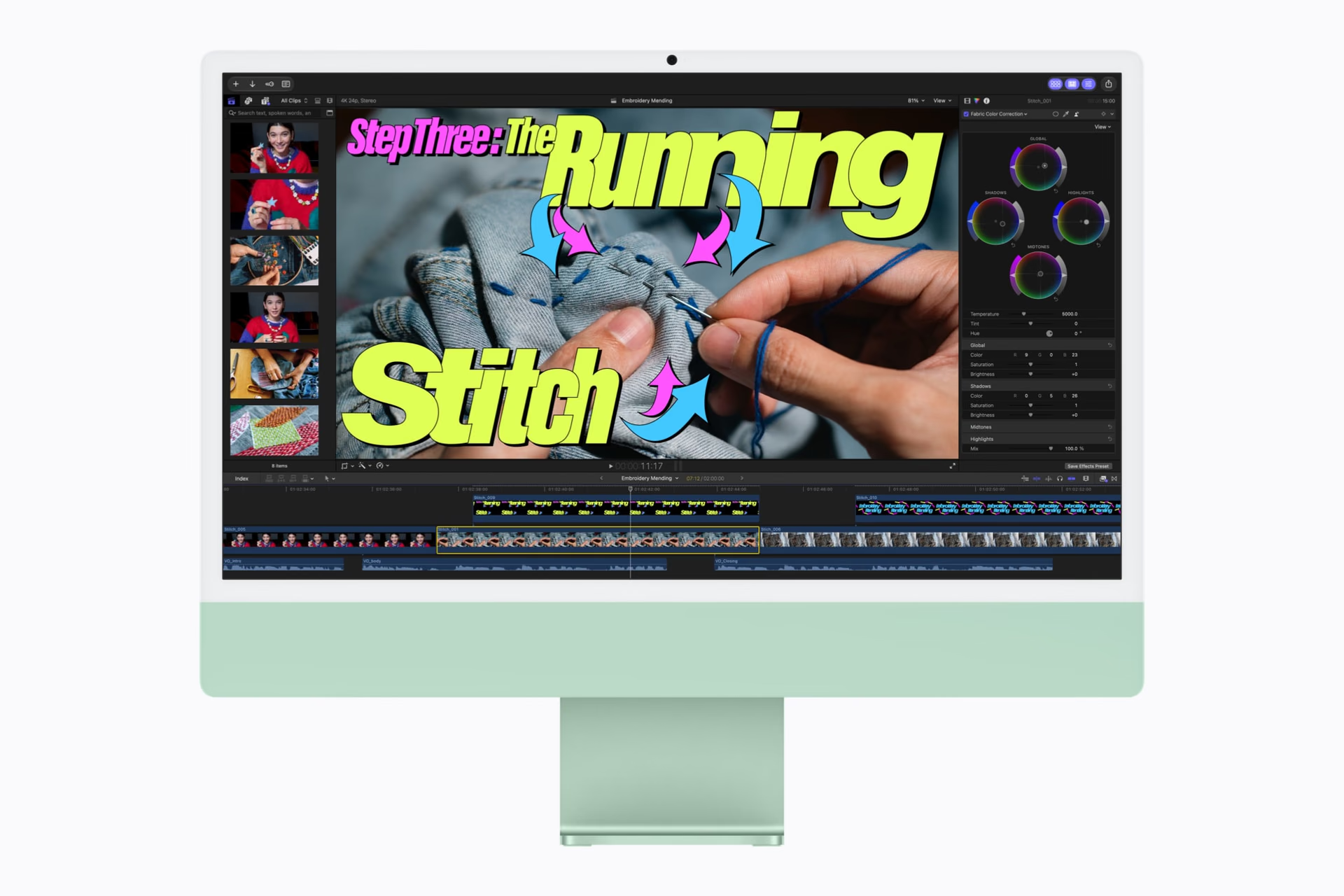
Work, study, and family use
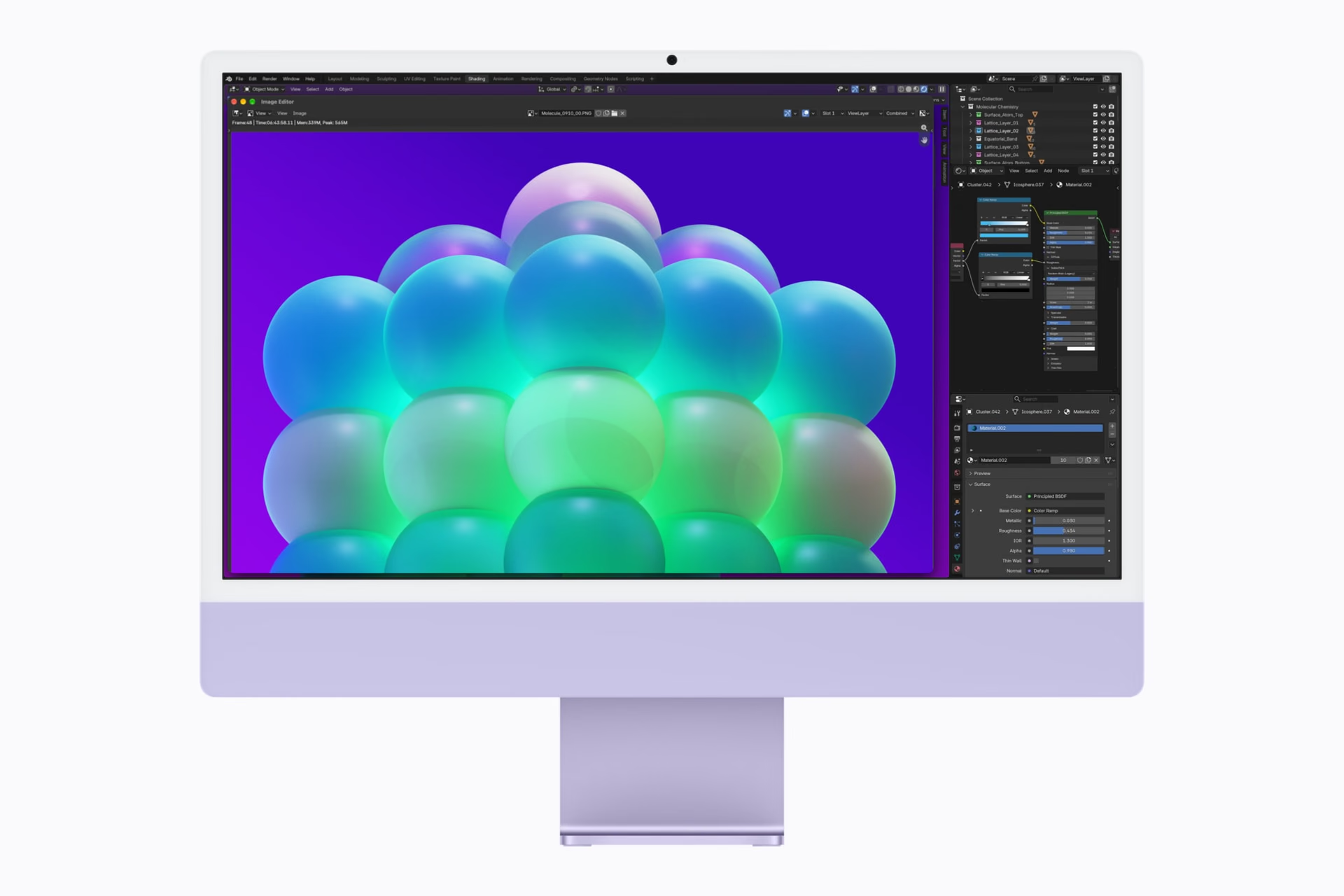
What matters is matching the machine to the size of the project, its libraries, and the apps you use. A desktop for office work may need less GPU performance and more file storage than one intended for video.
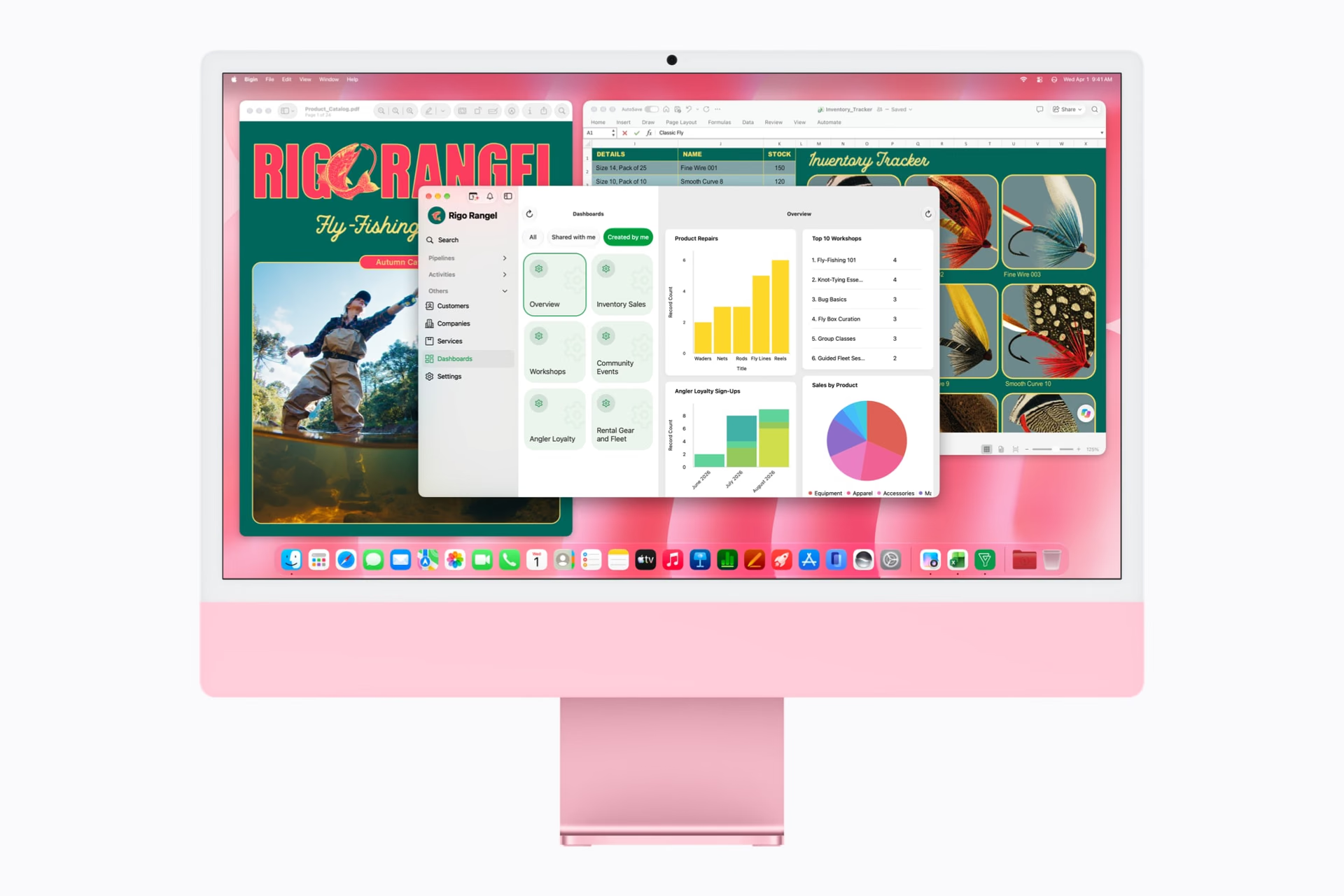
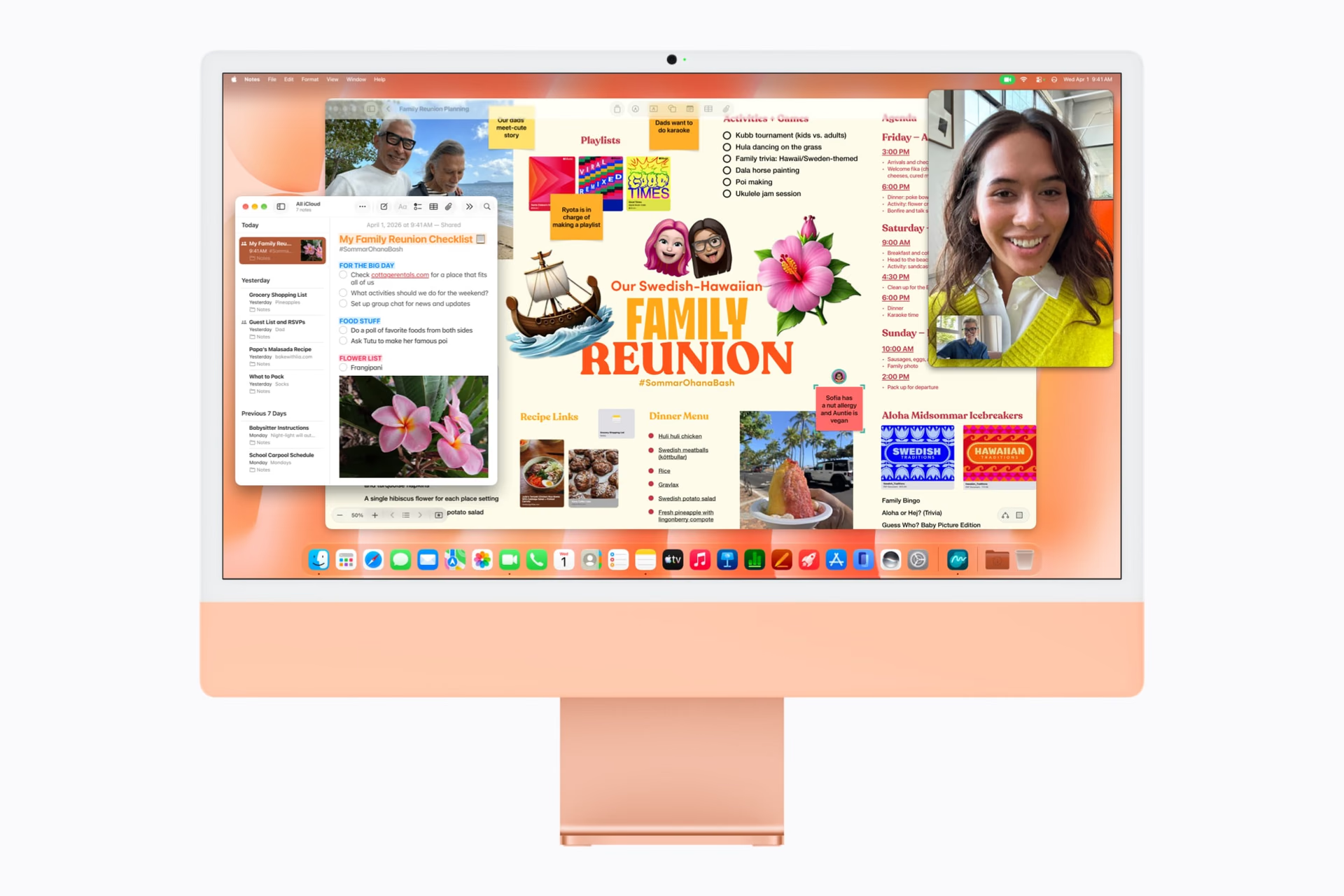
Two configurations worth comparing
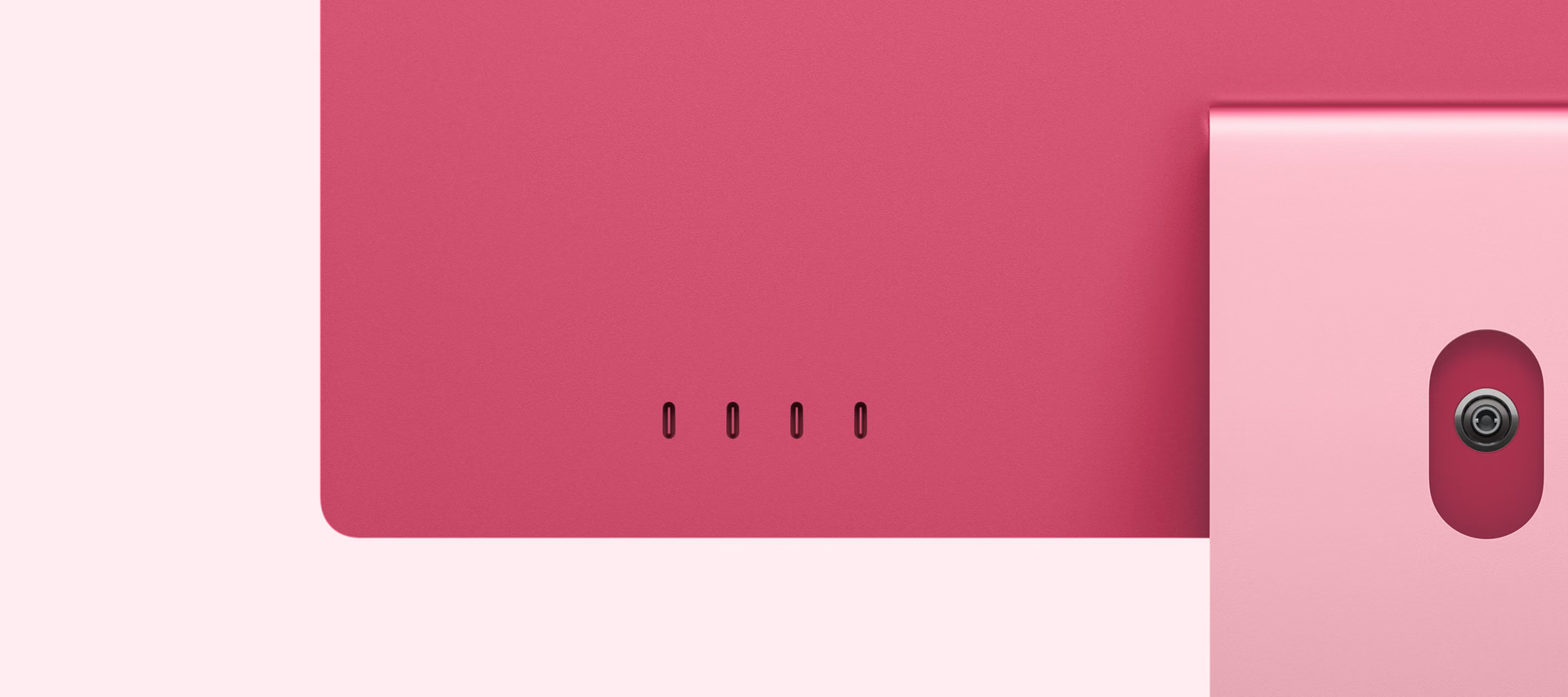
The tech specs show that the US$200 between the initial models buys more than two additional cores.
Both start with 16 GB and a 256 GB SSD. To use several peripherals or expand the desktop with monitors, the higher configuration deserves attention even without a demanding CPU workload.
Support for external displays is in addition to the built-in panel, which continues to work. That makes it possible to reserve one display for editing and another for tools or reference material, depending on the chosen configuration. The additional ports also provide more room to connect drives and other accessories directly. Before choosing, it is worth counting those devices and defining how much storage the work library needs: the entry price does not necessarily describe the cost of the setup you will actually use.
Display, camera, and accessories
The display offers 500 nits and P3 color. The optional nano-texture glass reduces reflections, but it is reserved for the higher model. It is a choice about lighting and visual comfort, not an increase in resolution.
The 12 MP Center Stage camera supports Desk View to show the table during a video call. That combination may be more useful for teaching or presenting work than buying an external camera without first reviewing what the machine already includes.

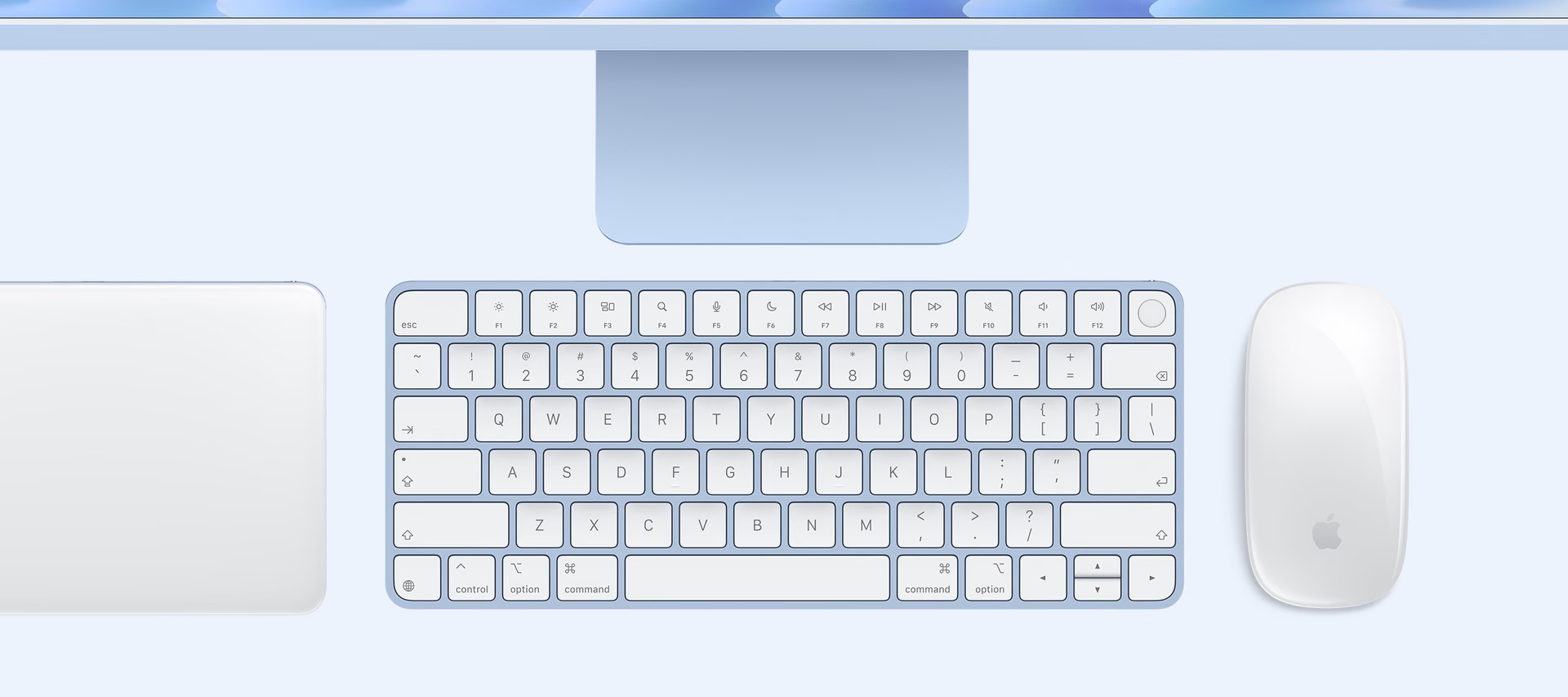
The accessories use USB-C for charging. Before choosing based on color, it is worth checking the included keyboard: the presence of Touch ID changes between the base configurations.
macOS 27, AI, and iPhone integration
The iMac ships with macOS 27 Golden Gate. The images of Siri AI and Pixelmator alongside Claude show different uses: a system feature and apps that may have their own requirements. Installing an AI app also does not mean all of its models run locally.
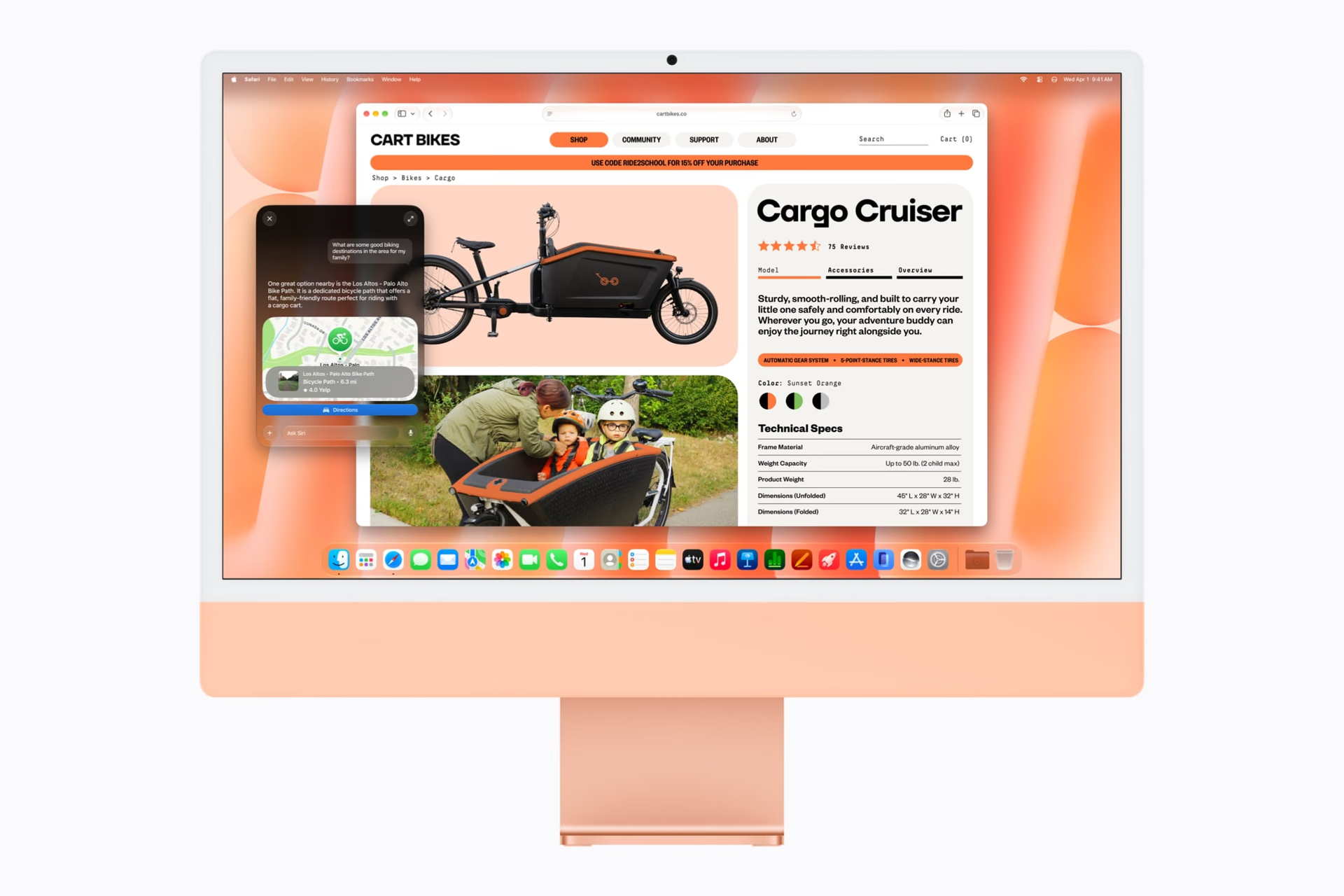
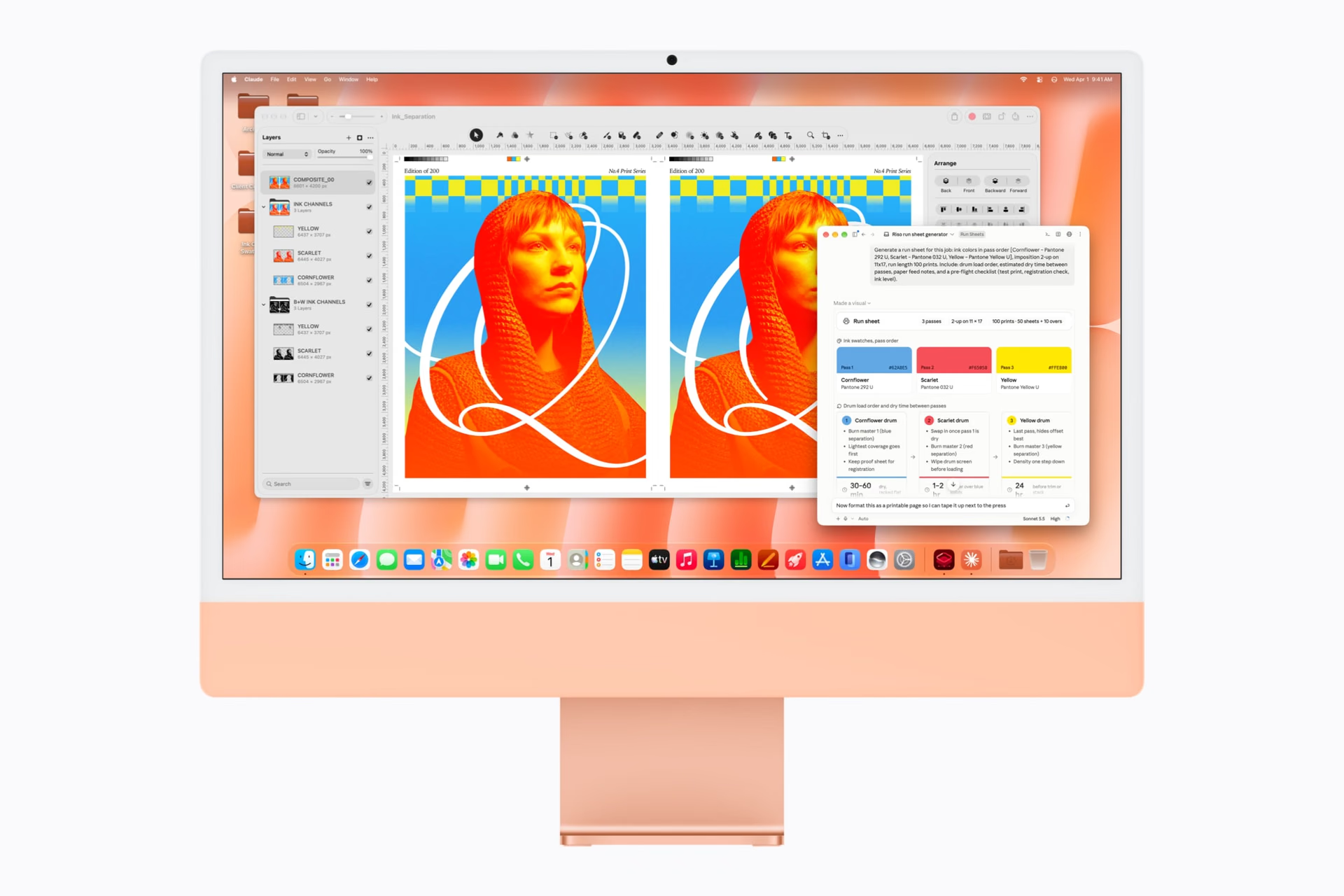
Siri AI added Spanish on October 26 with macOS 27.2. It remains in beta, and some operations with server-based models have daily limits. Continuity with iPhone makes it possible to share tasks, messages, and content; these are ecosystem features that complement the machine.

Price, availability, and choice
Preorders open on October 28, 2026, and deliveries begin on November 6. The starting prices of US$1,499 and US$1,699 are the official U.S. prices, before taxes.
For an integrated desktop with few accessories, the entry model covers a clear proposition. To add displays, connect storage, and choose more memory, the higher model is a more flexible purchase. If you already have a good monitor, it is also worth comparing the overall setup with a Mac mini: the decision depends on how much value you get from having the display included.
iMac con M6
Integrated desktop computer with a 4.5K Retina display. Configurations differ in chip, ports, and expansion options.
Pros
- Display, computer, and accessories in one package.
- Higher model with four Thunderbolt 4 ports.
Cons
- The initial model keeps a 256 GB SSD.
- Expansion and nano-texture glass depend on the configuration.
Author
Alexis PaezReport based on official announcements and verified public sources at the time of publishing.
Comments
Share article
You might also like


Recent articles
Huawei Pura X Max vs iPhone Duo: what changes beyond the foldable screen
Huawei Pura X Max vs iPhone Duo: size, multitasking, cameras, styluses, and charging. What changes in use and which one better fits your priorities.