MacBook Pro M6: more power, Wi-Fi 7, and up to 24 hours of battery life
Index
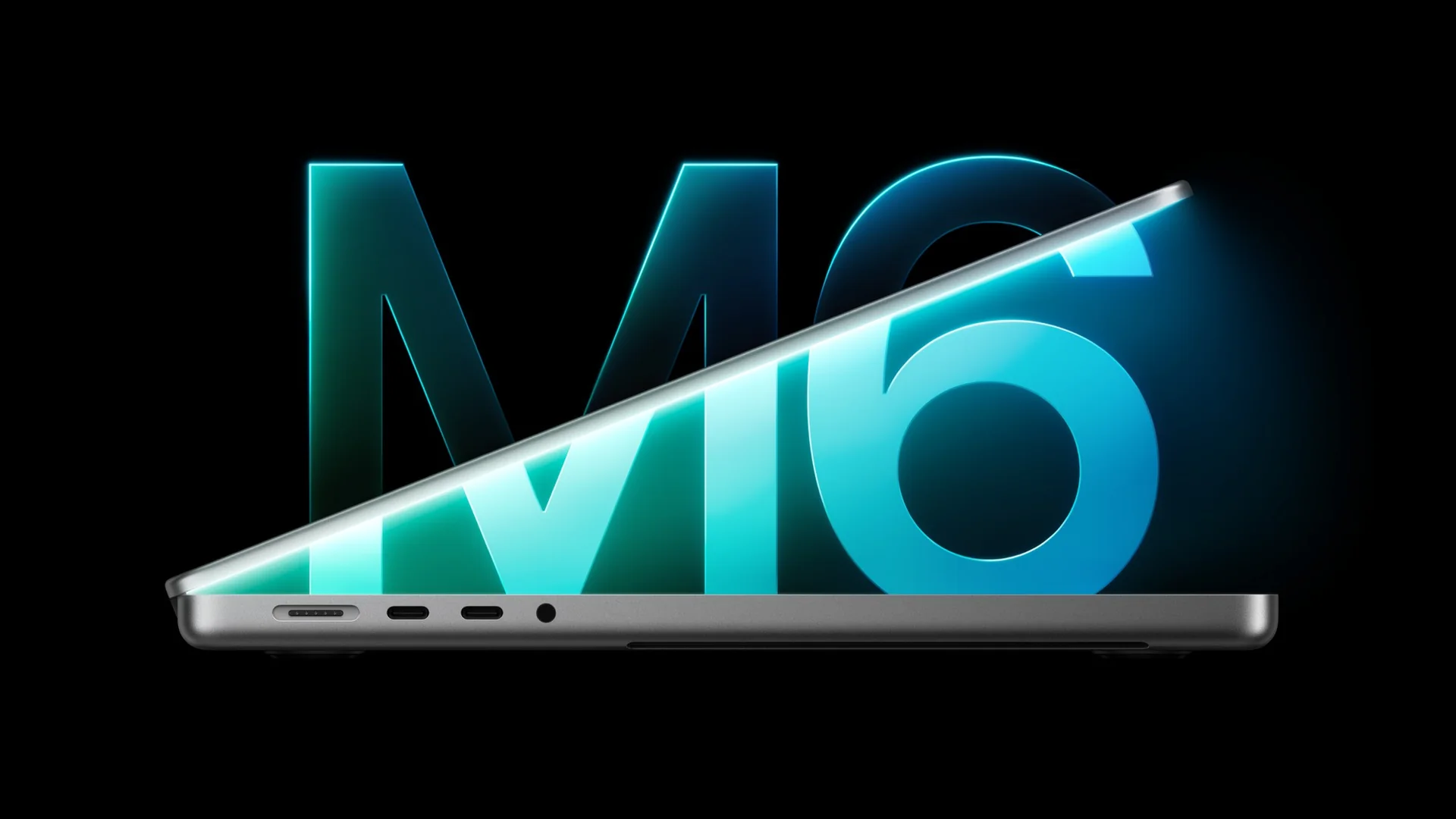
Apple introduced the 14-inch MacBook Pro with M6 on October 27, 2026, starting at US$1,999. Preorders open on October 28, and deliveries begin on November 6. The refresh combines more power and wireless connectivity, but the memory configuration you choose also changes the available bandwidth.
What changes in the MacBook Pro M6
The announcement covers the 14-inch model with M6. The MacBook Pro lineup still includes options with M5 Pro and M5 Max, also in 16 inches. It is worth distinguishing the laptop name from the chip: an M6 belongs to a later generation, but that does not automatically make it a replacement for an M5 Pro for every workload.
The finishes are Space Black and silver. The aesthetic choice does not affect performance.

M6: more cores and memory, with one important difference
The CPU and GPU each have 12 cores, joined by two 16-core Neural Engines and neural accelerators in the GPU. It marks the addition of M6 to the laptop lineup, after its arrival in desktop Macs.
According to the tests in Apple's announcement, graphics improve by up to 30% compared with M5. These are manufacturer results on specific workloads; they do not mean every application will finish 30% sooner. Editing, compositing, modeling, and compiling rely on different resources.
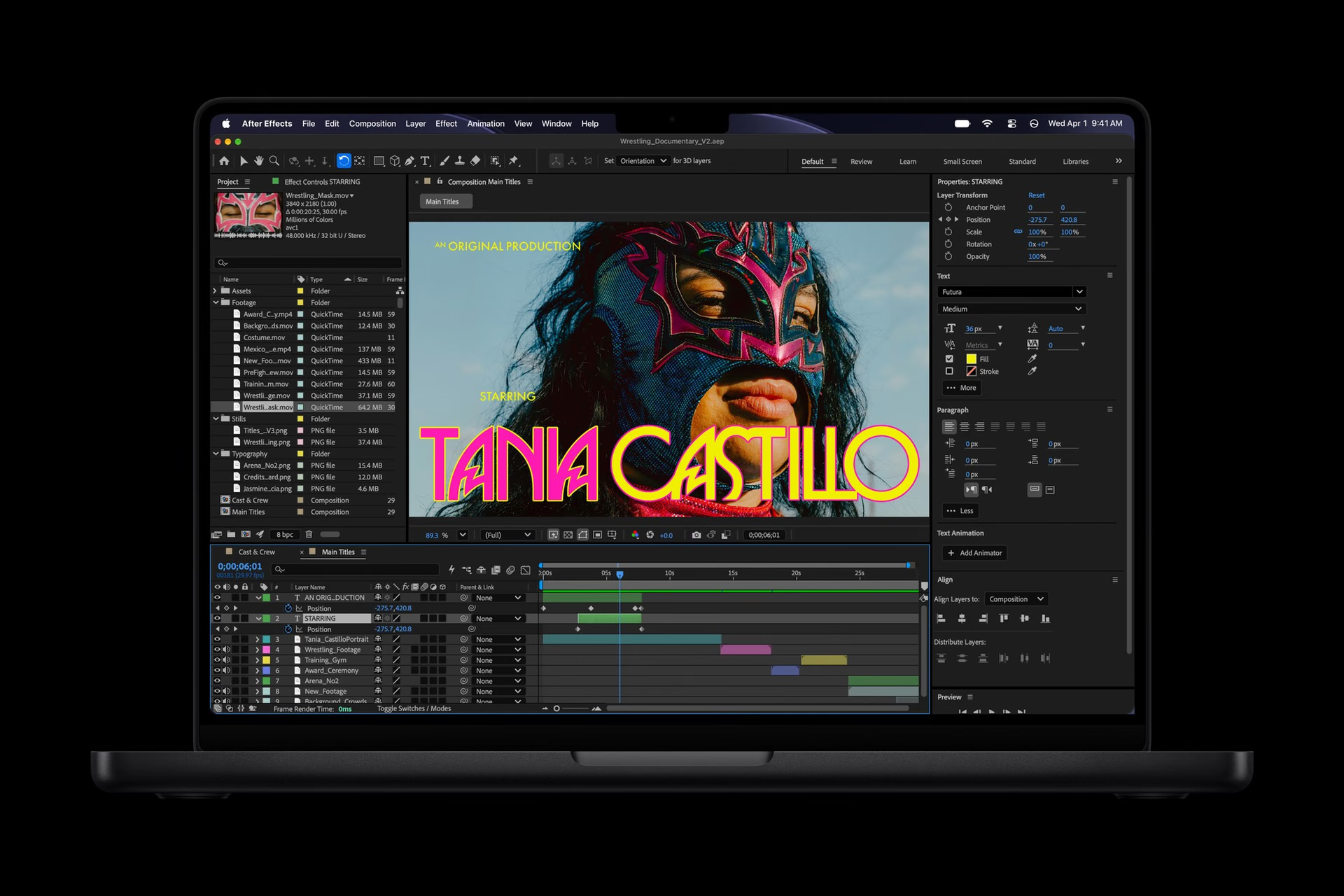
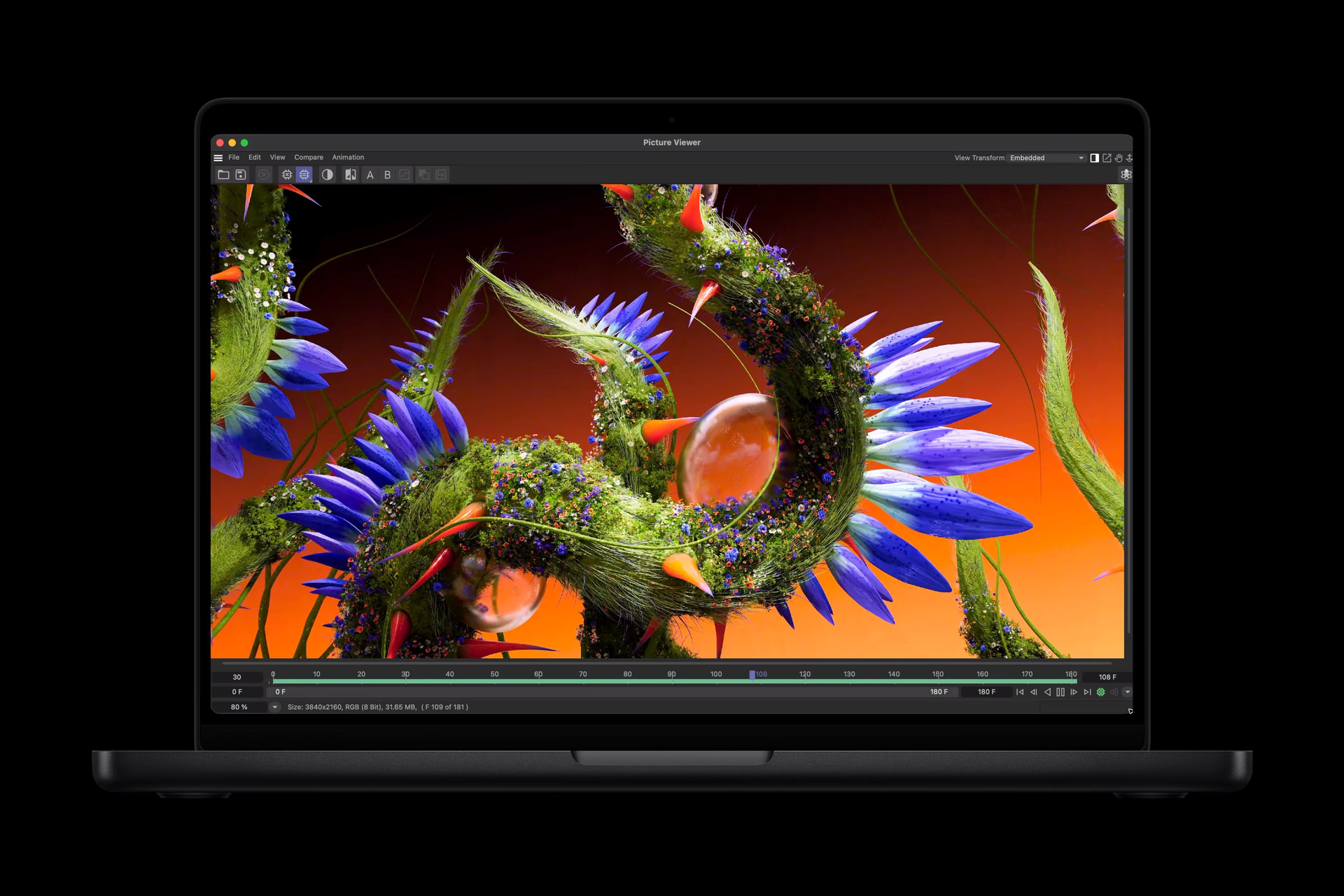
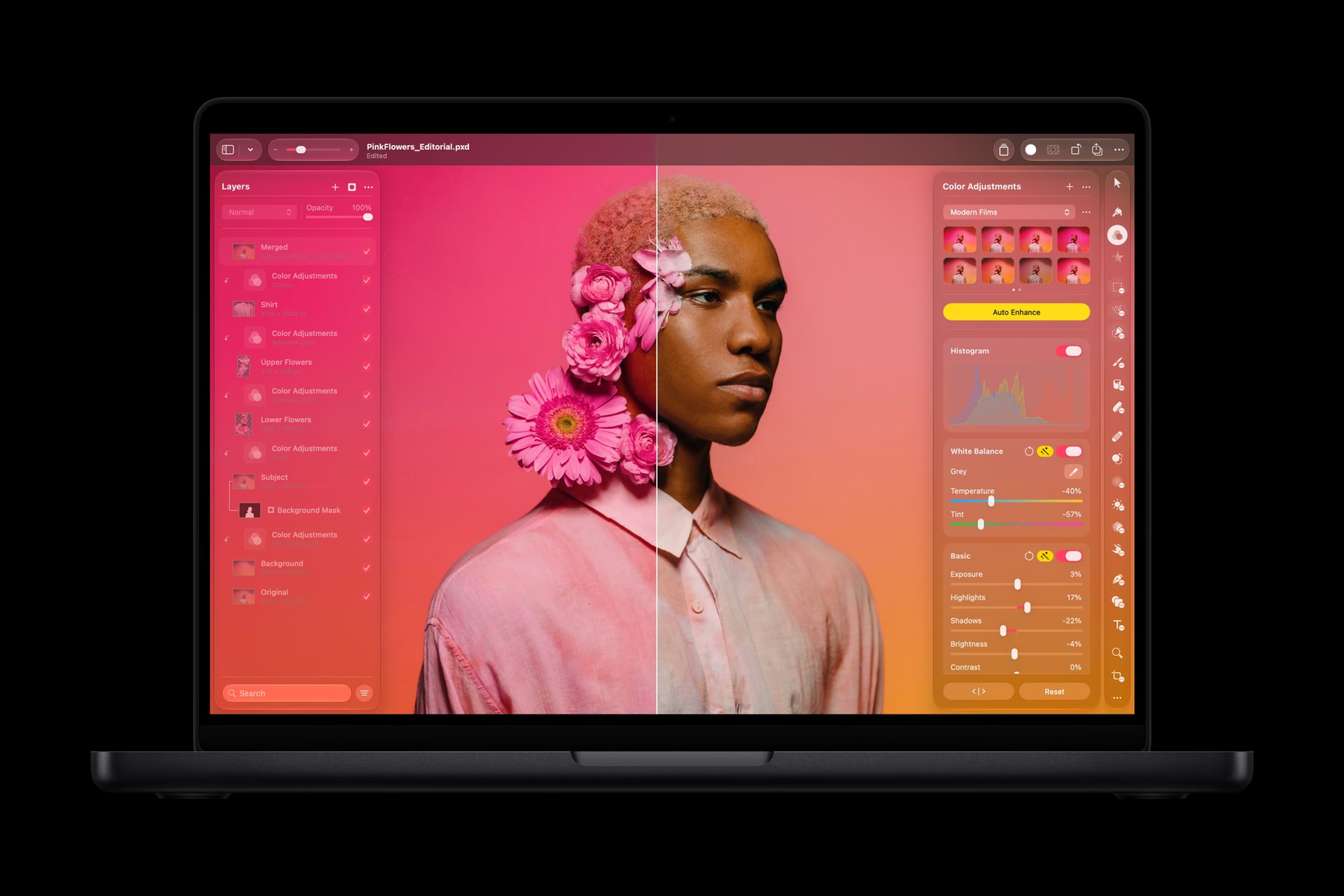
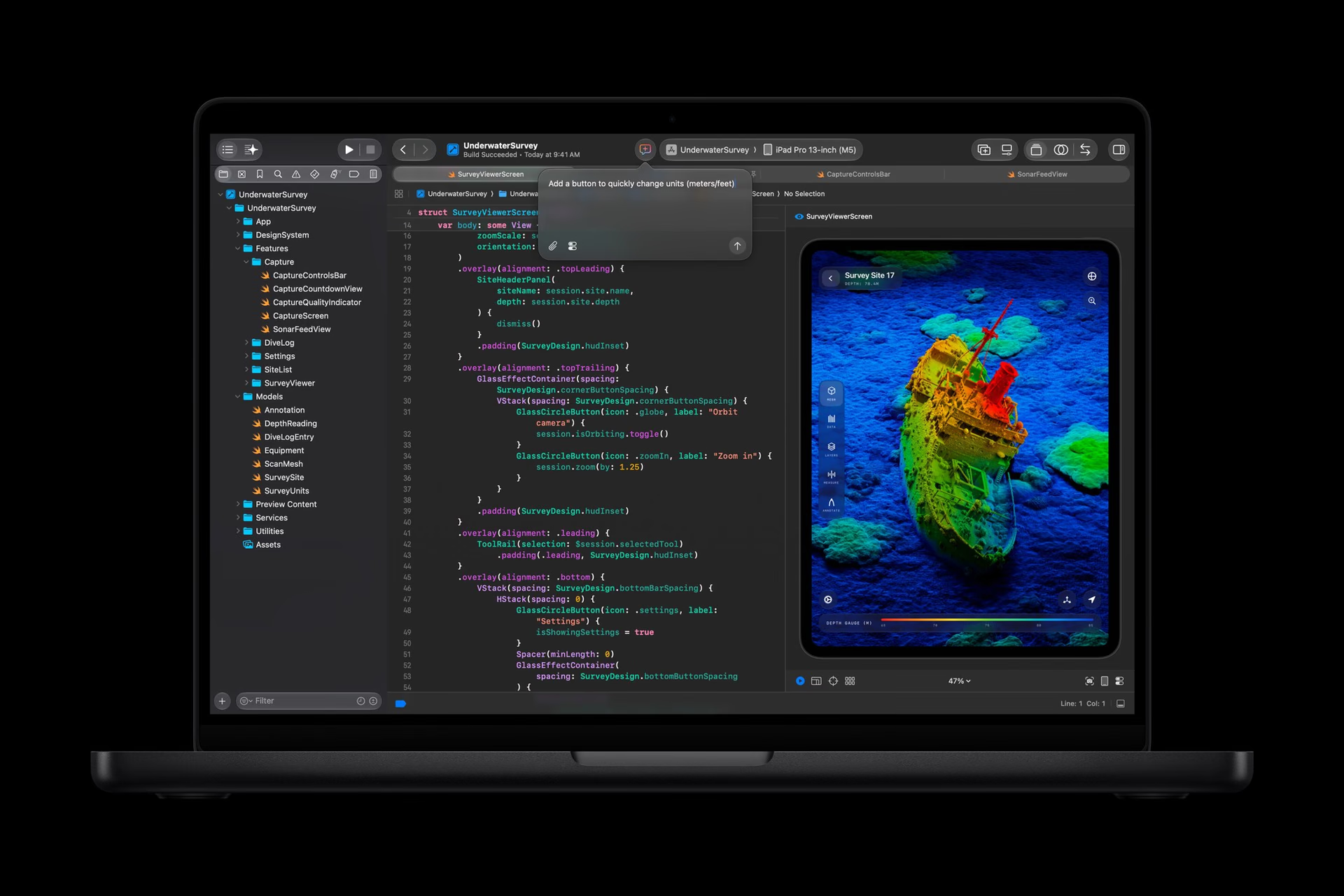
The technical specifications distinguish 153 GB/s with 16 GB of memory and 170 GB/s with 24 or 32 GB. The SSD starts at 1 TB and goes up to 4 TB. For large projects or local models, it is better to size memory first: an AI acceleration figure does not tell you how much space your work needs.
Capacity and bandwidth solve different needs. Gigabytes determine how much space applications and their data can occupy in memory; GB/s describes transfer speed. Moving to 24 GB improves both values in this model. That jump is worth evaluating if you combine editing, multiple applications, and large files, though its effect depends on where each project's bottleneck is.
Liquid Retina XDR display
The 14.2-inch panel offers ProMotion up to 120 Hz. The 1,600-nit peak applies to HDR content; it does not represent the sustained brightness of every document or website. Nano-texture glass remains an option to reduce reflections.
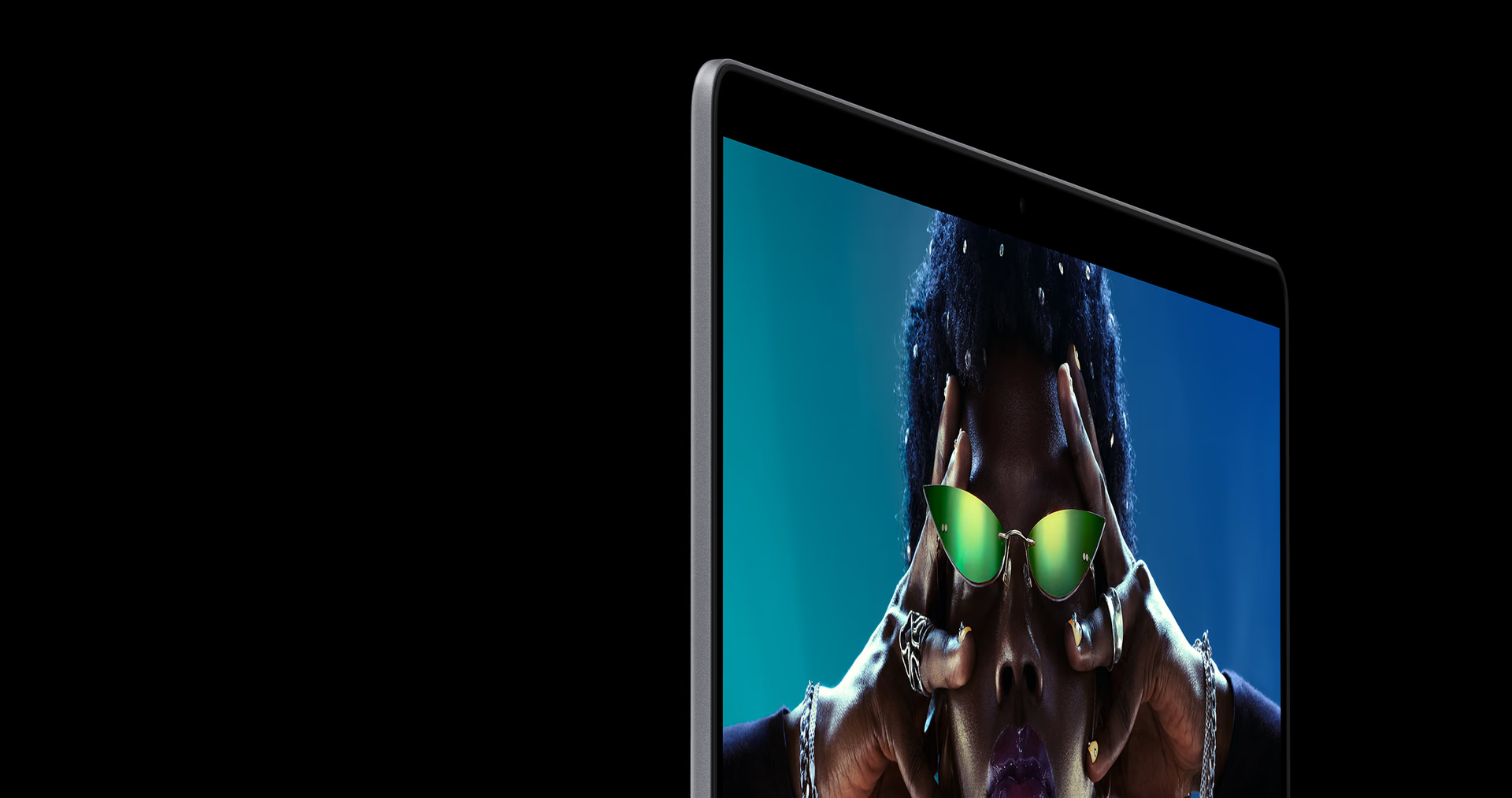
It is a decision that depends on the work environment. Before paying for an additional finish, it is important to know whether the real issue is glare from a window or the need to work with HDR content.
Battery life: what 24 hours means
Apple claims up to 24 hours of video playback and up to 16 hours of wireless web browsing. Rendering, compiling, or running local AI changes power consumption: those figures do not promise an equivalent day of intensive work. Fast charging requires a 96 W or higher USB PD power adapter.

Connectivity and external displays
It adds Wi-Fi 7 and Bluetooth 6. It includes three Thunderbolt 4 ports, HDMI, MagSafe 3, SDXC, and a headphone jack, with support for up to two external displays. Models with M5 Pro and M5 Max keep Thunderbolt 5: chip generation and expansion capability are separate criteria.
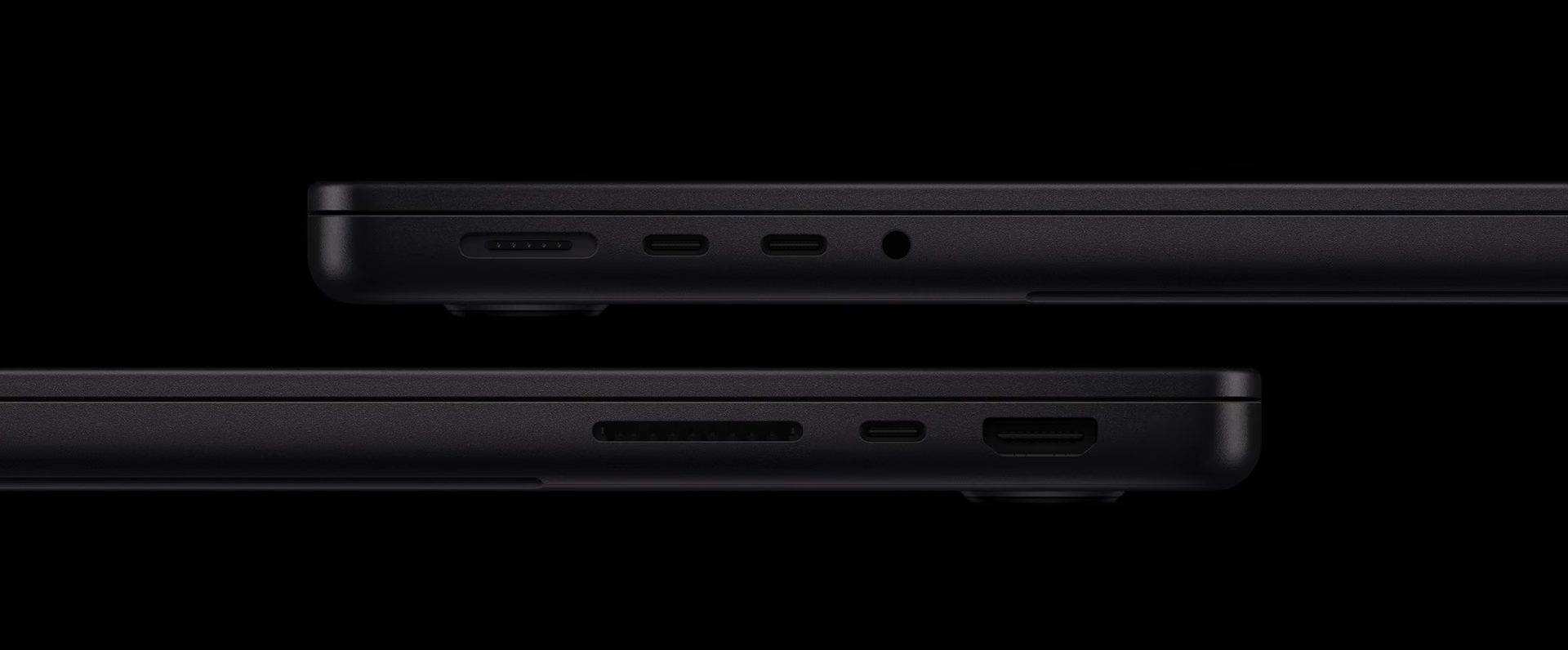
If you already work with drives, readers, or a dock, review the complete setup before changing machines. The port your equipment requires may matter more than a performance improvement you only use occasionally.
Camera and audio for remote work
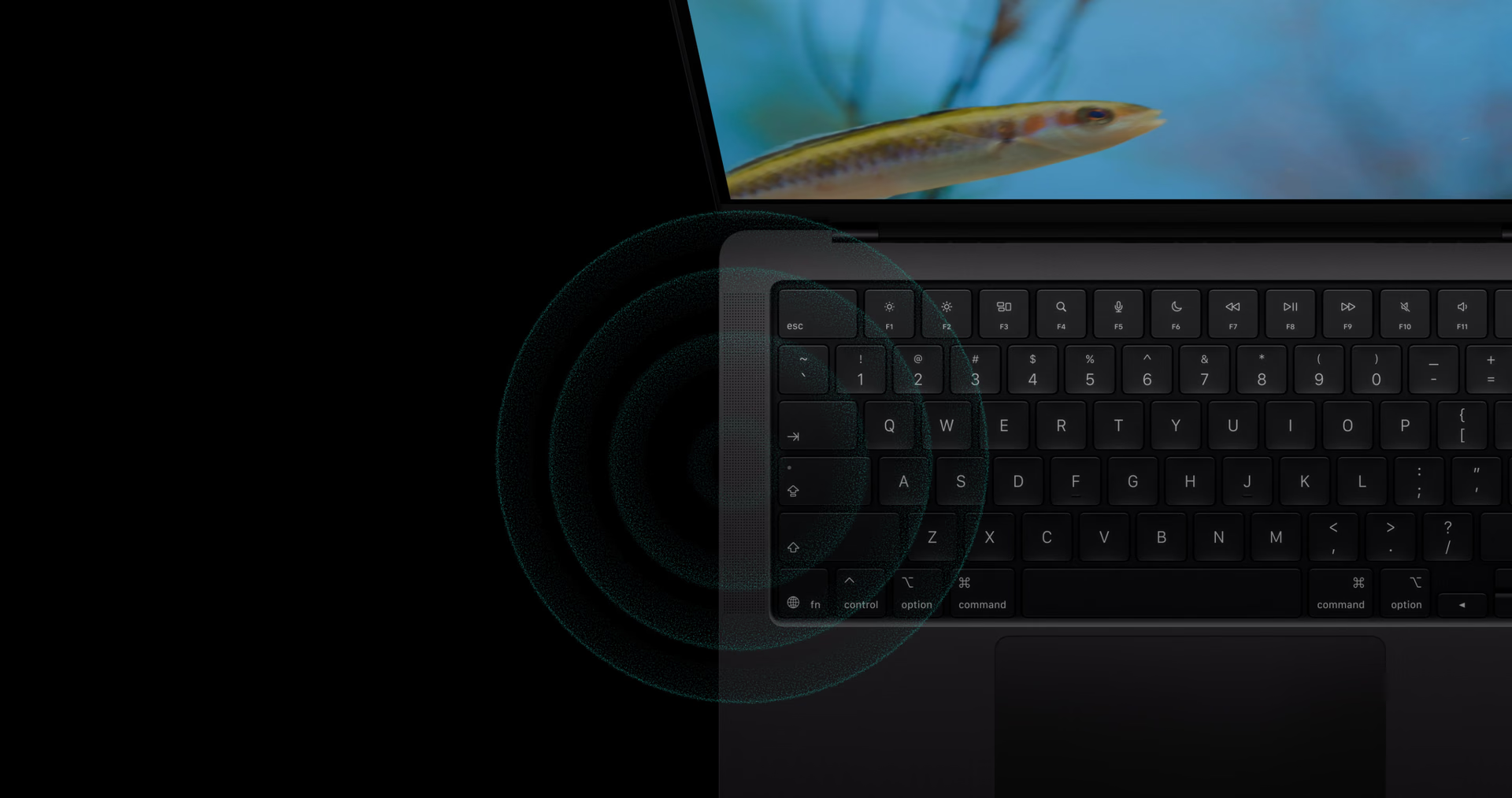
The 12 MP Center Stage camera keeps you framed and supports Desk View. It is paired with three microphones and six speakers with spatial audio. These are system features worth weighing alongside the processor, especially if you also use it for meetings or classes.

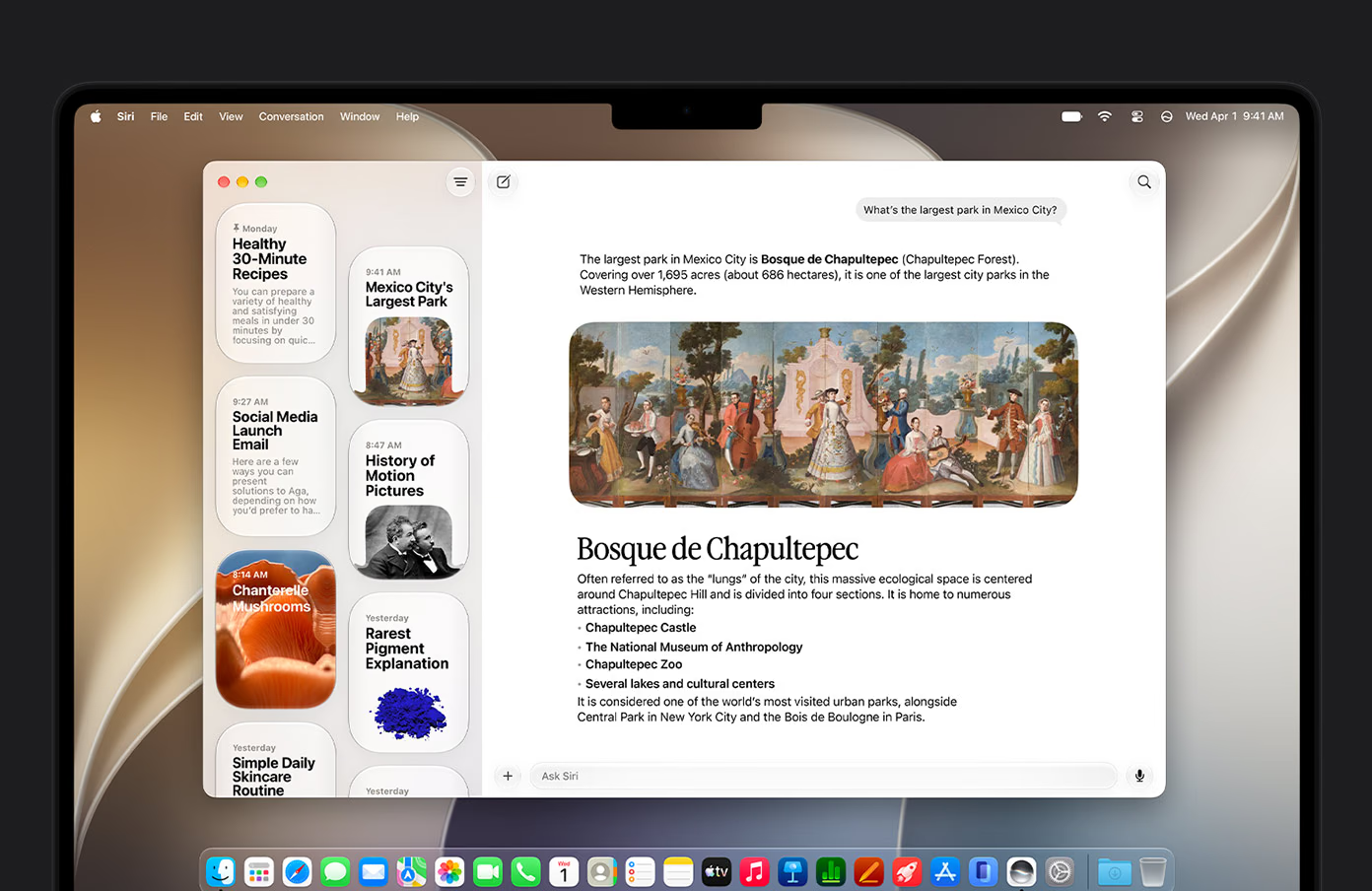
macOS 27 and Siri AI in Spanish
The system ships with macOS 27 Golden Gate. Siri AI can access personal context and work with on-screen content. Apple enabled Spanish with versions 27.2 on October 26; it remains in beta, and some server-based model features have daily limits.
Price and availability
The starting price of US$1,999 applies to the United States, before tax. Preorders begin on October 28, 2026, and availability starts on November 6 in the markets announced by Apple.
Conclusion
For upgrading an older Mac and working on the go, the M6 combines a versatile display, strong port selection, and more compute resources. If your current laptop still performs well, it is worth first identifying the limit you want to solve. And if you are coming from a Pro or Max configuration, compare memory, displays, and Thunderbolt before choosing based on the chip number.
MacBook Pro de 14 pulgadas con M6
Laptop with M6, XDR display, and updated wireless connectivity. The selected memory configuration also changes bandwidth.
Pros
- SSD starting at 1 TB.
- XDR display and a wide range of ports.
Cons
- Bandwidth changes depending on memory.
- Thunderbolt 4 in this configuration.
Author
Alexis PaezReport based on official announcements and verified public sources at the time of publishing.
Comments
Share article
You might also like


Recent articles

Huawei Pura X Max vs iPhone Duo: what changes beyond the foldable screen
Huawei Pura X Max vs iPhone Duo: size, multitasking, cameras, styluses, and charging. What changes in use and which one better fits your priorities.