Samsung 9100 PRO: twice as fast as the 990 PRO, but only if your PC has PCIe 5.0
Index
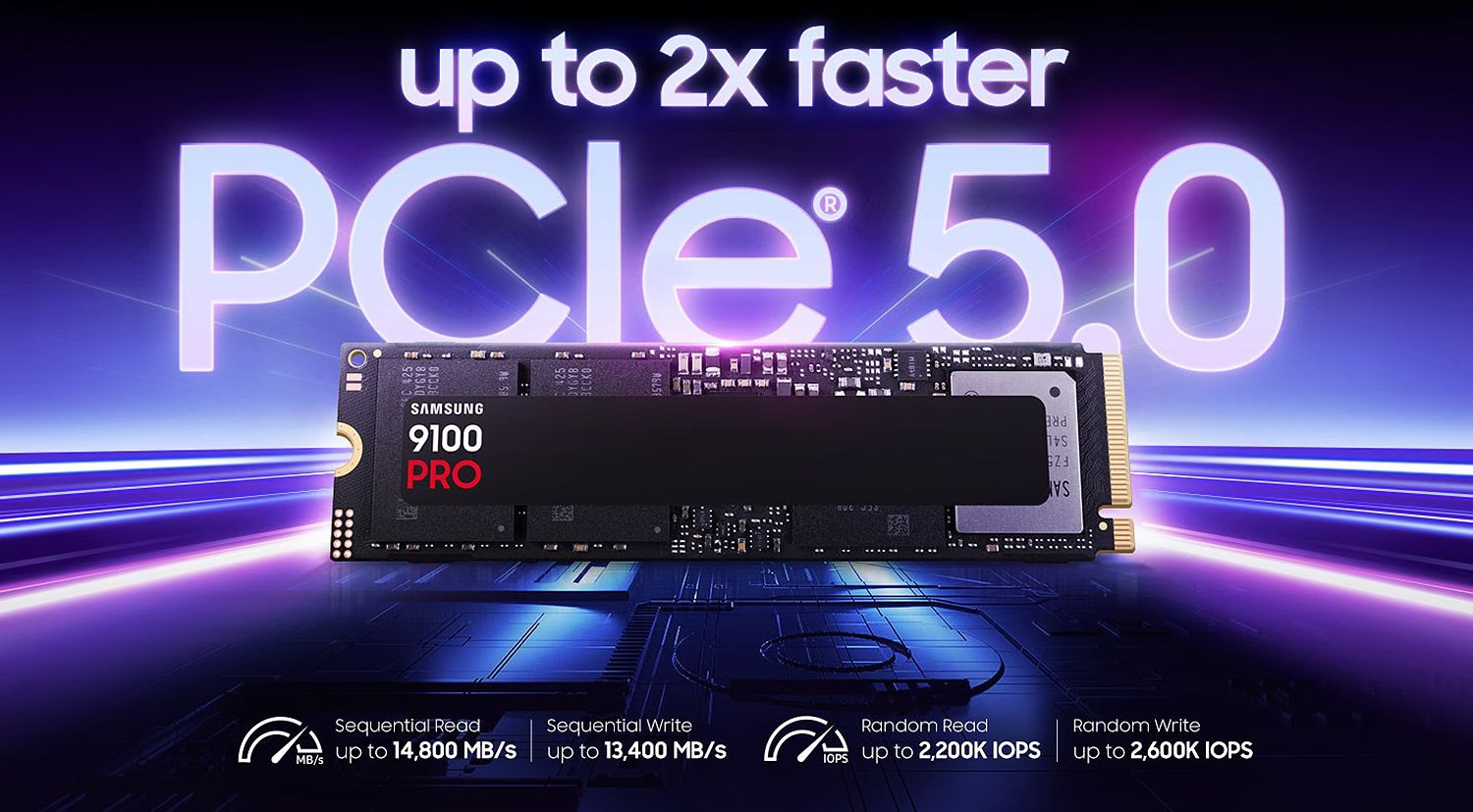
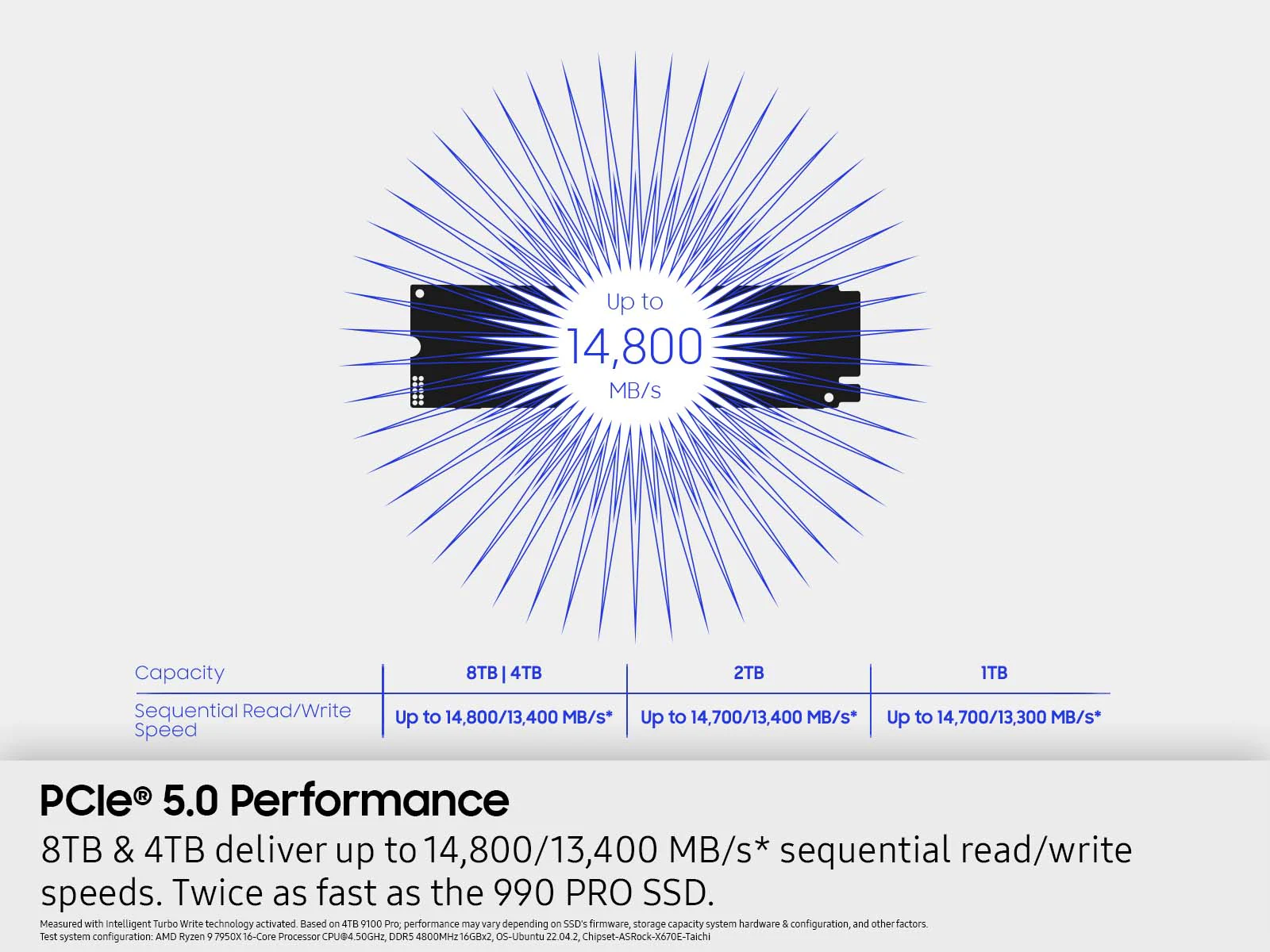
The Samsung 9100 PRO is Samsung's first consumer SSD with PCIe 5.0 x4: up to 14,800 MB/s sequential reads, twice as fast as the 990 PRO, and capacities from 1 to 8 TB, with or without a heatsink. Samsung announced it on February 26, 2025, and released it on March 18, starting at US$199.99. What the spec sheet does not make clear is where those numbers actually apply, and what the 49% efficiency figure the brand highlights is really comparing.
It is one of the fastest and most efficient PCIe 5.0 SSDs you can buy, but it is only worth the price if you connect it to an M.2 Gen5 slot: in a PS5, in a Mac with Thunderbolt 5, or on a PCIe 4.0 motherboard, it performs like a previous-generation SSD.
What the Samsung 9100 PRO is and where it fits
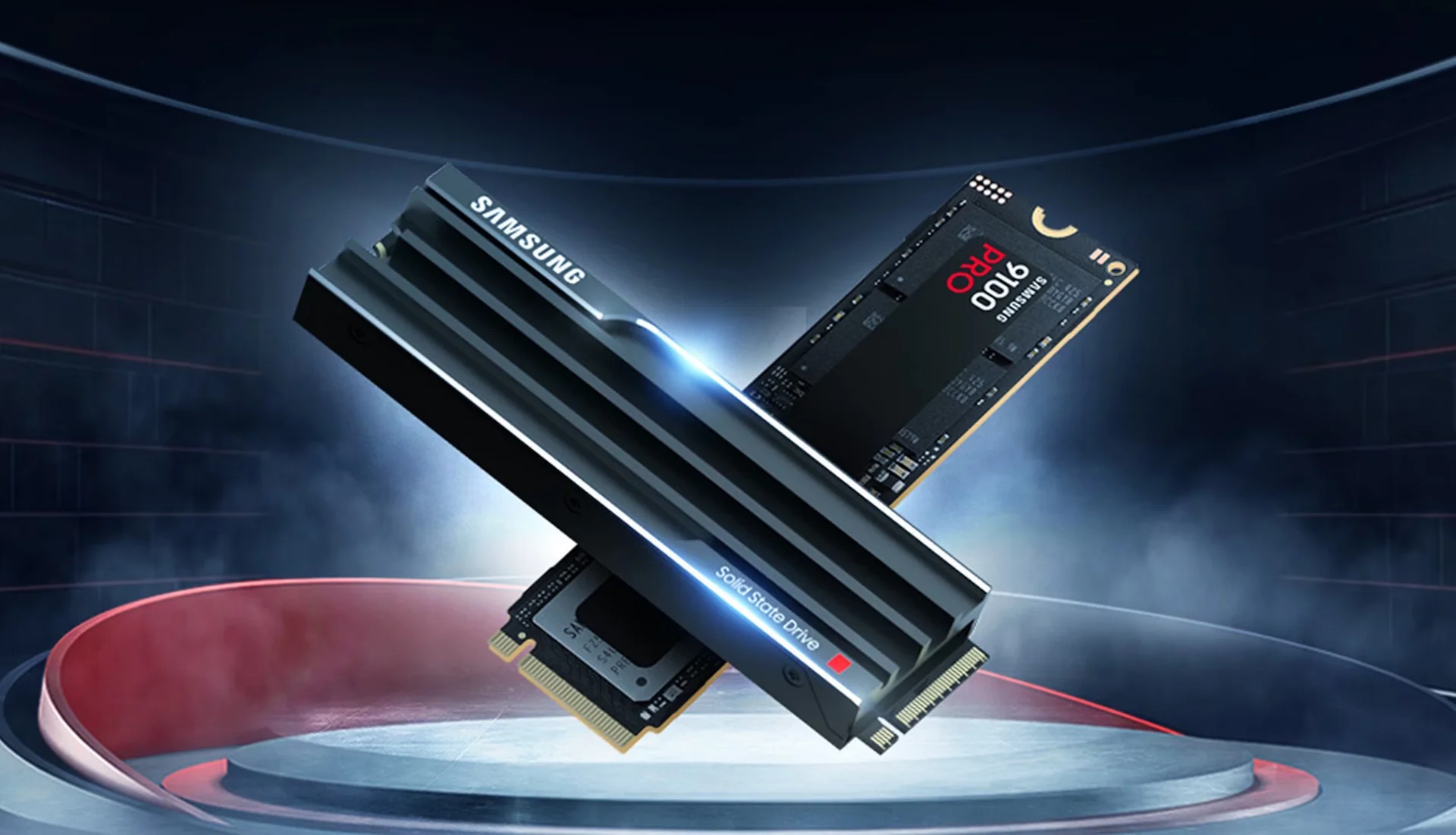
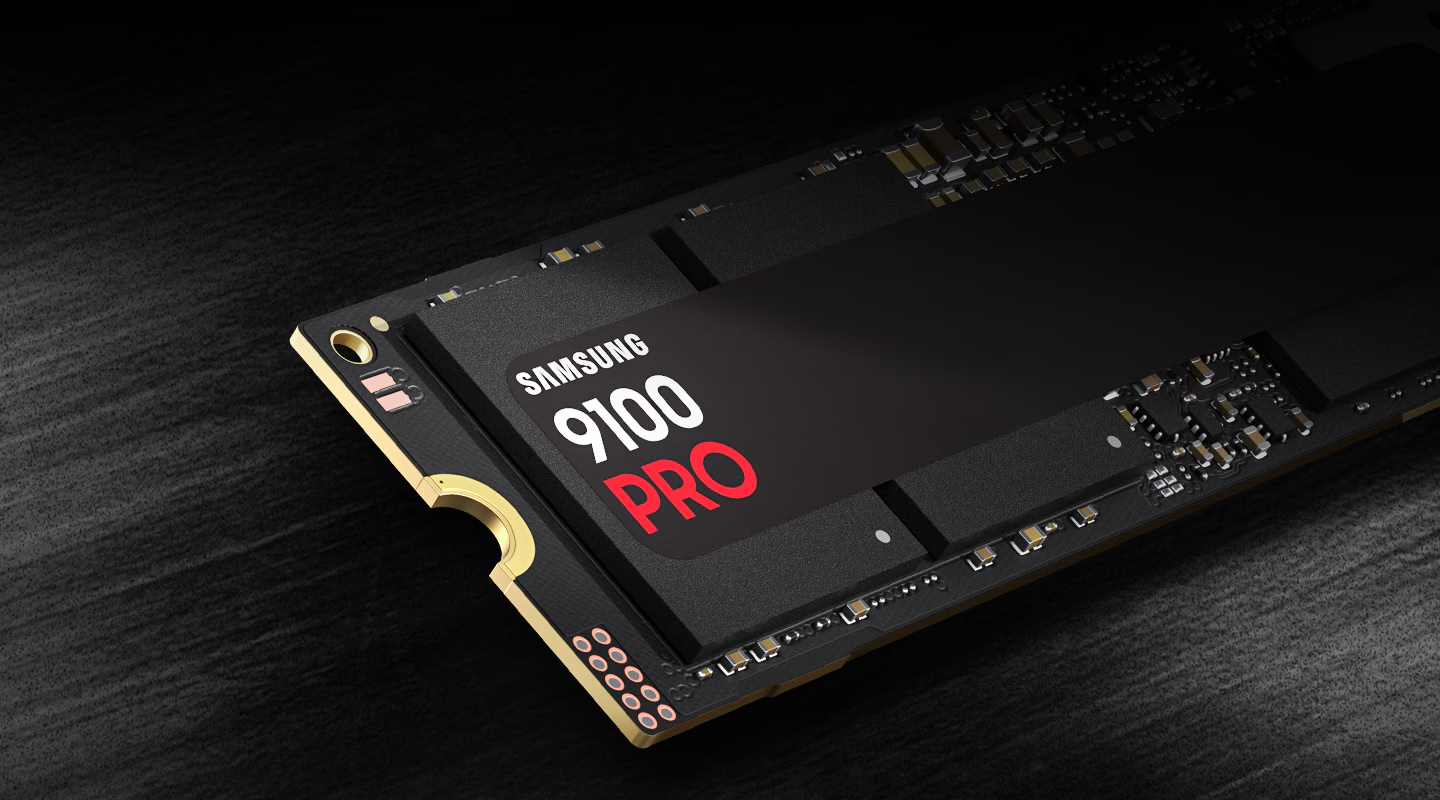
It sits above the 990 PRO, which remains on sale as Samsung's PCIe 4.0 benchmark. It changes the interface, from PCIe 4.0 to PCIe 5.0, and the controller, which is Samsung's own 5 nm design. The memory is eighth-generation V-NAND TLC (V8), with LPDDR4X DRAM cache at a rate of 1 GB per TB.
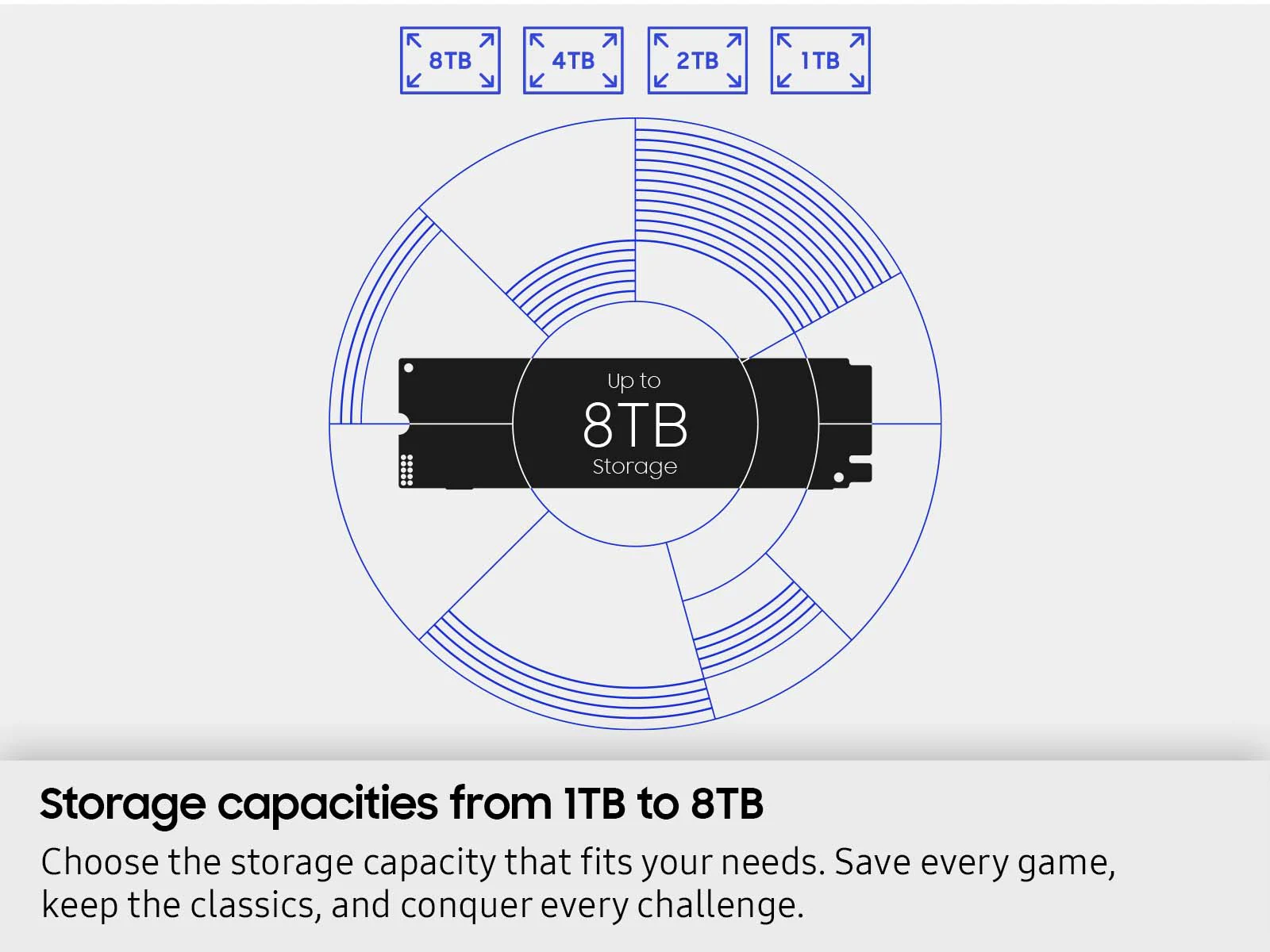
There are two versions: the bare drive, with a heat-dissipating label over the chips, and the one that ships with a factory heatsink for US$20 more. The 1, 2, and 4 TB models launched in March 2025; the 8 TB model has been on sale since September 9, 2025, at US$999.99.
Samsung 9100 PRO specs by capacity
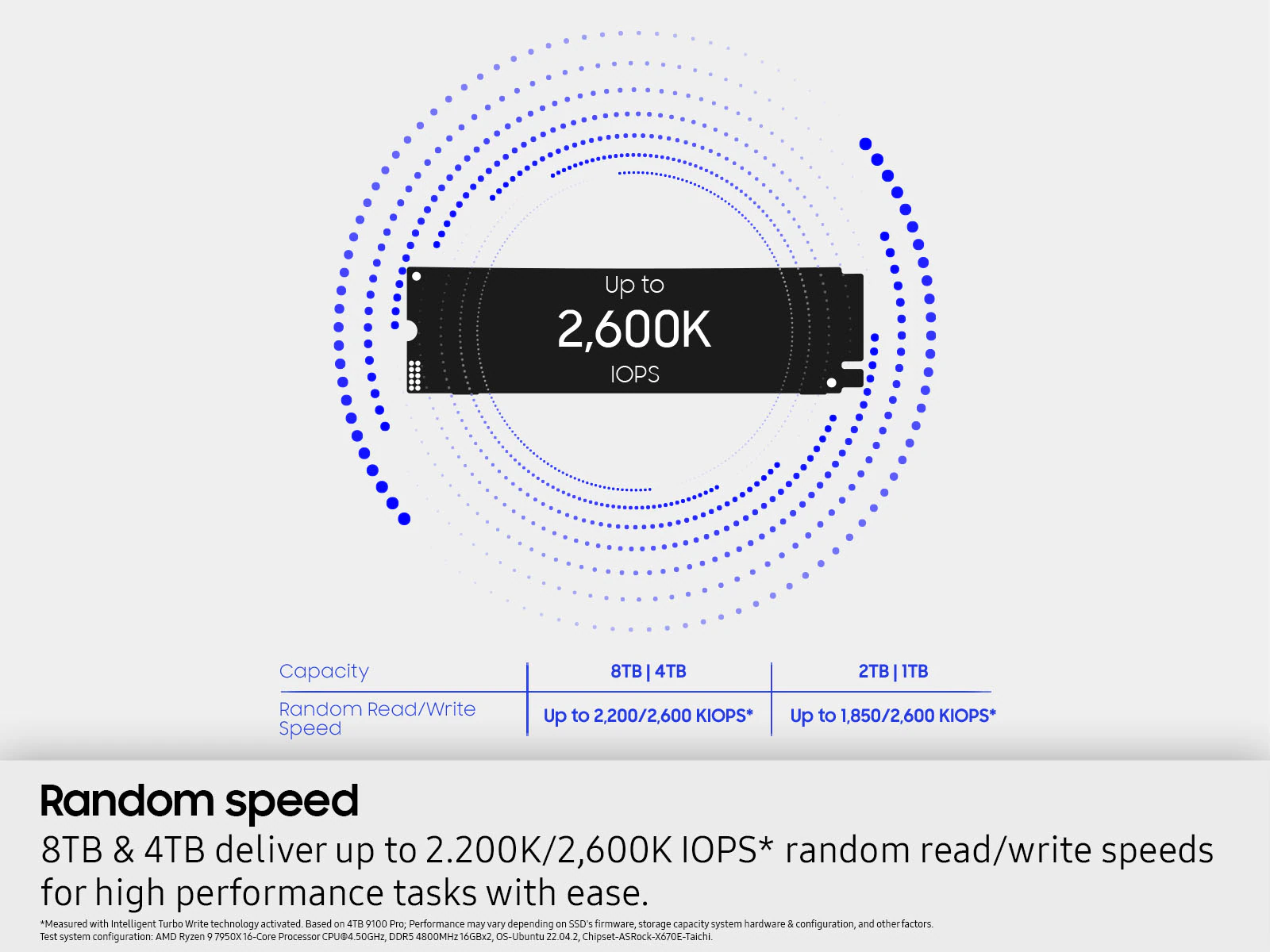
The four capacities do not perform the same: the 4 and 8 TB models reach 14,800 MB/s and 2,200K random read IOPS; the 1 and 2 TB models top out at 14,700 MB/s and 1,850K IOPS. The figures come from the official datasheet and Samsung's US launch announcement.
Samsung did not publish the Intelligent TurboWrite cache for the 8 TB model, which is why that cell uses a dash. The write figures were measured with that cache active, on an ASRock X670E Taichi motherboard with a Ryzen 9 7950X. The warranty is five years or the TBW for each capacity, whichever comes first.
With heatsink or without heatsink
The 1, 2, and 4 TB version with heatsink measures 8.88 mm tall and meets the PCI-SIG D8 standard, which sets a maximum of 8.8 mm for the heatsink. The 8 TB model reaches 11.25 mm. The bare version relies on the heat-dissipating label and the firmware's thermal control, so it needs the motherboard's heatsink or good airflow.
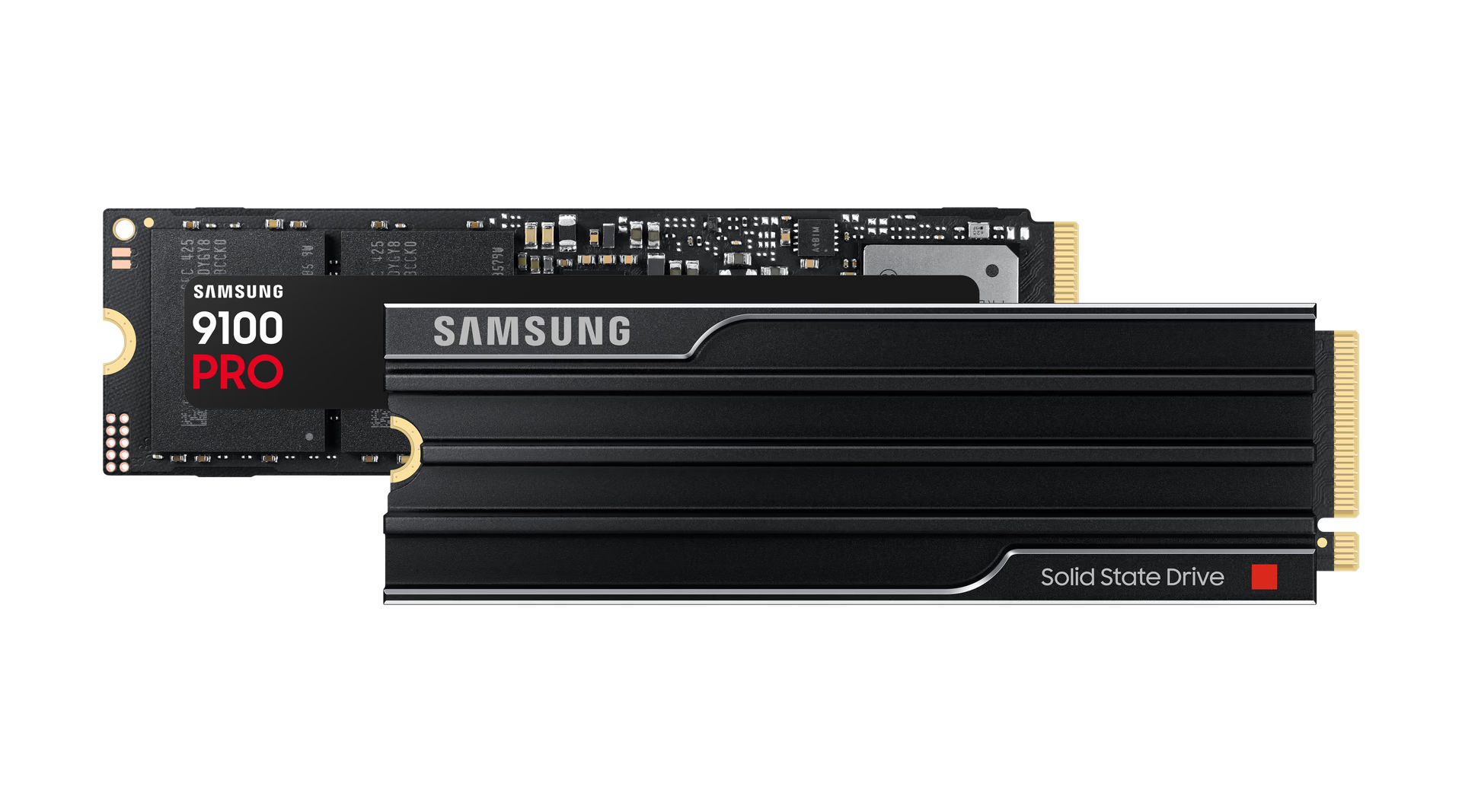
The practical rule: if your motherboard has an M.2 heatsink over the Gen5 slot, buy the bare version and use the motherboard heatsink. The heatsink version makes sense on a board without its own heatsink or in the PS5. And the datasheet for that version includes two conditions worth knowing before you open the box: removing the heatsink voids the warranty, and overtightening the SSD against the motherboard does too. Tighten the M.2 screw until it bottoms out, no more.
On high-end motherboards there is another detail: populating certain M.2 slots takes lanes away from the graphics card. On the ASUS ROG STRIX X870E-E, according to ASUS's spec sheet, using the M.2_2 or M.2_3 slot drops the PCIe 5.0 x16 slot to x8. Before deciding where the SSD goes, check the manual to see which slot shares bandwidth.
The 49% efficiency claim: what Samsung is comparing
Samsung says the 9100 PRO improves power efficiency by up to 49% compared with the 990 PRO. The footnote in Samsung Spain's announcement explains where it comes from: the 2 TB 9100 PRO delivers 1,822 MB/s per watt in sequential read and 1,703 in write; the 4 TB 990 PRO delivers 1,221 and 1,255.
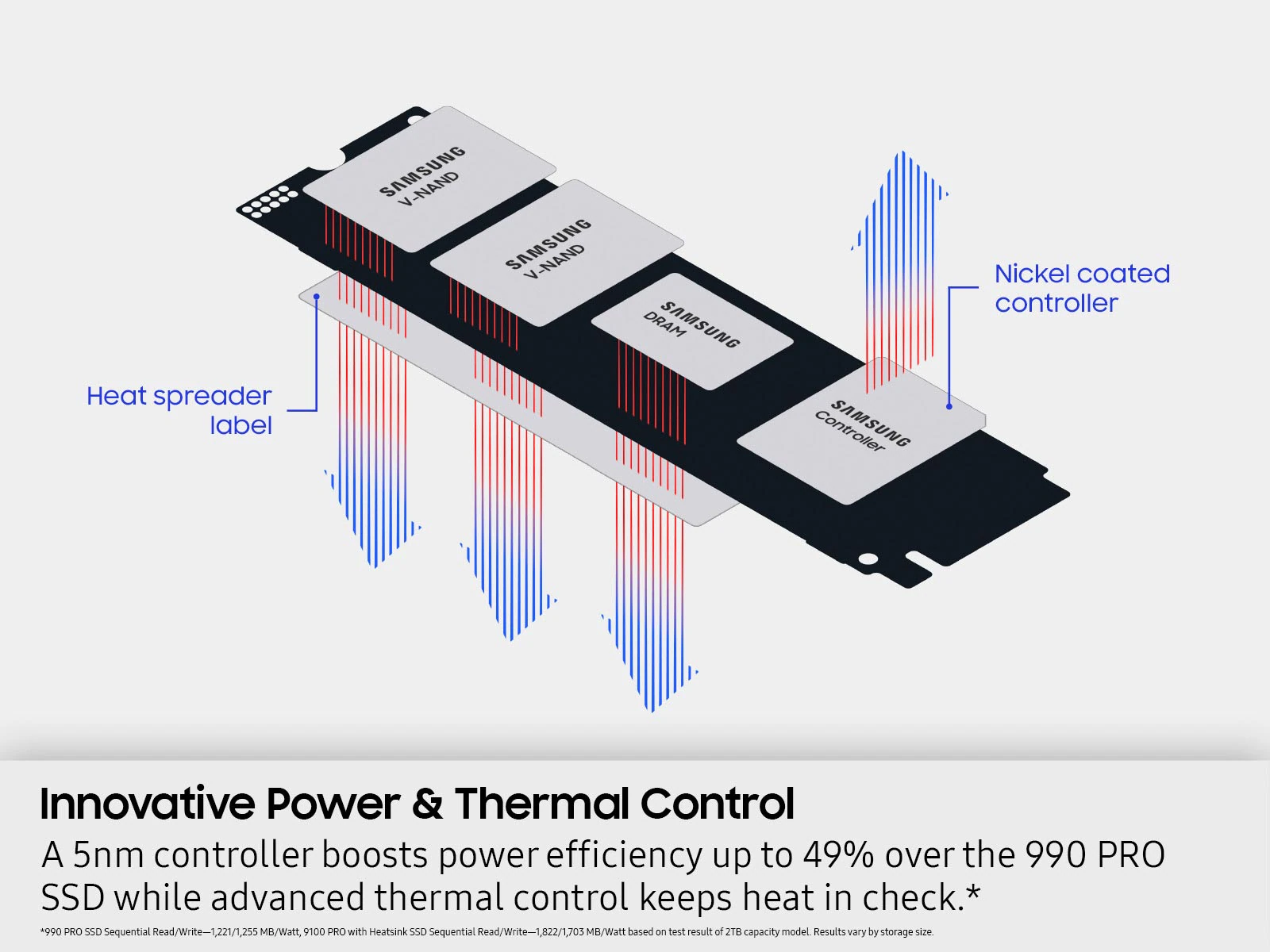
With those figures, the 49% applies only to reads: in writes, the improvement is 36%. And the comparison crosses capacities, pitting a 2 TB SSD against a 4 TB one. Samsung's store card also says the measurement was made with the heatsink version. The improvement is real and reviews confirm it, but the headline number is the best-case scenario.
Performance: what reviews measured
In Club386's testing, the 4 TB model without its own heatsink reached 14,604 MB/s reads and 13,325 MB/s writes in CrystalDiskMark, just below the rated figures. Its peak under load was 61 °C, higher than the 990 PRO and lower than the Crucial T700 Pro, with no signs of throttling. HotHardware also recorded no throttling and describes it as an SSD that runs relatively cool.
StorageReview measured 14,600 MB/s reads and 13,300 MB/s writes with FIO, on par with the Crucial T705, and saw the 9100 PRO pull ahead in random operations.
The weak point appears when the cache fills up. ServeTheHome filled the 2 TB model to 85% with ten simultaneous write threads and recorded around 1,350 MB/s sustained, less than expected. For long video copies or entire libraries, that is the number that matters.
Where you cannot take advantage of 14,800 MB/s
The 9100 PRO is compatible with PCIe 4.0 and 3.0, but its speed depends on the slot. There are three common cases where the SSD is not the limit.
In the PS5
The PS5 accepts PCIe 4.0 x4 M.2 SSDs. According to PlayStation's requirements, the SSD needs a heatsink and the assembly cannot exceed 11.25 mm in height or 25 mm in width. Samsung rates the heatsink version as compatible with the PS5 in all four capacities, and the 8 TB model measures exactly 11.25 mm.
But the console uses it at PCIe 4.0 speed, and Sony recommends 5,500 MB/s reads, a figure any high-end PCIe 4.0 drive exceeds. For the PS5, capacity matters, not the Gen5 ceiling.
In a Mac with Thunderbolt 5
The Mac mini, Mac Studio, and MacBook do not have an M.2 slot, so the 9100 PRO can only be used in an external enclosure. There, the limit is the port: Intel lists 64 Gbps of PCIe bandwidth for Thunderbolt 5, about 8 GB/s raw, and the fastest enclosures are around 6 GB/s in real-world use, as Notebookcheck's test of the OWC Envoy Ultra showed. The 9100 PRO needs almost twice that.
If you work with the Mac Studio with M5 Ultra or the Mac mini with M5 Pro, which include Thunderbolt 5, a PCIe 4.0 SSD in the enclosure performs the same and costs less.
On a PCIe 4.0 motherboard or laptop
In a Gen4 slot, the ceiling becomes PCIe 4.0, the generation of the 990 PRO: the 9100 PRO works, but you are paying for an interface you are not using. In laptops, also check the height: the 8 TB model without heatsink measures 3.88 mm, 1.5 mm more than the other capacities.
How it compares with the competition
The table compares the 2 TB versions, the capacity all of them offer, using the figures published by each manufacturer.
At 2 TB, the WD_BLACK SN8100 and the FURY Renegade G5 claim higher random read performance than the 9100 PRO, which only reaches 2,200K IOPS at 4 and 8 TB, and the Kingston offers the most TBW. The Crucial T710 was left out: Micron announced in December 2025 that it was exiting Crucial's consumer business, with shipments to the retail channel only through February 2026.
What honest reviews point out
- It is not for gaming. TechRadar gave it 4 out of 5 and recommends it for professionals who write large files, not for gaming: in its 3DMark test, the 990 PRO beat it. Club386 agrees that for gaming, a PCIe 4.0 drive remains the more sensible buy.
- It does not surprise. Tom's Hardware considers it a good SSD that does not quite impress: according to its analysis, neither the memory nor the controller brings technology Samsung had not already been using, and the price is high compared with similar rivals.
- The cache is small. Club386 lists it as a con, and the sustained write performance measured by ServeTheHome confirms it.
- The price moved with memory. Since early 2026, the memory shortage has pushed SSD prices up, and Tech Times reported in July 2026 that the 1 TB model spent months above its launch price. Profesional Review, which scored it 92 out of 100, also flags the price and TBW.
Conclusion by user profile
If you edit video, work with local AI models, or move large libraries on a PC with an M.2 Gen5 slot, the 9100 PRO is one of the best PCIe 5.0 buys: fast in random workloads, efficient, and cool-running. Choose 4 TB or more to get the full performance figures and the larger cache. If you game on PC, a 990 PRO or another high-end PCIe 4.0 drive performs almost the same in games and costs less. If it is for the PS5 or for a Thunderbolt 5 enclosure on a Mac, do not pay for the Gen5 interface: the port is the limit. And if you already have a 990 PRO, upgrading is only justified if your work depends on long sequential copies on a Gen5 motherboard.
Frequently asked questions
Is it worth replacing the 990 PRO with the 9100 PRO?
Only if you have an M.2 Gen5 slot and your work depends on moving large files. It doubles sequential read performance, but in games the difference is minimal, and TechRadar saw the 990 PRO ahead in 3DMark.
Does the Samsung 9100 PRO work in the PS5?
Yes. Samsung rates the heatsink version as compatible with the PS5 in all four capacities; the bare version needs you to add one. The console uses it at PCIe 4.0 speed, so the Gen5 advantage is not noticeable.
Does the 9100 PRO need a heatsink?
On a PC, it is recommended, whether it is the motherboard's heatsink or the factory one: Samsung recommends good airflow, and Club386 measured a 61 °C peak with no throttling. In the PS5, it is mandatory. If your motherboard already has an M.2 heatsink, buy the bare version.
Does it work on a PCIe 4.0 motherboard?
Yes, Samsung confirms compatibility with PCIe 4.0 x4 and 3.0 x4. Speed is limited by the slot, so on a Gen4 motherboard it performs in the same league as a high-end PCIe 4.0 drive and loses its main advantage.
9100 PRO
Samsung M.2 PCIe 5.0 SSD with an in-house 5 nm controller, up to 14,800 MB/s, and capacities from 1 to 8 TB, with or without a heatsink.
Pros
- Up to 14,800 MB/s sequential reads, twice as fast as the 990 PRO.
- Random read and write performance among the highest in PCIe 5.0.
- Runs cool: Club386 measured a 61 °C peak and no throttling.
- Heatsink version compatible with PS5 in all four capacities.
- Up to 8 TB and 4,800 TBW in the largest model.
Cons
- The 49% efficiency claim compares different capacities and only applies to reads.
- Around 1,350 MB/s sustained writes with the drive nearly full, according to ServeTheHome.
- In PS5, PCIe 4.0, or Thunderbolt 5, it cannot take advantage of its 14,800 MB/s.
- Removing the heatsink or overtightening the SSD voids the warranty.
Author
Alexis PaezAnalysis based on the manufacturer's official specifications. The author did not physically test the product.
Comments
Share article
You might also like


Pixel 11 Pro XL, Galaxy S26 Ultra, and iPhone 17 Pro Max: the three have converged, and something else decides the winner
All three come with 12 GB of RAM, a vapor chamber, and 5,000 mAh. We compare zoom, charging, and display—and why timing in the sales cycle matters more than the spec sheet.
OPPO Find X10 Pro Max: one of the first with Dimensity 9600 Pro and a global release
OPPO confirmed that the Find X10 Pro Max uses the Dimensity 9600 Pro, MediaTek's first 2 nm chip, and is headed to global markets. What changes, which chip the base Find X10 uses, and when it arrives.