The Health app was rebuilt from scratch: Biological Age, Longevity, and a date that is not September 14

Index
The Health app was rebuilt from the ground up, with Apple Intelligence at the center and two new features that did not exist before: Biological Age, which compares your metrics against your actual age, and a Longevity tab that evaluates seven areas at once. The detail most coverage misses is the date: it did not launch with iOS 27 on September 14. It arrives later in the year and starts only in U.S. English.

What changes in the Health app
The structure moves to three tabs: Insights, Longevity, and Browse. Insights is the front page, where an Apple Intelligence-generated summary shows the most relevant information at the moment. Longevity is the long-term view, the one that looks at months instead of days. Browse is the full data catalog, which is where almost everything used to live.
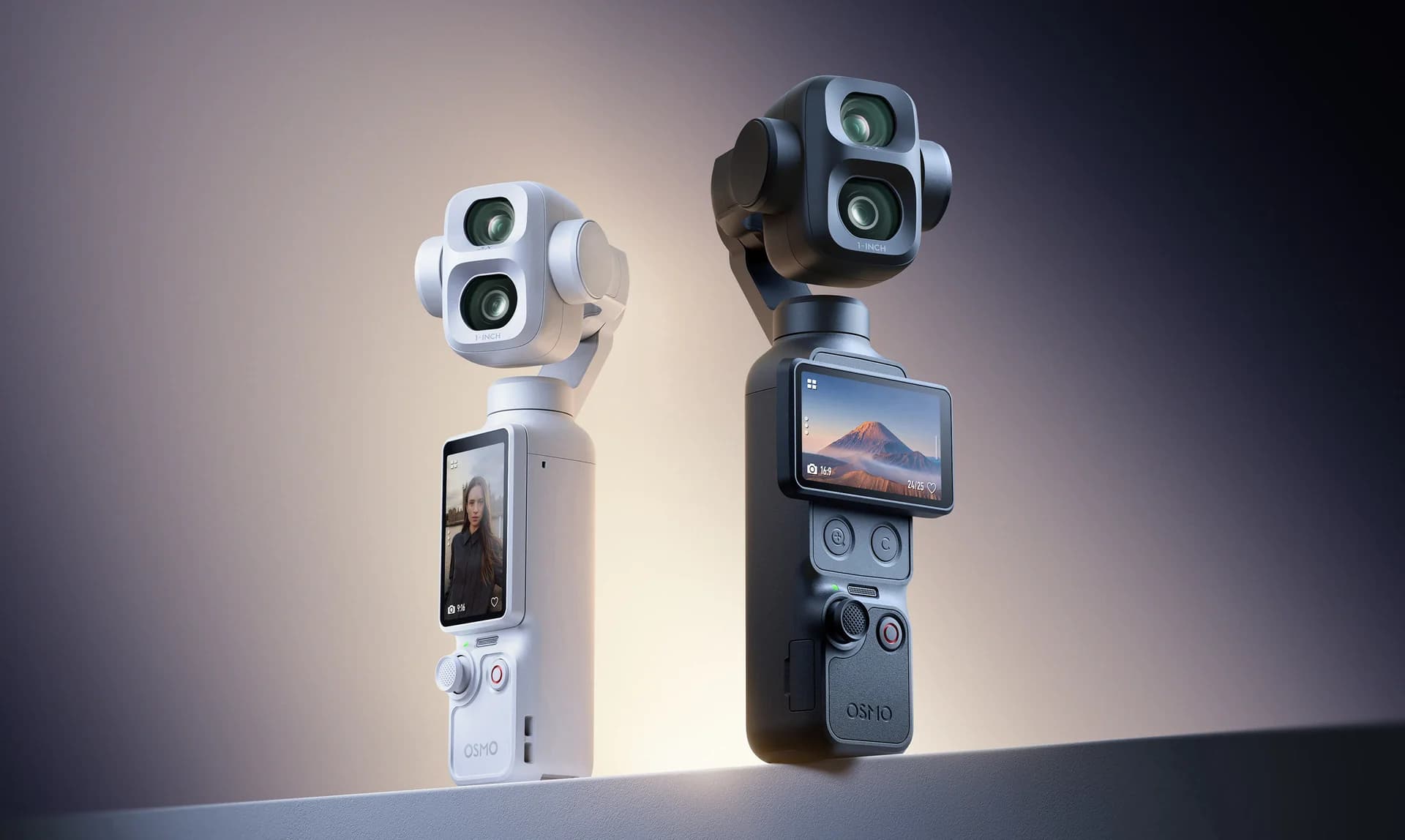
It was one of the announcements from the Surprise and Shine event, and everything the watch measures still flows through here. What changed is that it stops being a warehouse of numbers and starts returning an interpretation.
Insights: the summary Apple Intelligence builds
The Insights tab summarizes heart, sleep, readiness, activity, vitals, and cycle data, and highlights what is worth looking at: an extra hour of sleep compared with the previous night, a new VO2 max peak, or a change in resting heart rate. From there, you can dig deeper into Readiness, activity, or heart health.

Inside, there is a For You section with recommendations based on your own data. The example Apple showed is splitting a morning run into intervals of two hard minutes and one walking minute if you are working on aerobic endurance. Suggestions are recalculated as the data changes.

That is also where Readiness, the Apple Watch Series 12 daily score, appears as a value from 0 to 10 with its label: Recover, Take It Easy, Ready, or All Out. The score is calculated on the watch, but it can be viewed from both screens.
Biological Age: what it compares and what it needs
Biological Age takes key metrics and compares them with your chronological age. The official screenshot shows the full case: 26.1 years of biological age versus 30 years of actual age, meaning 3.9 years younger, with a breakdown underneath showing which habits are pushing the number in each direction.
The metrics that feed the calculation come from Apple Watch —VO2 max, sleep, and others— and are combined with biomarkers from a blood test. Apple says the model is informed by the best available science, without specifying which literature it uses or how much weight each variable carries.
And here is the requirement almost nobody mentions: Biological Age requires Apple Watch. It is not a Health app feature that works on the iPhone by itself. Without a watch, the most talked-about new feature in the redesign does not appear.
Longevity: the seven areas it evaluates
The Longevity tab analyzes data accumulated over time and distributes it across seven areas: heart health, sleep, mental well-being, movement health, metabolic health, hearing, and nutrition. The shading of each petal shows how you are doing in that category, and each metric is classified against the latest clinical guidance rather than against an internal average.
The tab design includes a counter for completed assessments, which is what separates this view from a passive dashboard: classification improves as you add more data, and the app tells you how much you are still missing.
What the watch still alerts you about
It is worth separating what was announced from what already existed, because the official images show them together. High heart rate alerts, possible hypertension alerts, and cycle tracking are not features from this presentation: they are detections Apple Watch already made. What is new is that they now feed the Insights tab summary instead of each living in its own card.


Cycle tracking feeds into the same summary, with daily symptom logging done from the wrist.

Lab tests and the Quest panel
Blood results can be added in three ways: manually, by syncing medical records, or by purchasing a panel directly from the app. That third option is an agreement with Quest Diagnostics: more than 50 biomarkers for US$119, with an appointment at one of the chain’s nearly 2,000 locations.
That panel is U.S.-only. For the rest of the world, the other two options remain, and that raises the practical question: what do you lose without lab work? The answer is the most precise part of Biological Age, which combines watch and blood data. Longevity, Readiness, the Insights summary, and movement assessments work the same with iPhone and watch data.
Once results are loaded, they are analyzed on the iPhone alongside watch data, and the app adds videos from clinical specialists related to what each value showed.
Movement assessments and the VO2 max test
This is the part that received the least attention and the one that most resembles a study. Using the iPhone camera and Apple Watch, you can perform assessments of flexibility, strength, balance, movement mechanics, and VO2 max at home and without equipment.
The use case Apple emphasized is returning after an injury: repeating the same assessment from time to time and seeing measured progress instead of estimated progress. It is the kind of data that, until now, required a clinic.
When it arrives and in what language
Apple says it plainly in the Apple Watch Series 12 page: the redesigned Health app arrives later in the year and starts with U.S. English. It does not come with iOS 27.
The requirement breakdown, which is in the product page and not in the headline, is as follows. The redesigned app runs on iPhone and iPad models with Apple Intelligence enabled, with some features available only on iPhone. Biological Age requires Apple Watch. And Apple notes that some features may not be available in all regions or all languages, without specifying which ones.
On the data side, the company says the redesign was built to protect it securely and privately at every step, although it did not detail what is processed on-device and what goes through its servers.
Conclusion
If you have an Apple Watch Series 12 or an Apple Watch Ultra 4, what you can use in the short term is Readiness, which arrived with watchOS 27 and is already working. The rest is a promise with a vague date and a language barrier.
If you are looking at this to decide on a purchase, the watch is justified by its sensors and by Readiness, not by Biological Age. Buying it for a feature that arrives at the end of the year, in English, and with requirements that are still not fully clarified means betting on a timeline Apple has moved before.
And if you already have a watch and a compatible iPhone, there is nothing to do but wait: when the app lands in Spanish, the data from these months will be there so Longevity has something to work with. That is the only part you should not neglect, because the long-term view needs history.
Frequently asked questions
Do I need an Apple Watch to use Biological Age?
Yes. Apple states it as an explicit requirement: Biological Age does not work with the iPhone alone. The rest of the redesigned app does run on iPhone and iPad with Apple Intelligence, although some features are limited to iPhone.
Is the redesigned Health app coming in Spanish?
Not at launch. Apple says it arrives later in the year starting with U.S. English, and notes that some features may not be available in all regions or all languages. It did not provide a date for Spanish.
Does the Longevity tab work without blood tests?
Yes, with less precision. Longevity evaluates the seven areas using data from the iPhone and Apple Watch. Lab biomarkers mainly refine the Biological Age calculation, and they can be entered manually or synced from medical records. The Quest panel for US$119 is U.S.-only.
Author
Alexis PaezReport based on official announcements and verified public sources at the time of publishing.
Comments
Share article
You might also like



Recent articles
Huawei Pura X Max vs iPhone Duo: what changes beyond the foldable screen
Huawei Pura X Max vs iPhone Duo: size, multitasking, cameras, styluses, and charging. What changes in use and which one better fits your priorities.